Francesco D'Alessio
July 16, 2018
3 min
read
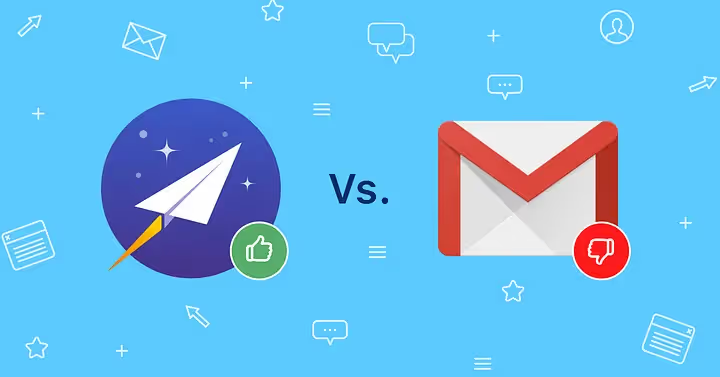
The new Gmail has been a much needed upgrade for many Google email users. Released a couple of weeks ago, the design refreshment made Gmail a much more 21st-century experience with the introduction of a few new email management functions like Snooze, Nudge and Smart Compose.
But how does it compare with Newton? Here’s a run down on all the top features from the new Gmail against that of Newton’s -
Nudge
One of the new feature that comes with the latest version of Gmail is called ‘Nudge’ allowing users the ability to get small prompts on emails asking whether they should reply.
Newton too has a similar feature, dubbed Recap that automatically brings back conversations that are waiting for your reply or that need following up, in case you missed them. It also covers other mails with due dates, reminders etc., so that nothing slips through the cracks.
Recap results are far superior and a lot more reliable than Gmail Nudge.

Snooze
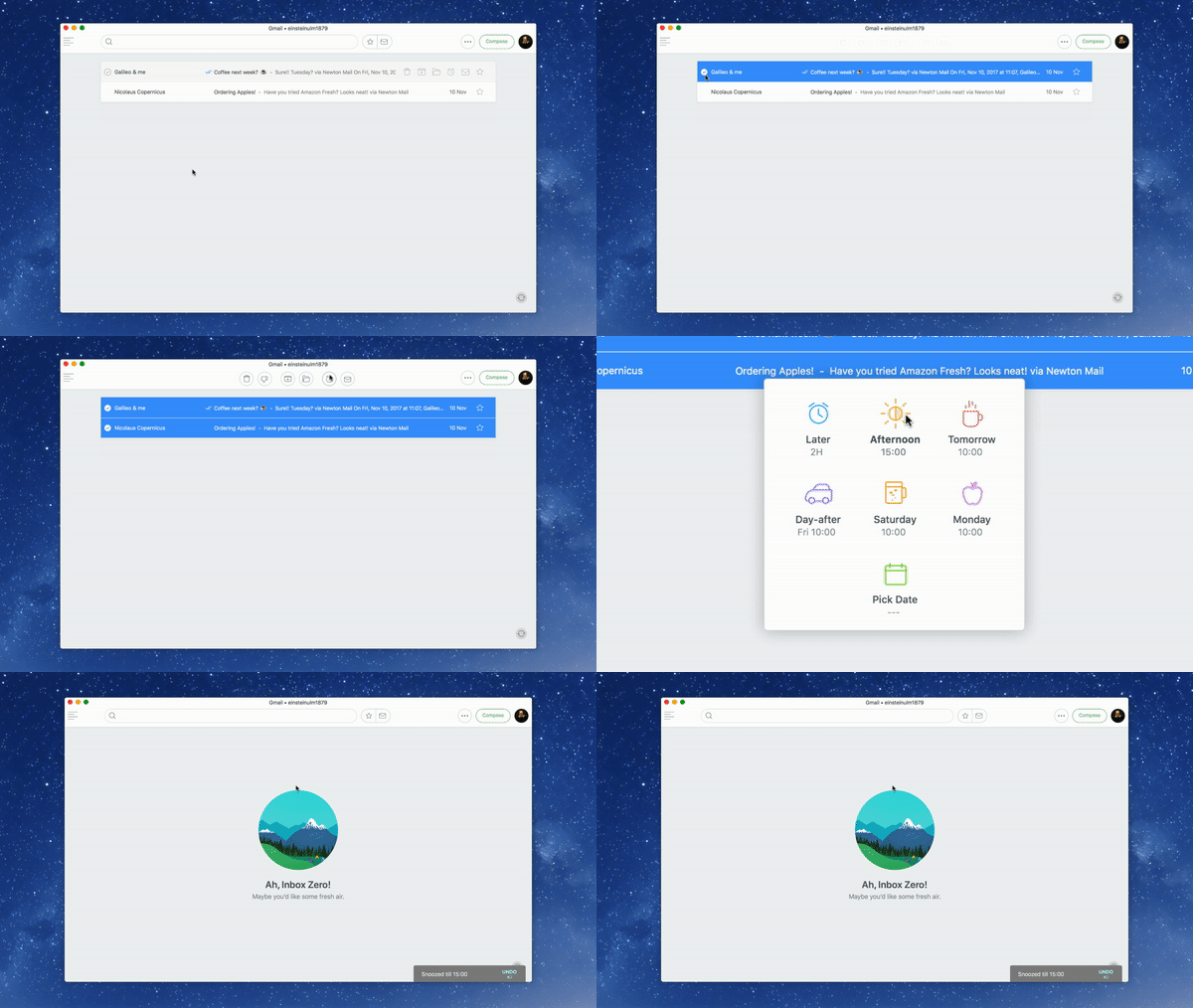
Zzz… Sorry! Yes, Snooze time. The new Gmail embedded “Snooze” into the design and have brought this straight from it’s experiments with Inbox by Gmail. This is a really helpful feature, but Newton takes the top spot here, with not only the ability to Snooze, but to Bulk Snooze.
Smart Compose
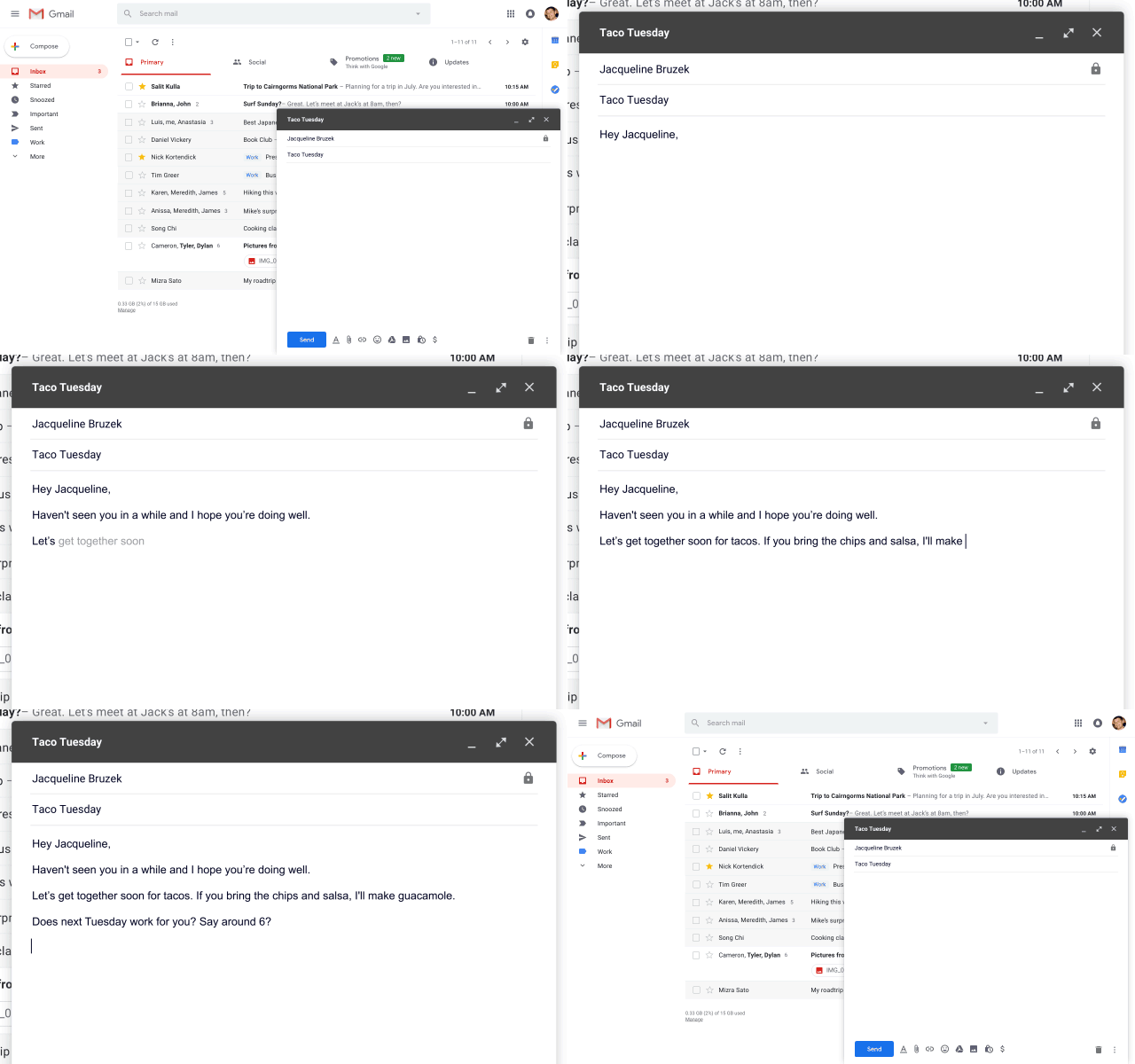
One of the standout features of the new Gmail is “Smart Compose”. A new feature designed to help you compose an email with ease. Using machine-learning, smart compose suggests complete sentences in your emails so that you can draft them with ease. For some people this might be a bit annoying, but this optional feature takes composing to the next level.
There’s no such feature in Newton for now.
Email tracking
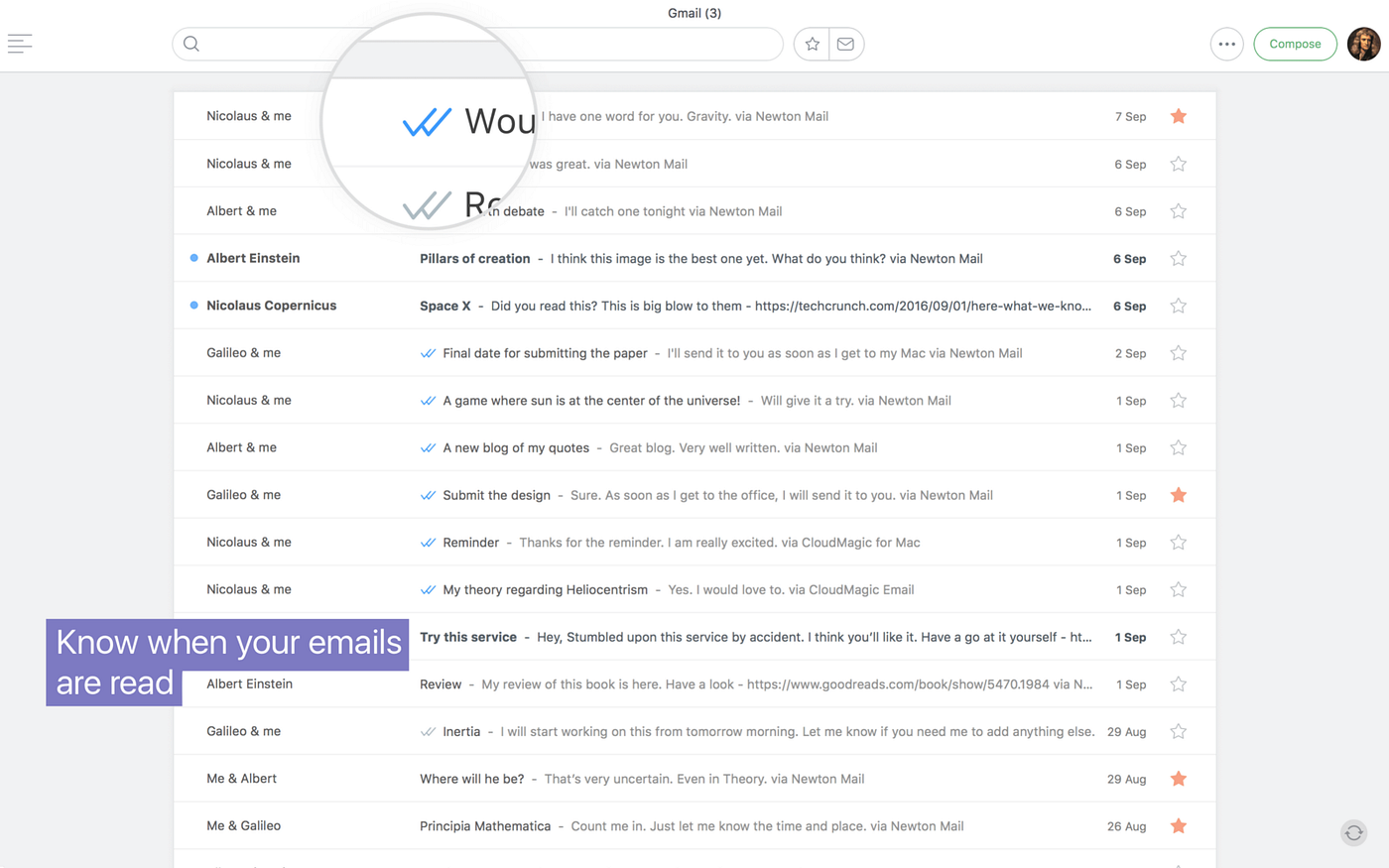
First off, the new Gmail lacks email tracking. After much speculation, Gmail decided not to add this powerful function into the web and mobile-based tool in its latest release. Although, the new Gmail does allow for plug-ins of this kind, the Newton application comes out on top, with built-in email tracking for all accounts, on all devices. Plus, email tracking outside of Newton is expensive!
Low-Priority
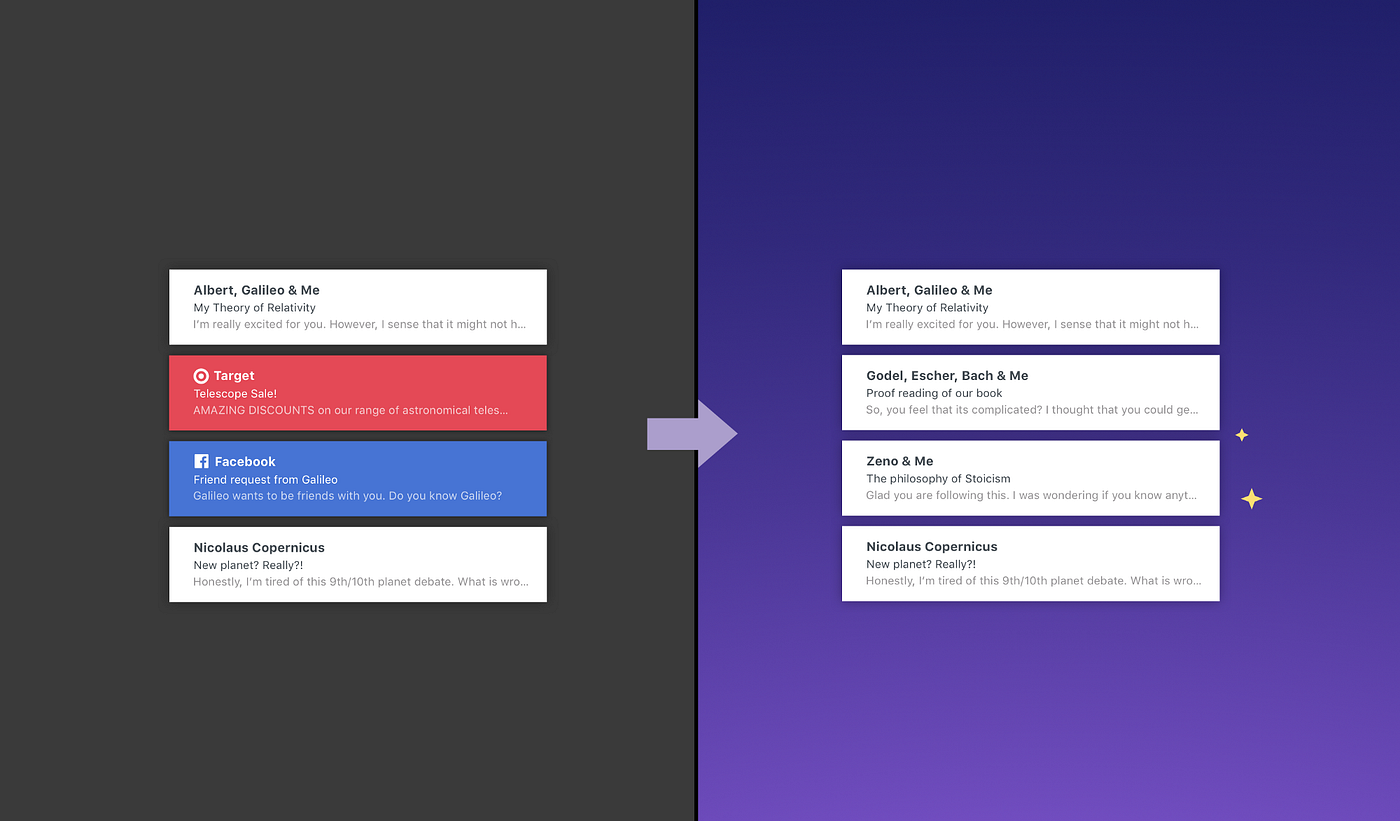
While the new Gmail retains the wonderful folders to order any of your incoming email, Newton takes this to the next level by bringing it into a “Low-Priority” folder. Thus, reducing all and any clutter in that inbox of yours. A neat feature and a huge timesaver with newsletters and social messages.
Undo Send
Both applications provide an Undo Send service will all emails sent, allowing you to retract emails. Both of these work great!
All Email Management
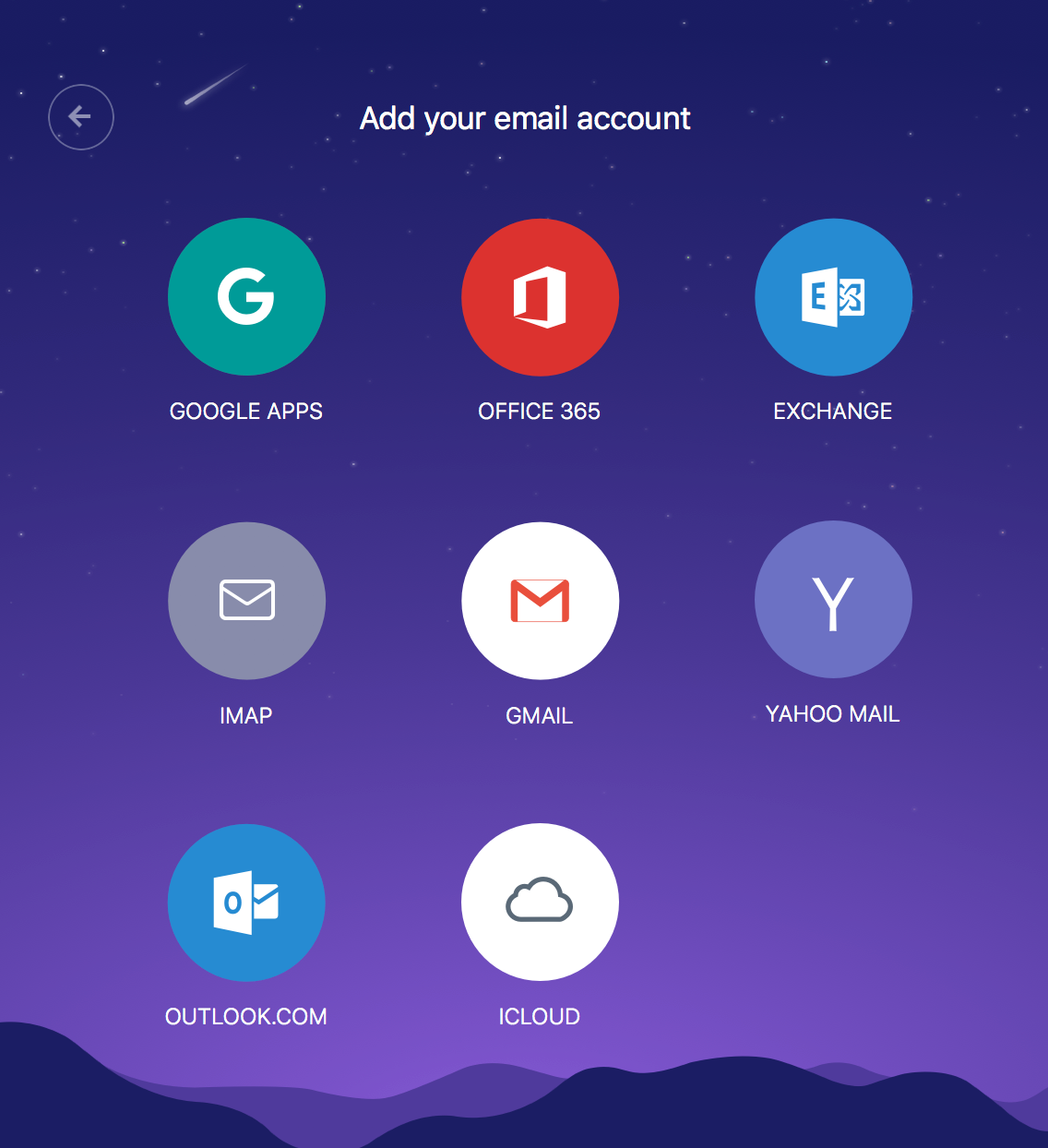
You are solely with Gmail here. Gmail doesn’t allow you to add any other emails outside of Gmail without any complex setting up. Meanwhile, Newton allows you to add as many email accounts as you like, spanning all of the major providers: IMAP, Yahoo Mail, Outlook, 365 & more. A huge bonus for bringing all your email into one place, the real goal of email.
Ads
Advertising is how Gmail mostly makes money. Ads pop-up all over the shop, within emails, on emails and ones that even look like emails, which can become very frustrating.
However, with Newton, there’s absolutely no advertisements, everything is clean and all your data is very safe. And, this is one of the reasons why there’s a subscription fee of $9.99/month for Newton’s service.
Overall
We are biased, but for the time and effort saved from using Newton. You can get started using Newton with the no strings attached 14-day free trial and see for yourself. Newton is available on Mac, Windows, Ios & Android.