Maitrik Kataria
January 6, 2021
2 min
read
We are so excited to announce the newest iteration of Newton Mail. Besides the usual bug stomping and crash fixes, we have some very cool features to share. We hope you all enjoy these new features as much as we enjoyed making them.
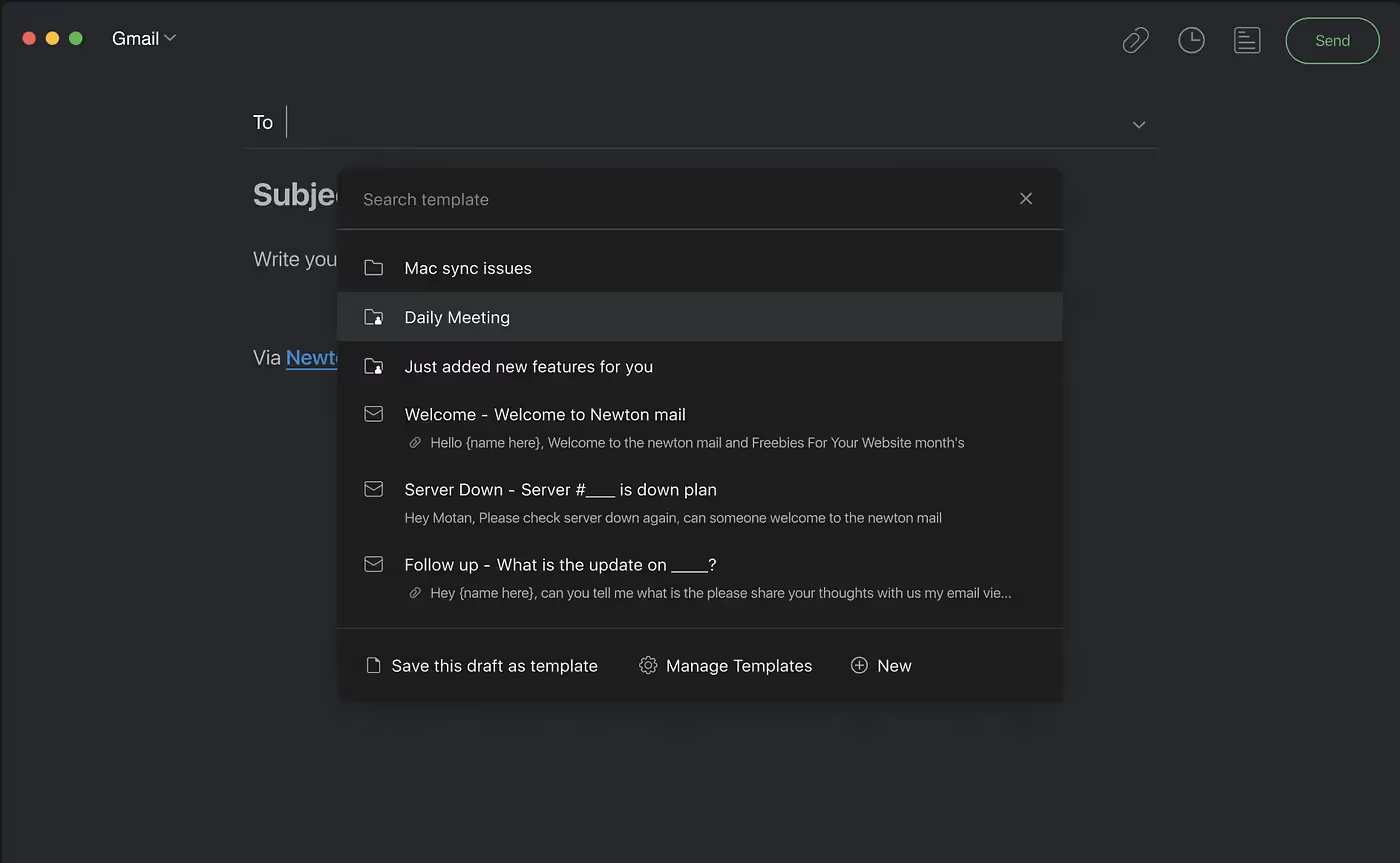
Introducing Email Templates -
You can now use canned messages for quickly replies or creating new emails.
- Templates help you reuse common workflows like sending links, attachments, images, or text.
- We also support sharing of your templates with fellow Newton users.
- On desktop just use the shortcut Option + M or Alt + M to start using templates.
- You can manage (copy, move, delete, rename) templates from Supercharger settings.
Snippets -
- Snippets are a super simple way to add your templated emails to your existing emails.
- Just type ; while composing and you will be able to append text/image/files to the email you were composing.
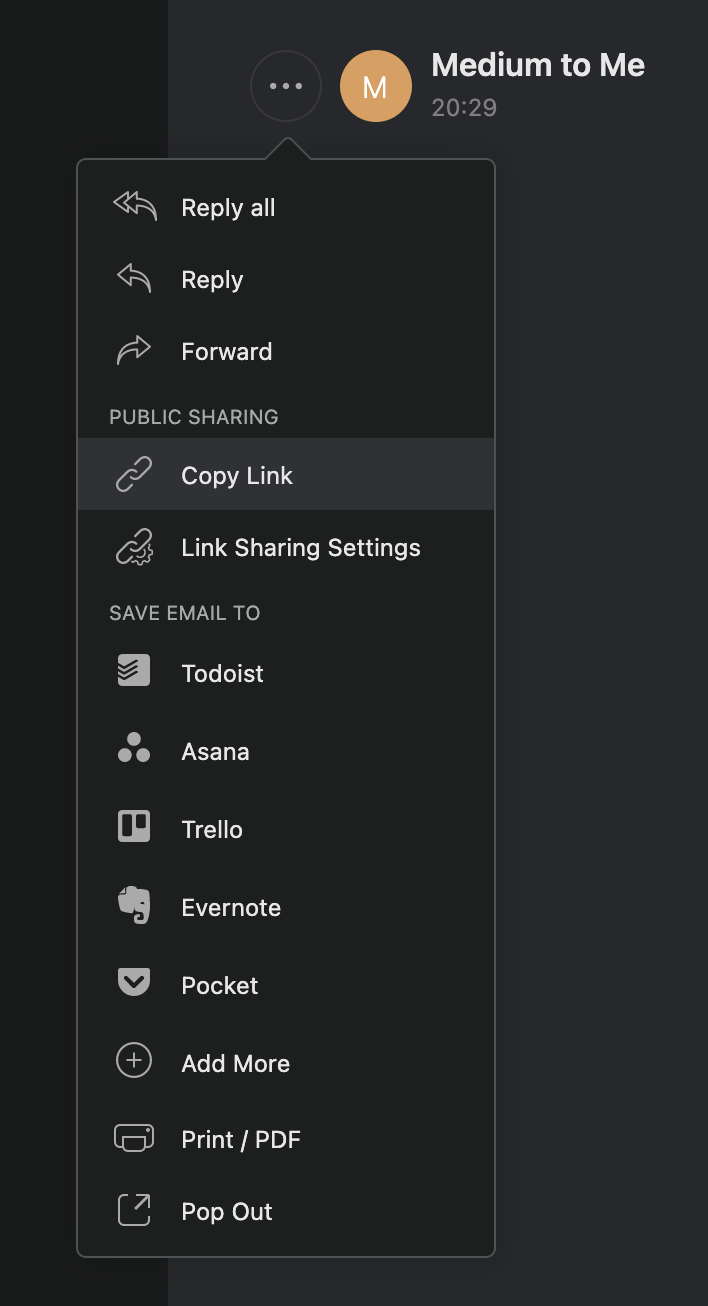
Publicly share emails with a link -
Ever tried forwarding emails with groups of people? Or wished you could just share emails or attachments over Slack?
Now you can share an email by copying a link to the email and sharing it with others over other apps like Slack, Skype, Asana, Jira, etc.
You can also manage when the publicly shared email expires and whether you want to include attachments and the sender’s email while sharing the link.
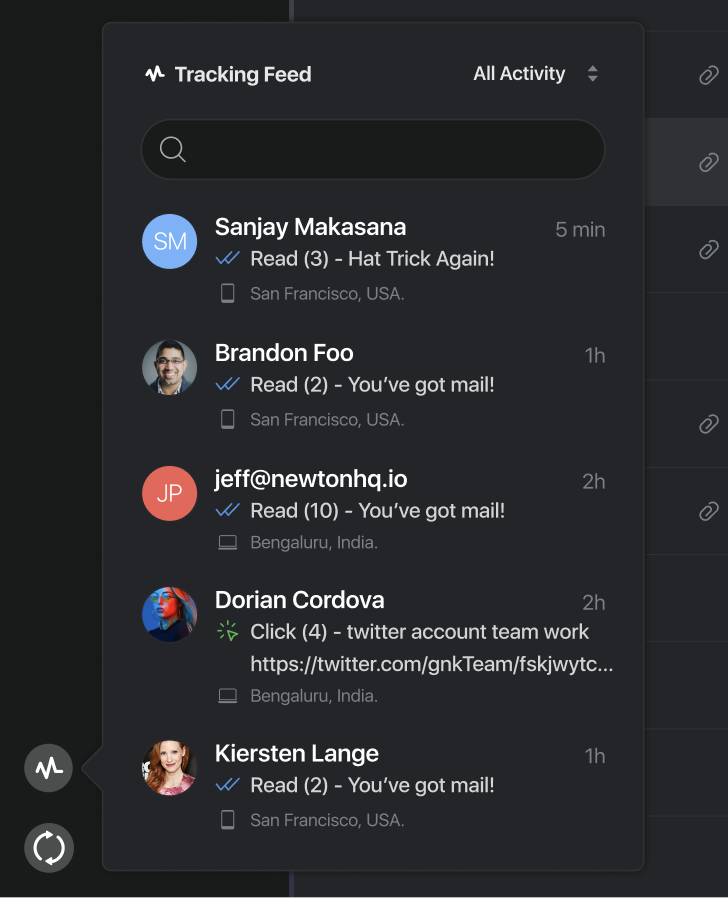
Link Receipts (LR) and Feed -
You can now enable notifications for when links you email someone get clicked. We are also adding a feed to centralize all your RR and LR notifications.
Press enter or click to view image in full size
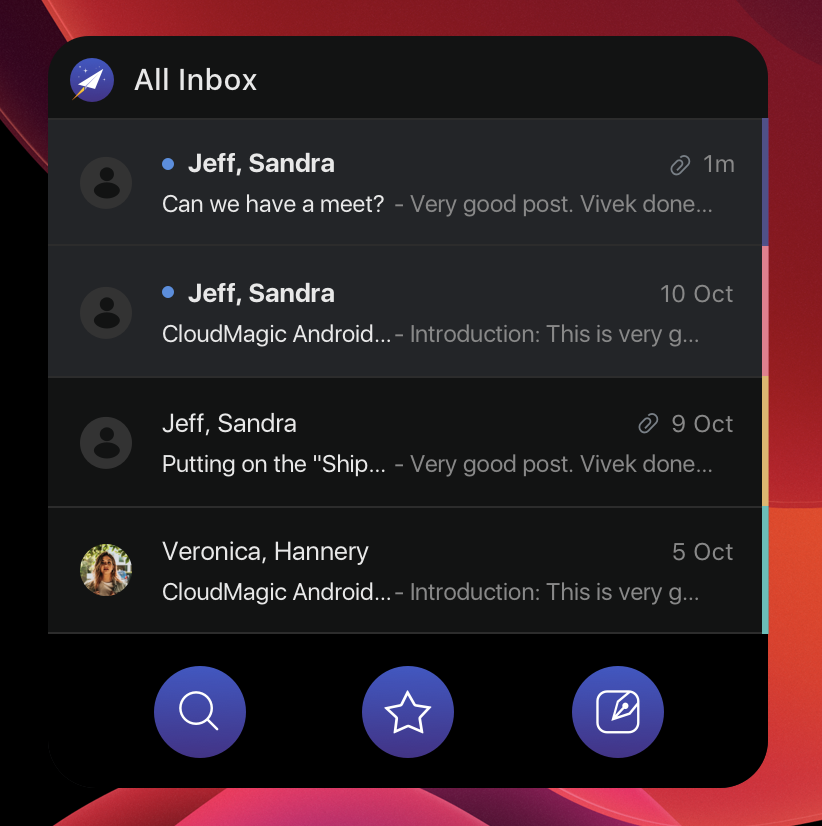
Besides these, we also made many minor adjustments to improve performances. A few of the notable ones are -
- iPhone and iPad apps now let you set Newton as the default email client on iOS.
- iOS and iPad OS now have 4 new beautiful iOS14 widgets to choose from.
- iPad app now supports trackpad gestures and a ton more shortcuts to better mirror the Mac app experience. We have also fixed many of the iPad issues related to search, read/unread emails, and many bugs.
Thank you for supporting us throughout a rough 2020 and we are excited for what Newton has to bring in 2021.