
Karthik Suroju
January 27, 2017
2 min read


With Connected Apps on Newton, you can save email content directly to your favorite productivity apps like Todoist, Evernote, OneNote, Pocket, Trello, Zendesk, Salesforce, and Asana. All this, with just a few clicks and without leaving your inbox. It’s a great time-saver.
Today we are happy to welcome two new members to the Connected Apps family — Wunderlist and Instapaper! Make sure you are on the latest update to use the new integrations.
Wunderlist
Wunderlist is a powerful to-do app. It has been our most requested integration, and we’ve finally made it happen.
Get more stuff done with Newton + Wunderlist:
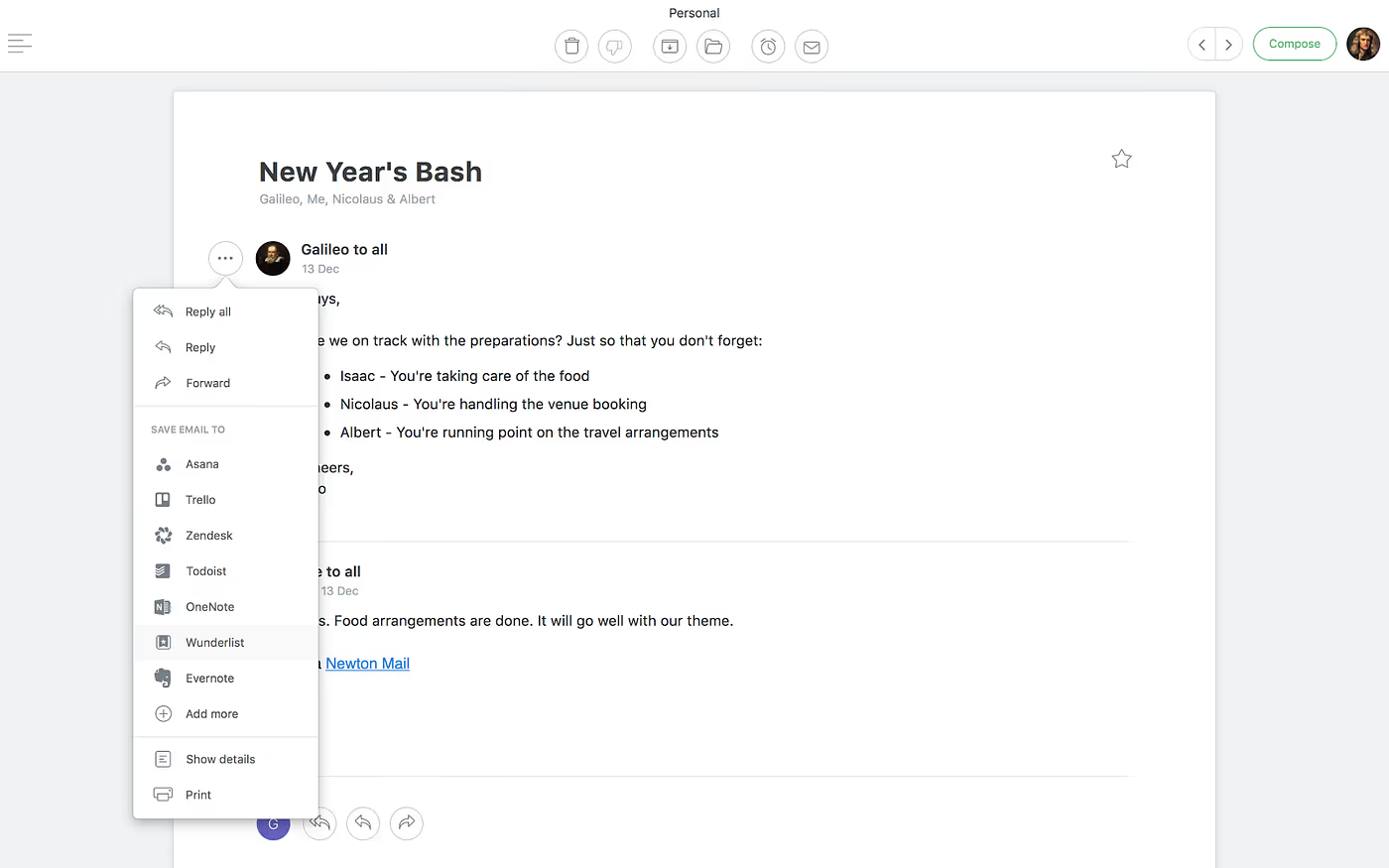
When you are reading an email, tap on the overflow icon (Three dots), select Wunderlist from the list of connected apps that you’ve linked.
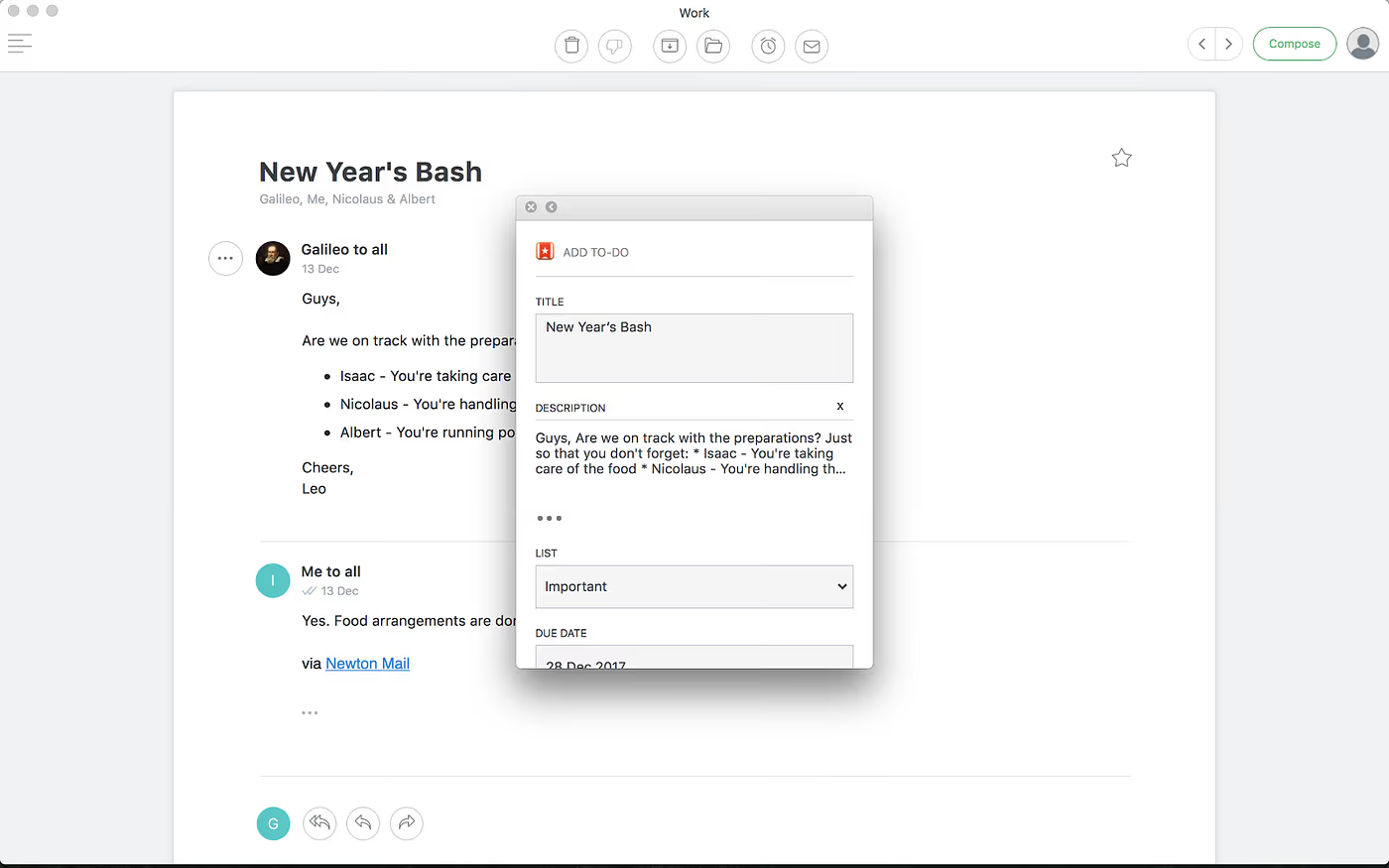
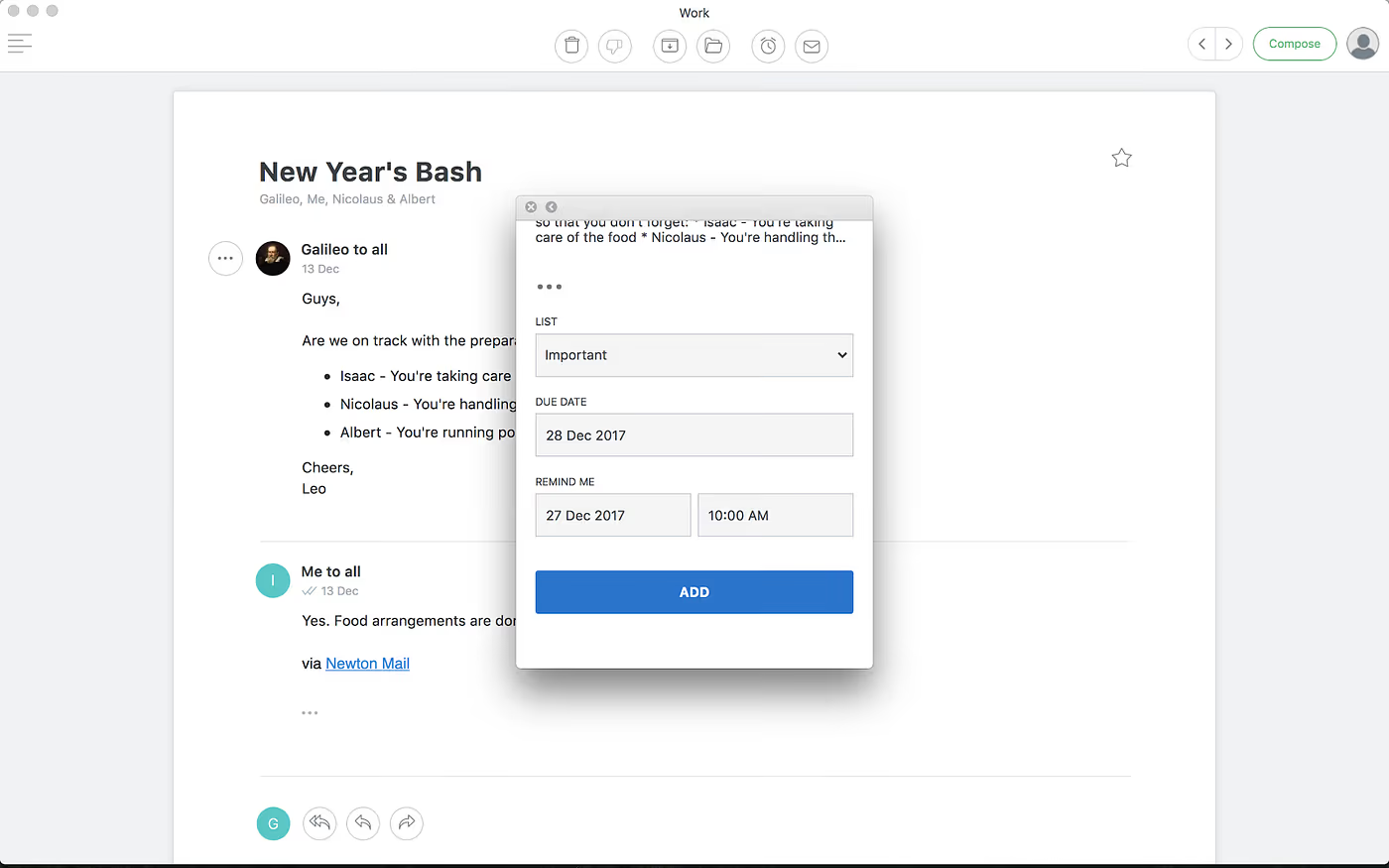
While saving a task to Wunderlist, you can choose the list you want to add it to. You can also set a due date for the task along with a reminder. This makes Newton a must have for all the Wunderlist fans out there.
Instapaper
Instapaper is one of the most popular ‘read later’ services on iOS. It’s a simple and useful tool for saving links/articles for reading later, on iPhone, iPad as well as Android devices.
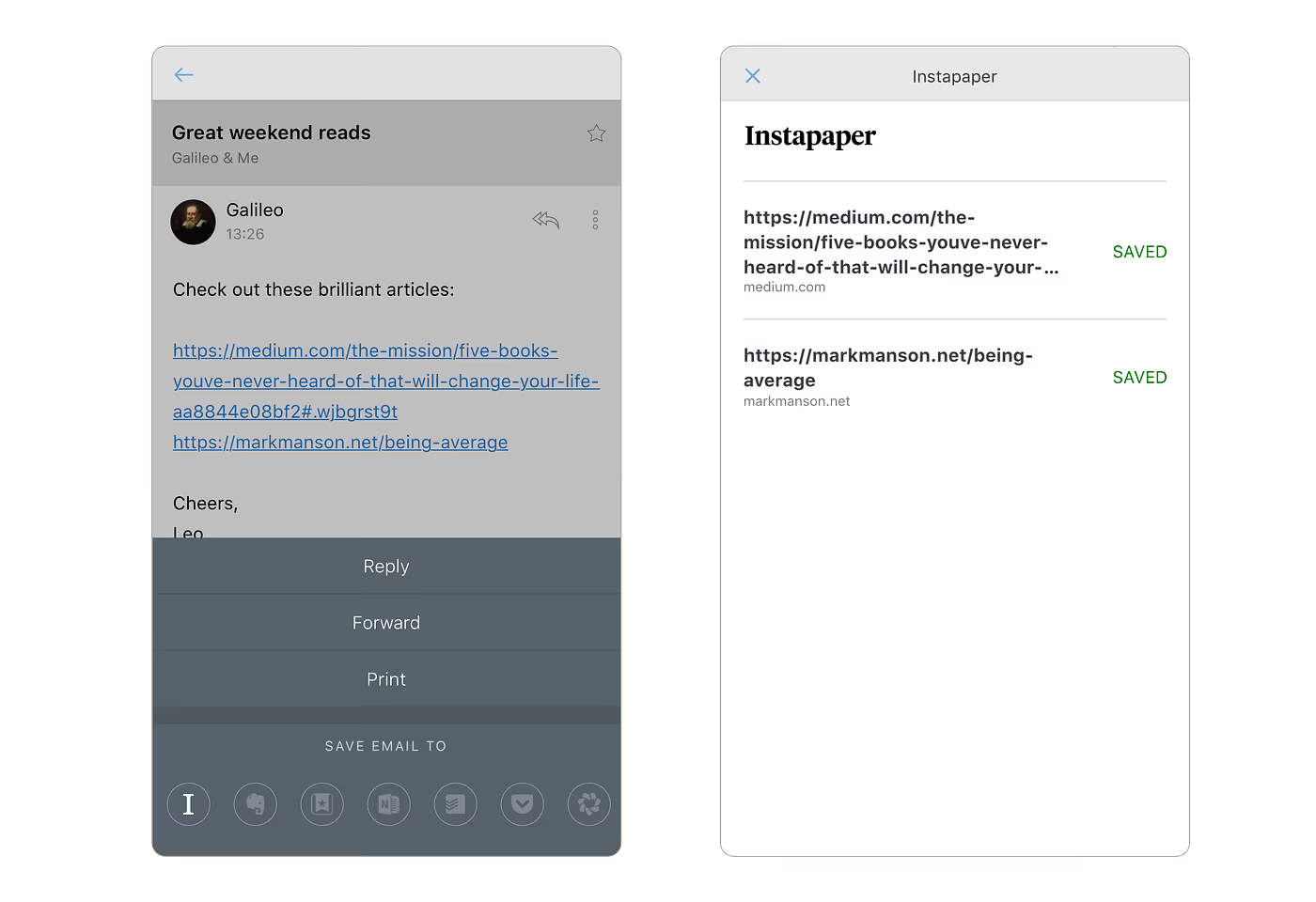
If you’ve ever wanted an easy way to save links from an email into Instapaper, Newton can help. All you need to do is: Tap on the overflow icon (Three dots) and select Instapaper from the list of connected apps. Select all or any number of links you want to save to Instapaper.
Here’s a quick overview of the integrations in action:
Instapaper
Wunderlist
Hope you like the update. Share your thoughts as comments below and do not forget to recommend :)
If you’re looking for a modern, powerful emailing experience, give Newton a spin.





