
Francesco D'Alessio
September 12, 2017
3 min read
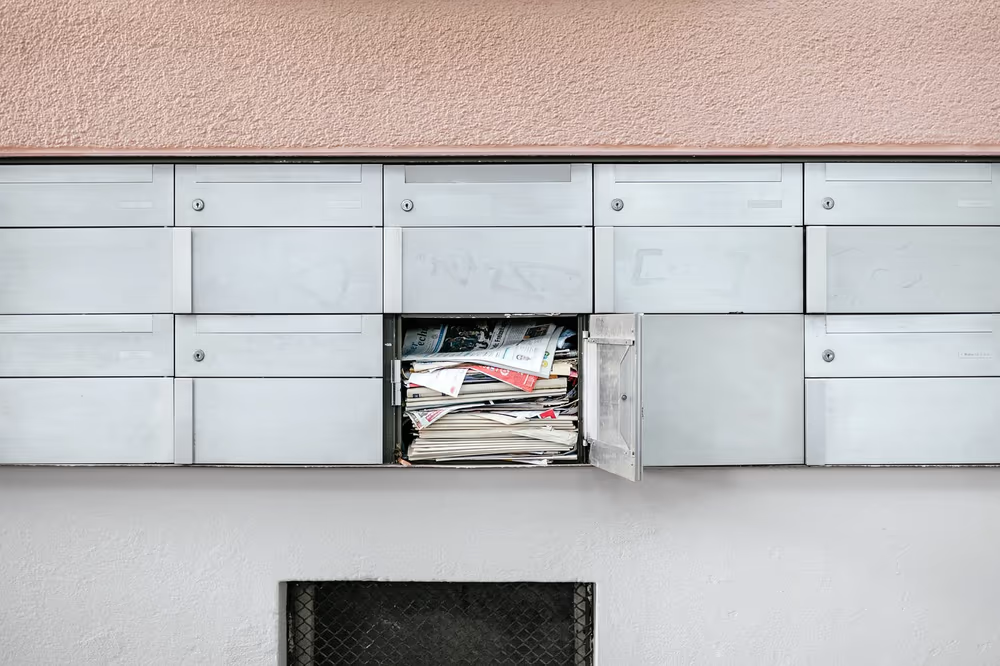
Emails haunt most of our work day.
We spend a lot of our time archiving, moving, starring, flagging, forwarding and sometimes even replying.
One of the biggest problems with email has been sorting. Email clients haven’t been capable of arranging emails effectively for you to process.
This isn’t all the email client’s fault, 50% of the blame lies in the email account holder, the one who signed up to 300 email newsletters in the last 6 months, something we are all guilty of.
Emails should be a respectable part of our routine. Like the postbox, an inbox needs cleaning and constant care to keep up its important role.
Handling Newsletter Noise
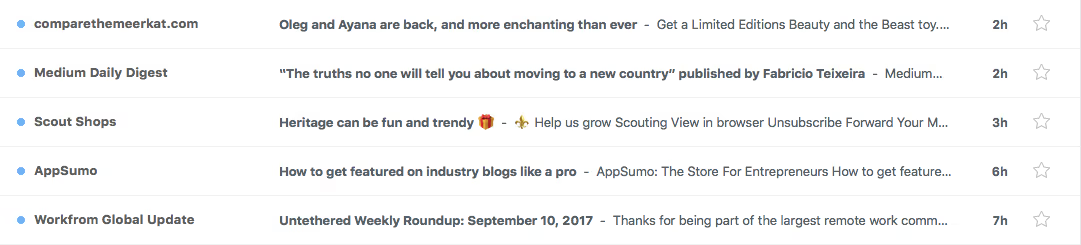
There is a lot of stigma around newsletters and how to handle it.
The process that I set myself for years was to avoid overload, something developed over time that helped me to combat newsletter noise.
The rules were simple;
- If I skipped more than 3 newsletters, it’s removed.
- If after 6-weeks I didn’t read the full newsletter, it’s out.
- If it doesn’t add value, delete it.
A lot of this was trial and error. Typically I’d become overwhelmed every once a month with email, signalling time for me to recap on my strategy and hone in on my emailing skills.
Achieving Inbox Zero
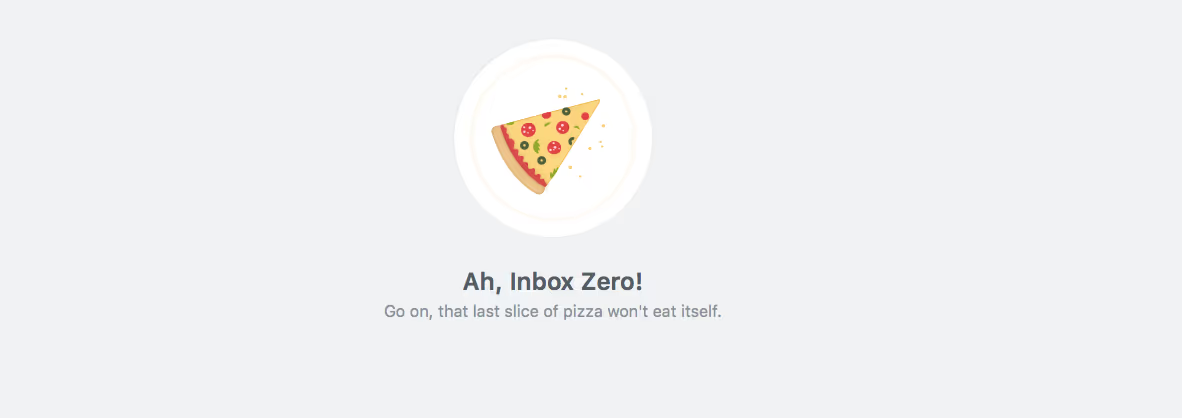
Clearing my email is an important part of my day.
One of the targets at the end of each day is to clear the inbox to zero. Although for many this metric is tough, making sure you attempt it will be a very beneficial goal to have moving forward.
One of the things I do is to make sure the inbox is clear of all newsletters within my batch of clearing. Making sure that you clear newsletters and annoying social media pings will help you to retain some sanity.
Like Marie Kondo’s process of clearing cupboards, the routine can be easily implemented to avoid noise and pressure.
Remember — for the social media side of things you can unsubscribe from the unnecessary, they still operate like newsletter updates.
Considering an inbox clearing twice a day is something you should attempt to implement if you haven’t already.
Unsubscribe Today

We all know Inbox Zero is one of the strategies to help you conquer overload but moving forward you’ll need a more effective routine to keep things clean.
Implementing a monthly audit of your newsletters is a good tactic.
Sitting down with all of your newsletters and social media updates and culling all of those that you don’t read, don’t consider or could ruthlessly remove and keep updated somewhere else.

Another question you have to ask yourself is, do I visit the site on a regularly? If it’s a blog, podcast or even a YouTube channel, if you visit anyway, why keep up appearances with an email newsletter?
Being ruthless might be aggressive, but it’ll provide you with a framework to take that monthly number of subscriptions down and the potential inbox count down a notch.
Key Takeaways
From this article, here are the key learnings to implement:
- Take control with a routine to cull newsletters
- Attempt to clear the inbox twice a week
- Implement a monthly audit of all email noise
Need to remove the clutter with no stress? Try Newton.
Newton is one of the leading email apps on iOS, Mac, Android & Windows, providing users with a comprehensive way to keep the inbox clear. Features like Send Later, Undo Send and even Tidy Inbox help to reduce clutter.
Follow us on Medium for more articles.





