
Newton
December 30, 2016
2 min read
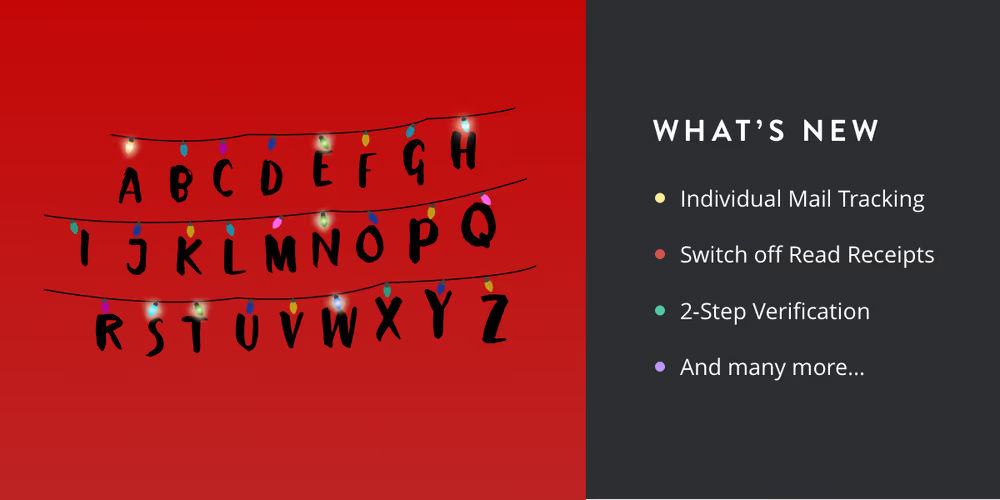
In the last 2 months since the Newton release, we have been busy shipping loads of bug fixes under the hood. Now we are ready with a host of improvements to the superchargers, a more secure Newton account and some nifty features that will make emailing stress-free. Let’s take a closer look.
Individual Mail Tracking
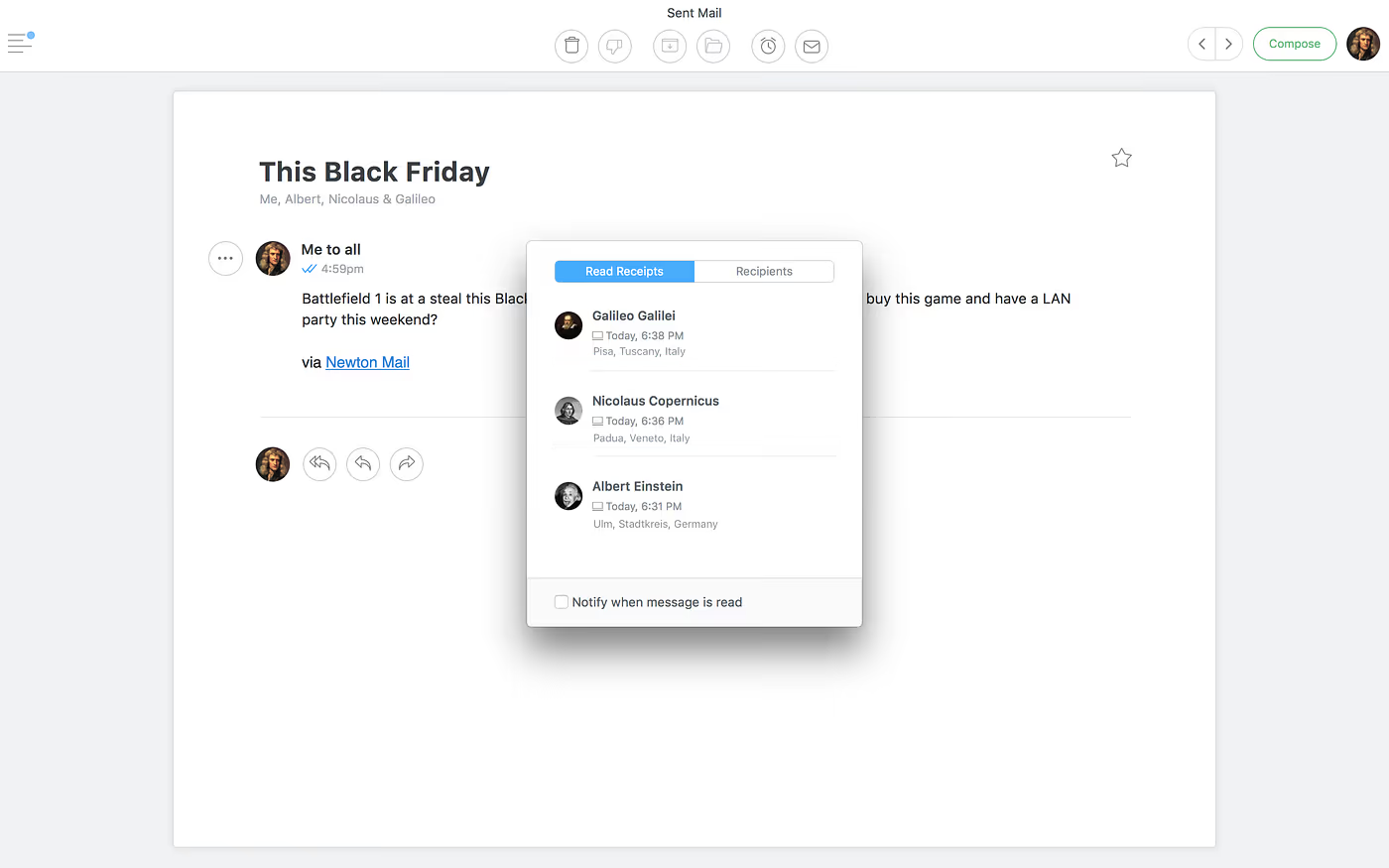
As promised, you can now know when, where and who read your emails, even with multiple recipients involved. The double ticks will turn blue when the recipient has read your email. Click on the double ticks to see more information like who read the email, time and location.
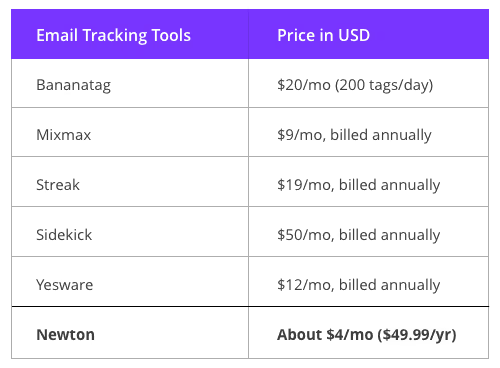
Newton provides a comprehensive Email Tracking solution that works with all email services — including Exchange, IMAP, Google Apps, iCloud, Gmail, Outlook and Office 365, and on all your devices, be it iPhone, iPad, Android or Mac. And Newton is cost-effective.
With Newton, you can know the read status of an email you sent from your Mac on your mobile too. How many email tracking tools out there provide you with such an experience?
More improvements to Email Tracking
Some of you asked if you can get the message read notifications for all the emails sent, instead of having to switch it on individually. With the new update, it’s possible. Go to Settings > Superchargers > Read Receipts > Switch ON ‘Also get notified when they are read.’
We understand that not everyone wants to track all their emails sent and hence added an option to disable Read Receipts.
If you want to track a one-off email, just select ‘Notify when read’ while sending and we’ll notify you when your email is read.
2-Step verification
Your Newton account is your key to all things Newton. You can use it to instantly access your email anytime, across all your devices, without having to set-up your email again.
Considering how important the Newton account is, we wanted to make it more secure and hence added a second layer of security. With 2-step verification, you can protect your account with both your password and your phone (SMS/Call).
Enable 2-step verification for your Newton account by visting this link — newtonhq.com/#cpanel
Hello, Greece and Italy!
Newton iOS and Mac is now available in Greek and the Android version offers support for Italian. If you want to help us translate Newton to your native language, shoot an email to ‘hello@cloudmagic.com’. Talk soon.
Get the latest version of Newton to enjoy all the new features.
— By karthik suroju
If you are looking for a nice email app that works across iOS, Android and Mac, give Newton a spin!





