
Francesco D'Alessio
January 10, 2017
5 min read

2017 is here.
Preparing to conquer all of your goals this year must be top of your lists? We’ve decided to handpick some apps to complement your emailing experience on Newton, these tools are perfect for saving time and ensuring you stay productive throughout the year.
Whether that’s more time for your family, for your leisure or more time to build amazing things in 2017. We salute that!
Here’s your Ultimate 2017 Productivity App Guide:
Task management
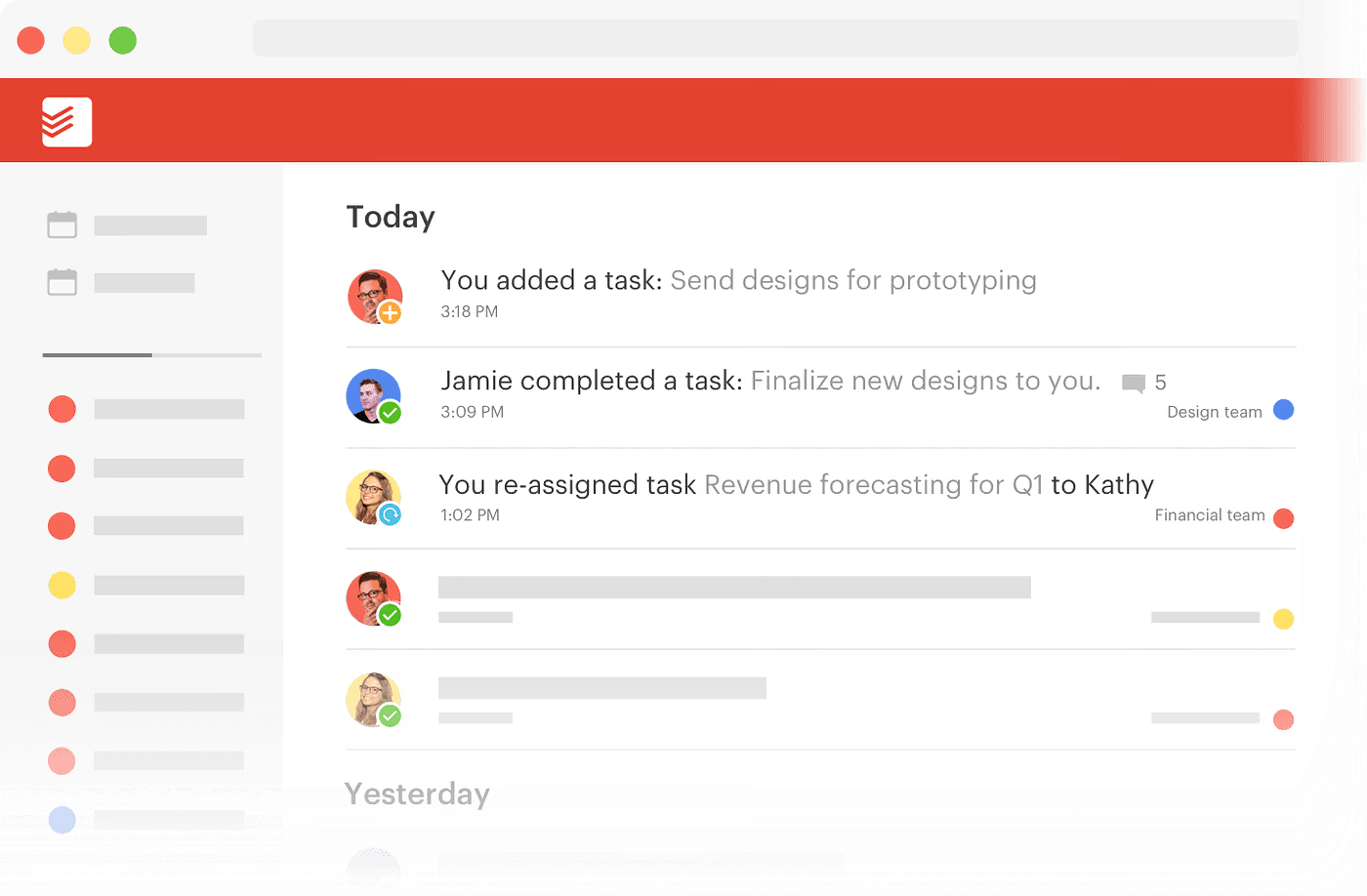
One of the best task managers out there, perfect for professional individuals to organise their tasks. Combining natural language technology and smart scheduling to make it truly unique.
iOS, Android, Web, Mac & Windows.
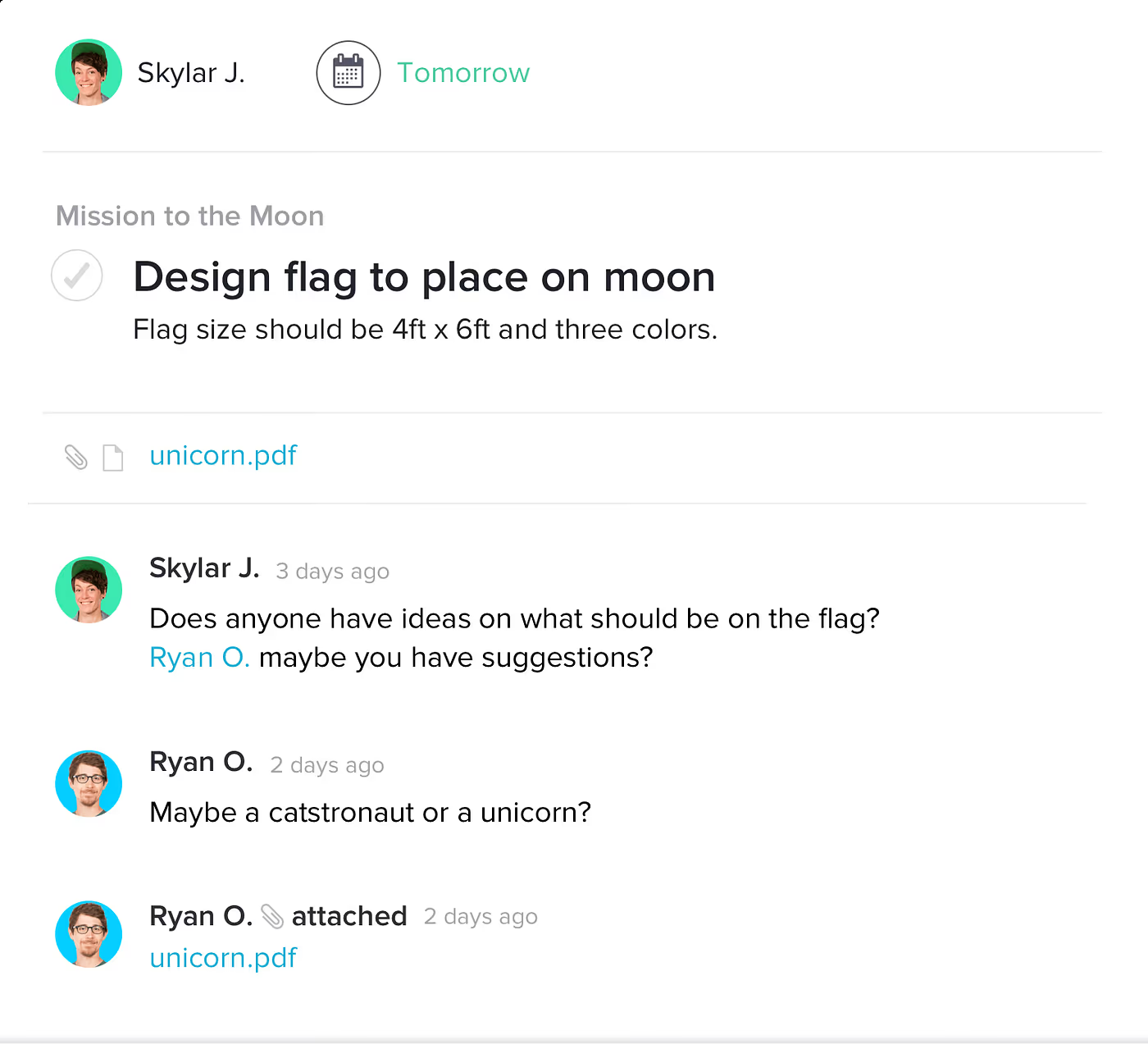
Perfect for team collaboration and project management. Asana is packed with features like boards, progress charts and document sharing for fast-paced teams.
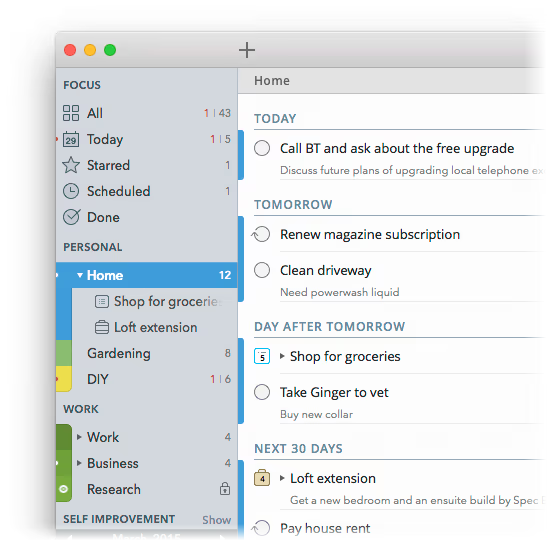
Another nifty to do list application. 2Do allows you to go deeper with your task management, with smart lists and a friendly user interface. Now available for Android.
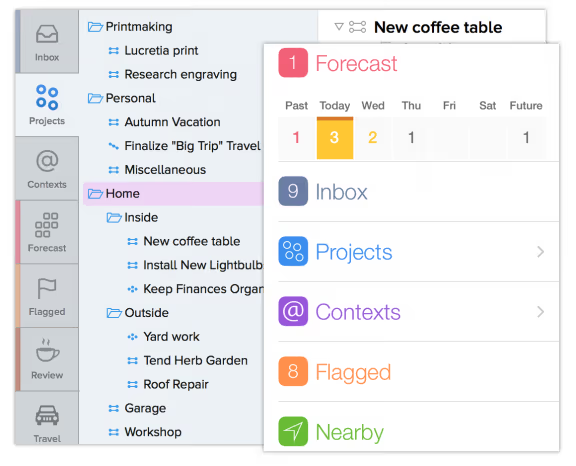
For those GTD fans. OmniFocus offers a clean and GTD-inspired set-up, allowing those readers of David Allen’s famous book to marvel in their personal productivity.
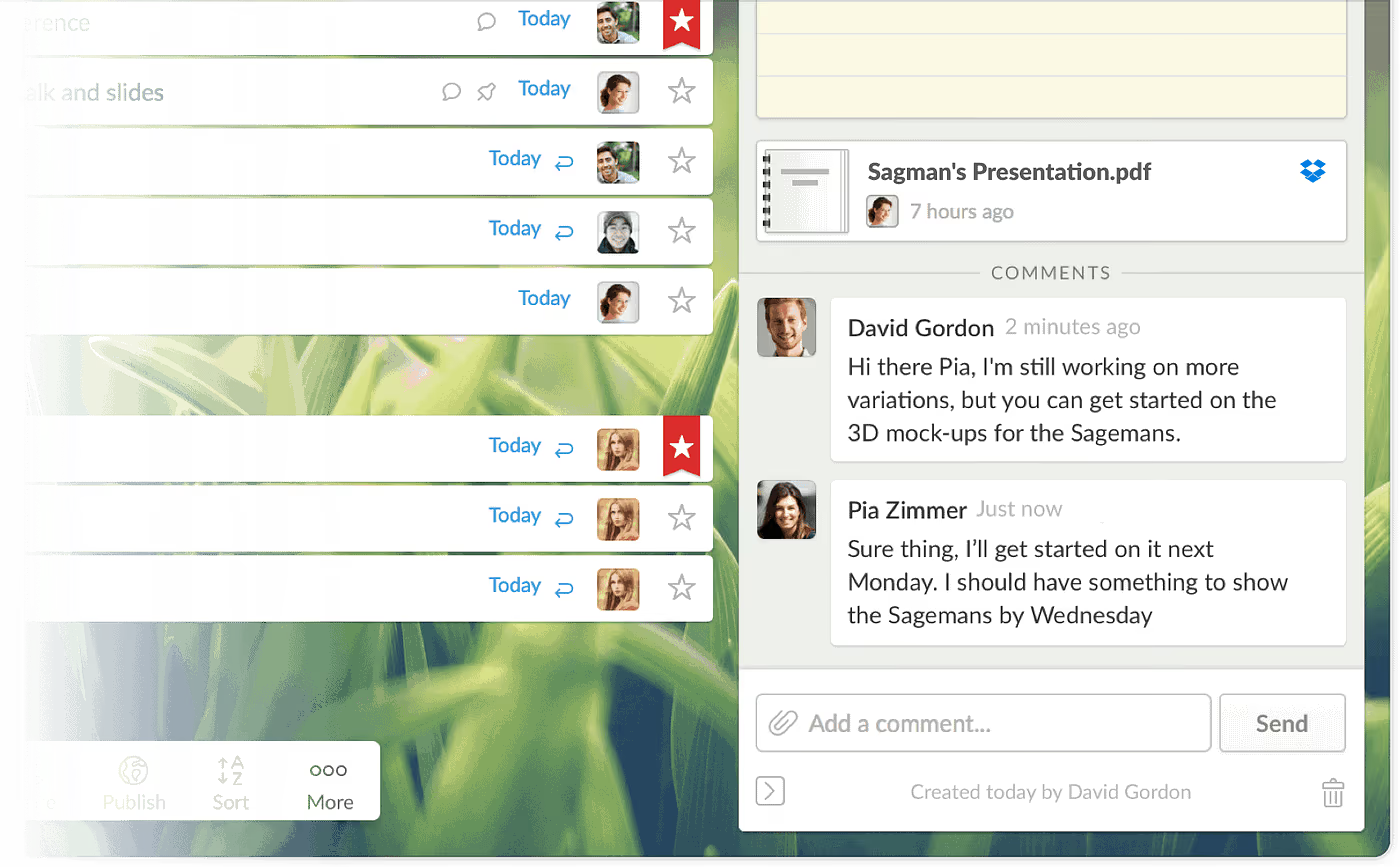
Simple and easy to use to do list application. Available on all devices with collaborative lists allowing you to share and assign/share tasks to your friends and family.
iOS, Android, Web, Mac & Windows Phone.
Note-taking
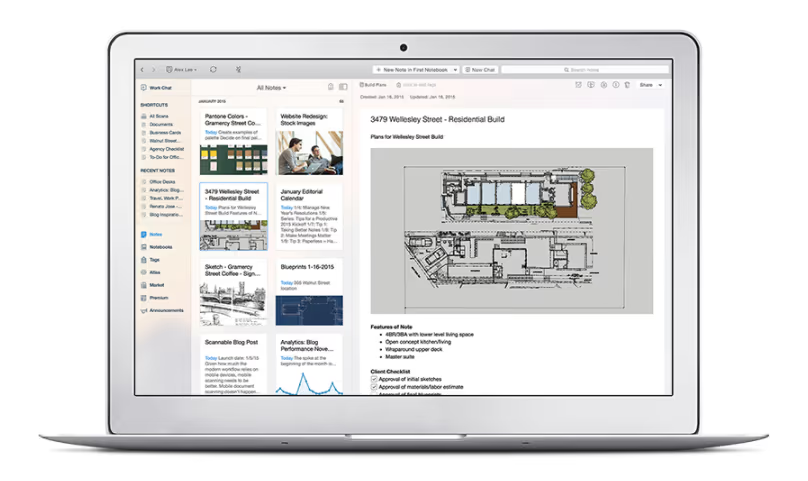
Easy to set-up, Evernote has a host of powerful features for clipping and saving documents, photos, whiteboards and anything of interest. A strong tool for any creative or professional.
iOS, Android, Web, Mac and Windows.
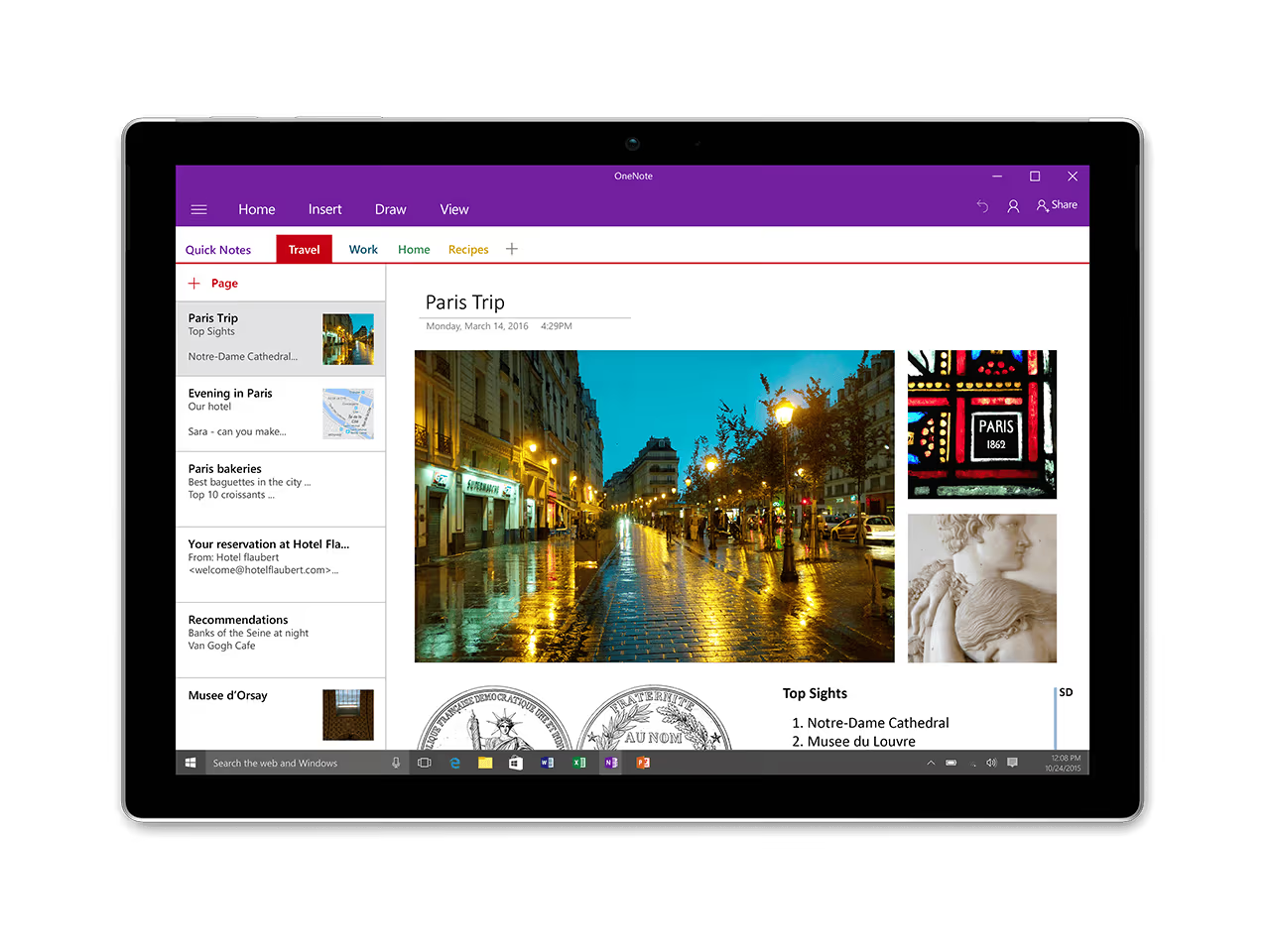
Microsoft owned OneNote delivers an clean and colourful experience for note-taking. Used by plenty of teams for meeting notes and students for lecture notes, it’s a handy tool for all.
iOS, Android, Windows, Mac and Windows Phone.
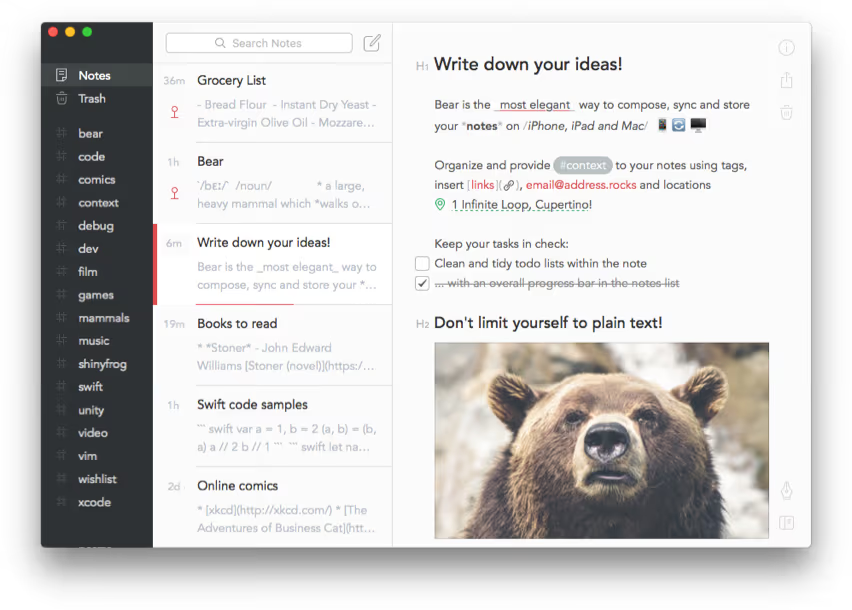
New to the scene, Bear brings a native experience for Mac and iOS users. Playful and fun, Bear allows you to store notes on the go with a host of formatting features for perfecting your notes.
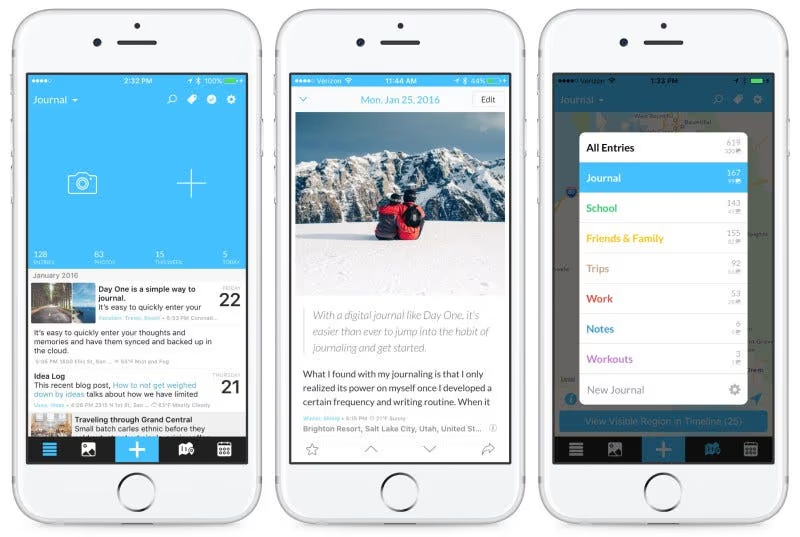
Reporting your day is becoming a popular trend around the world to help keep mindful of your activities and progress. DayOne is a simple, well-designed journaling app for just that.
Calendars
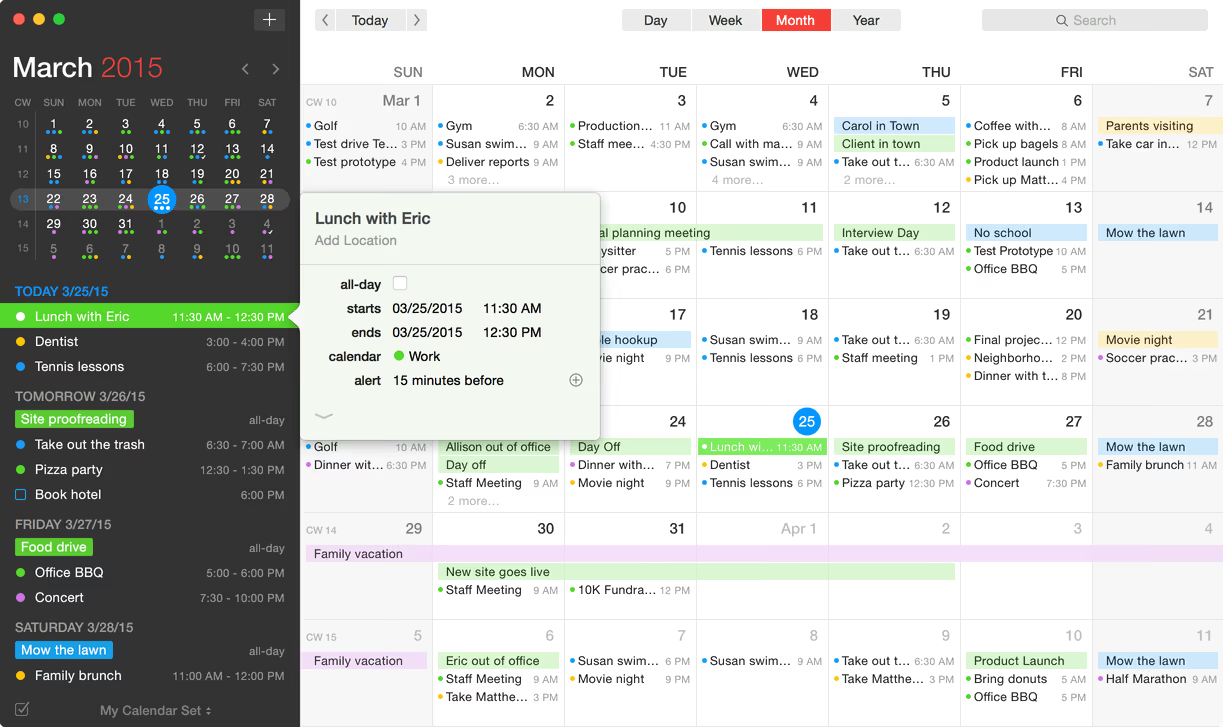
Designed for on the go, Fantastical 2 is fantastic on the Mac, combining natural language input, light/dark modes and a multitude of calendar integrations. Also available for iOS.
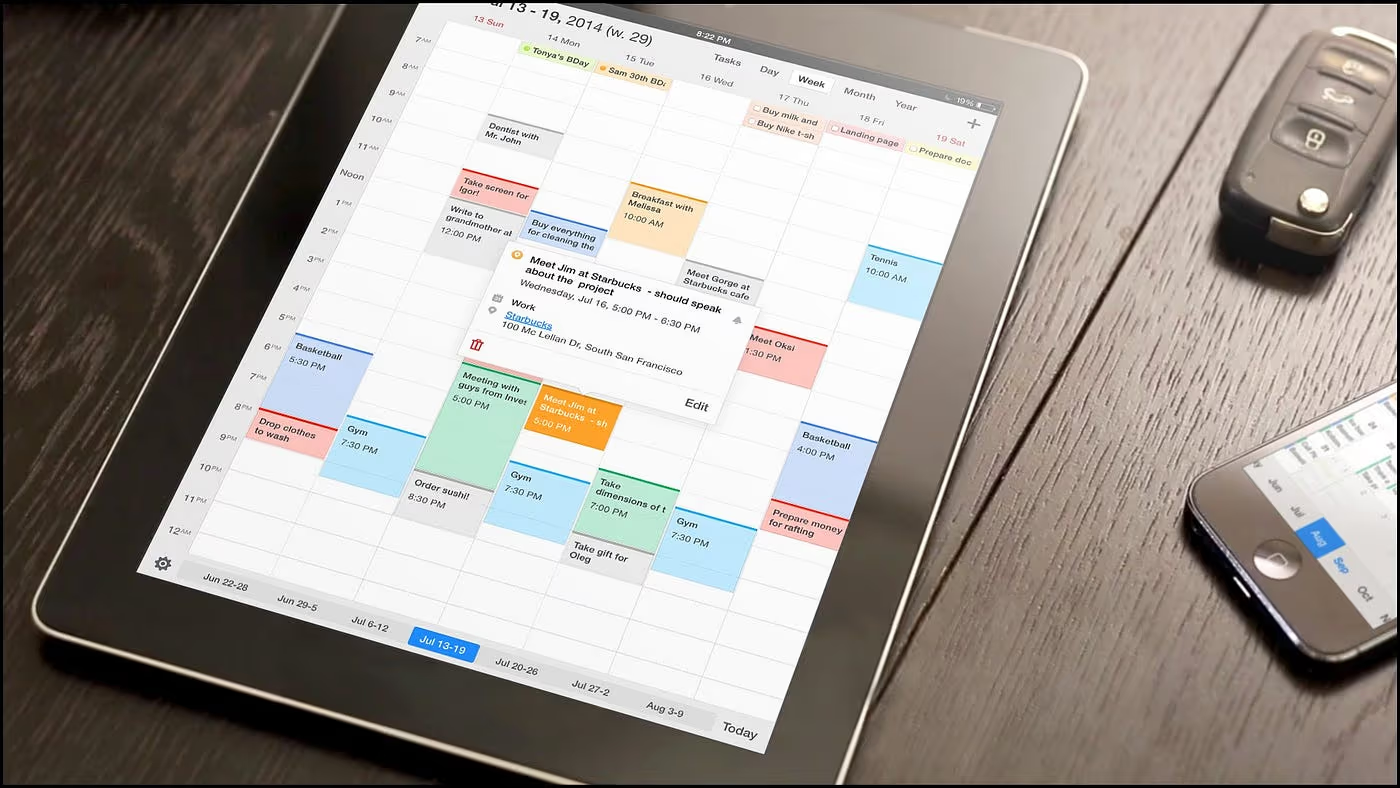
Only available for iOS, Calendars 5 still makes an impression with it’s great view options allowing you to see any event at a glance, whilst combining swift natural language input.
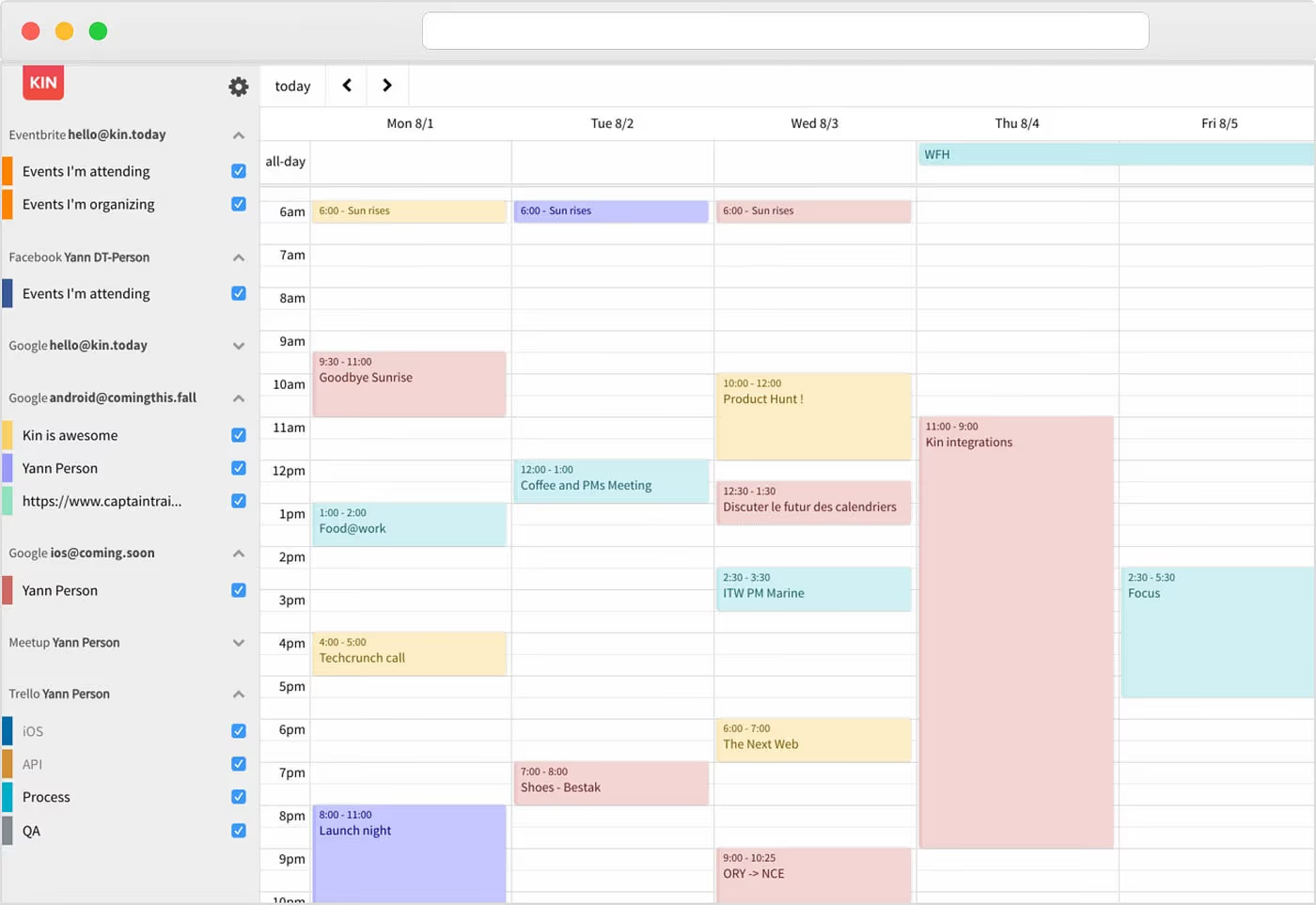
A brand new calendar experience, still in beta. Kin.Today aims to become the next Sunrise calendar. Something for you to keep an eye on in 2017. This could be the calendar of the future!
Habit Tracking
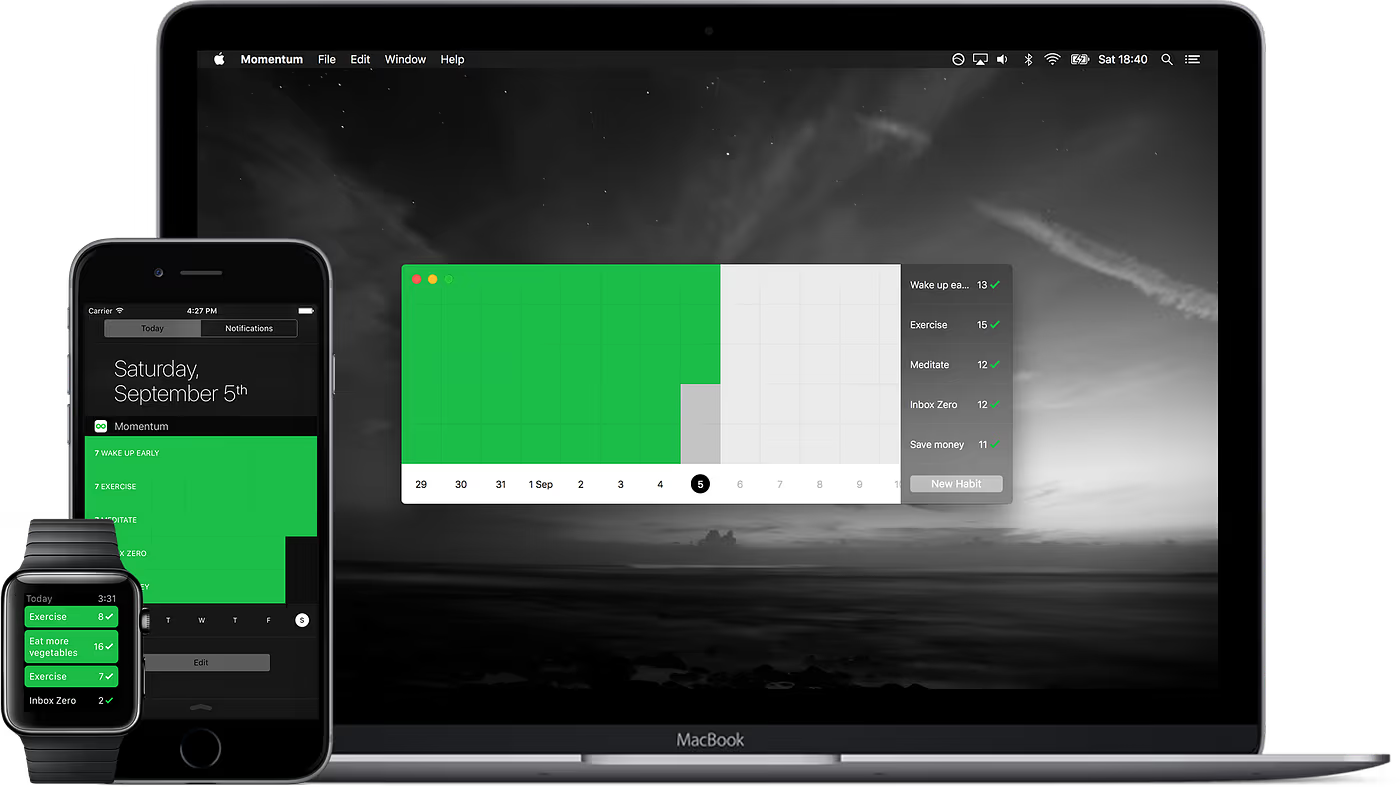
Forming habits is a big part of growing as an individual. Combining reminders, weekly targets and fluid habit tracking, Momentum becomes one of the best selections for monitoring progress.
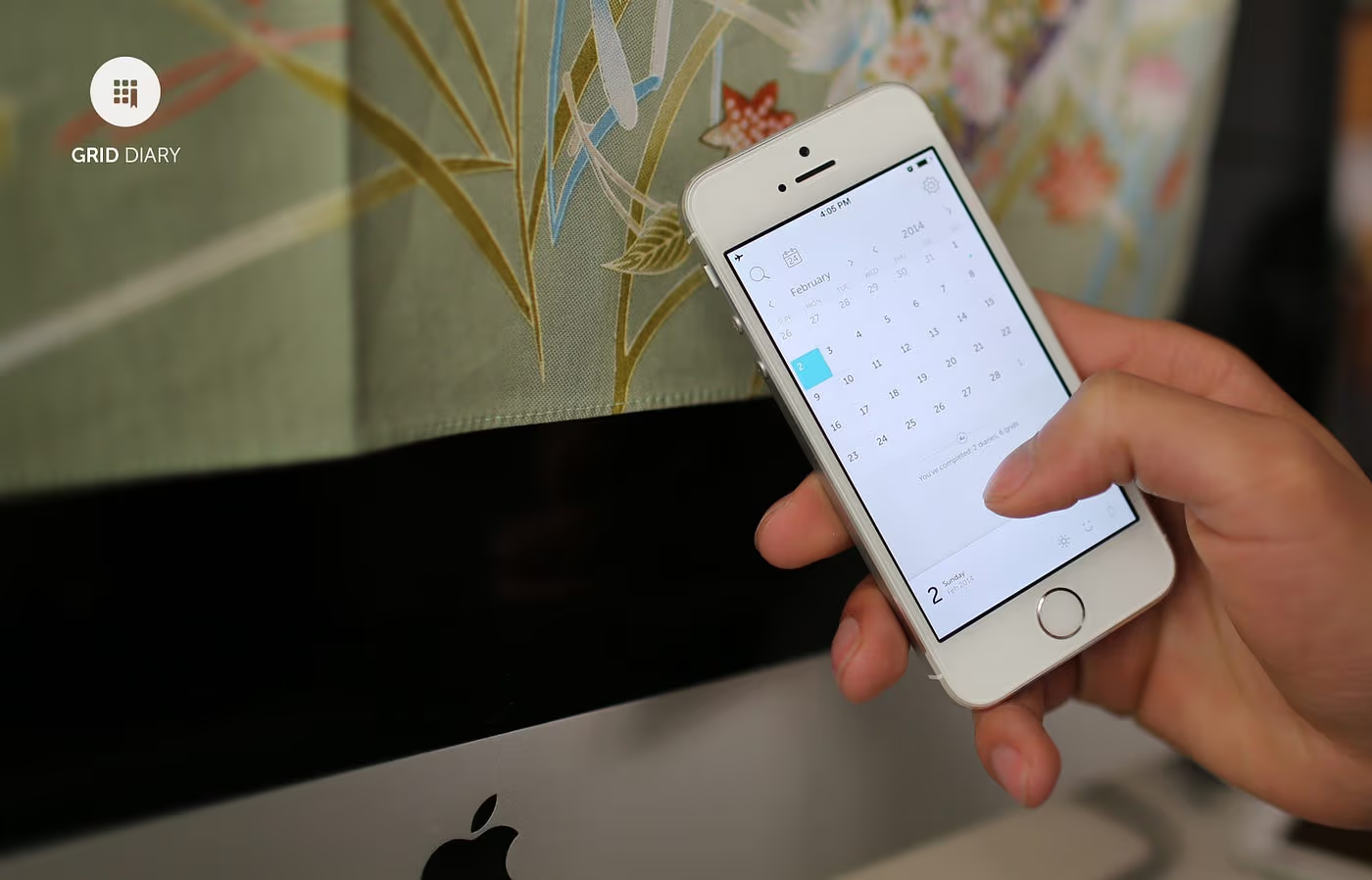
Going against the regular journaling style, Grid Diary delivers on a new opportunity. Answer simple questions at the end of each day to track with your learnings. Highly recommended.
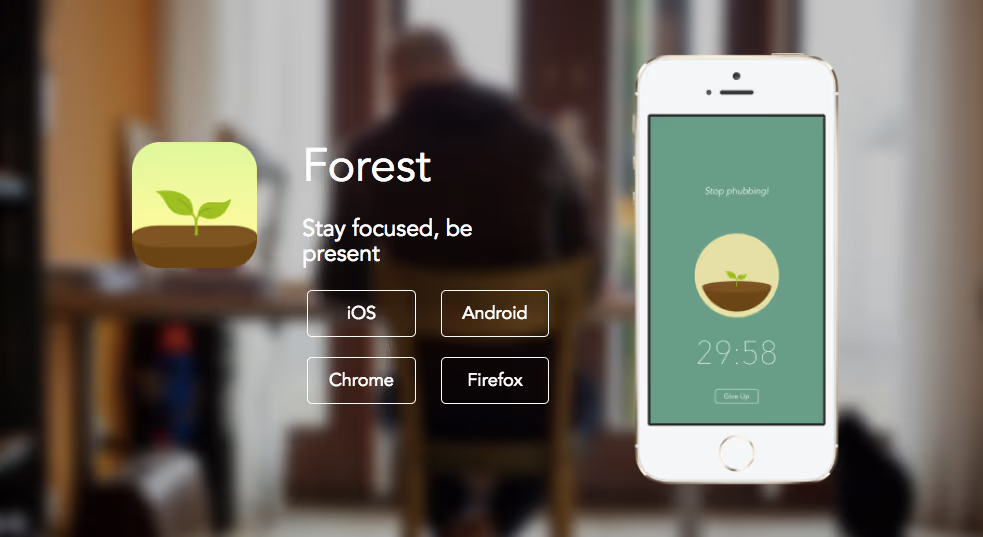
Getting distracted by YouTube on your phone? Or even replying to texts? Forest aims to keep you away from your mobile by growing trees, open your phone and trees die. Give it a try!
iOS, Android, Chrome and Firefox.
For remote workers
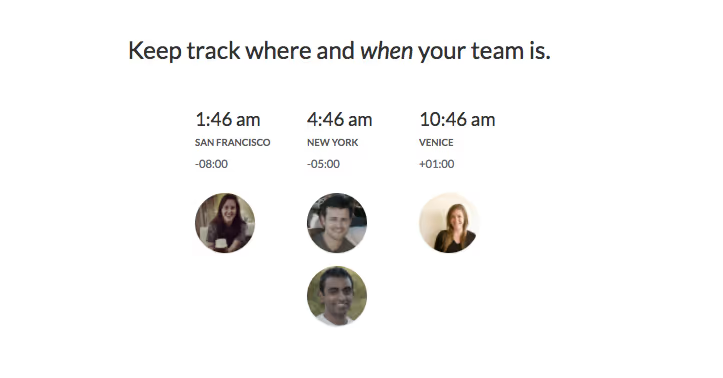
Caught out with time zones whilst travelling and working. Connect your colleagues and keep an eye on their time. Less disturbances for all, easier planning of meetings and a huge time saver.
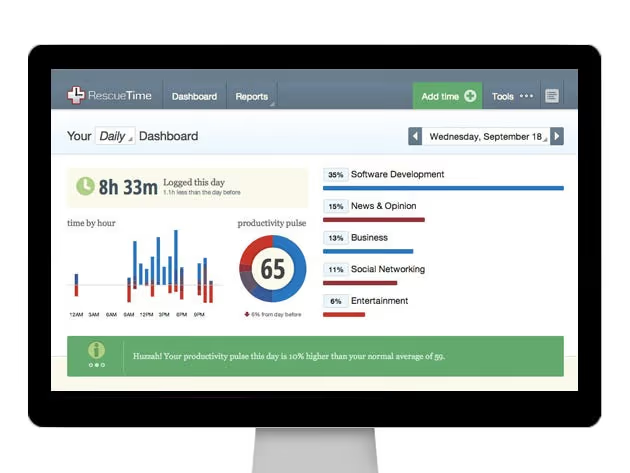
Aiming to rank your productivity for the day? RescueTime tracks the sites you visit across your day, ranks them and gives you a score at the end of your day. Useful insights for smarter work.
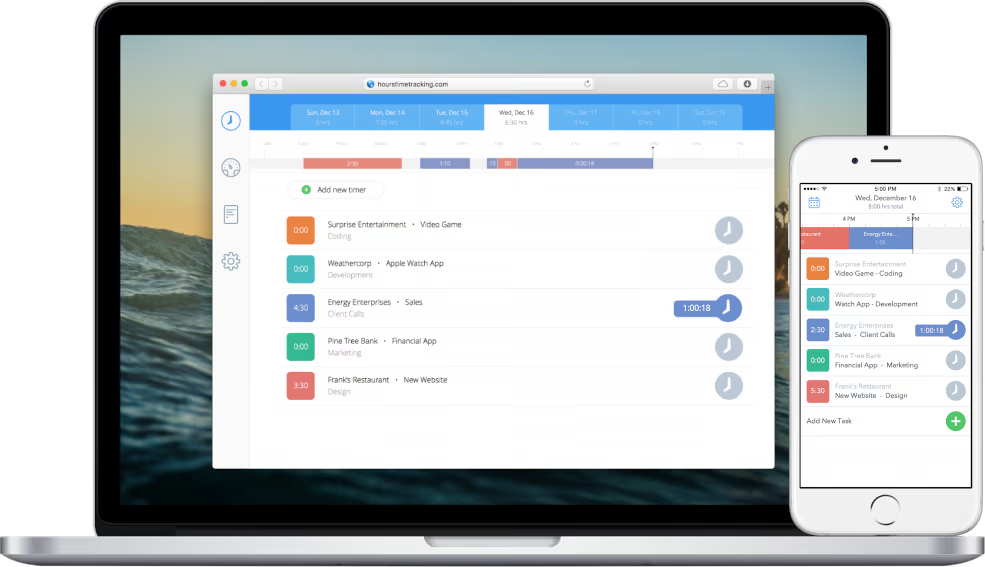
Clocking the hours of your employees, this tool might come in handy, track hours for your staff. Freelancers use this to keep track of time spent per client, or on side projects.
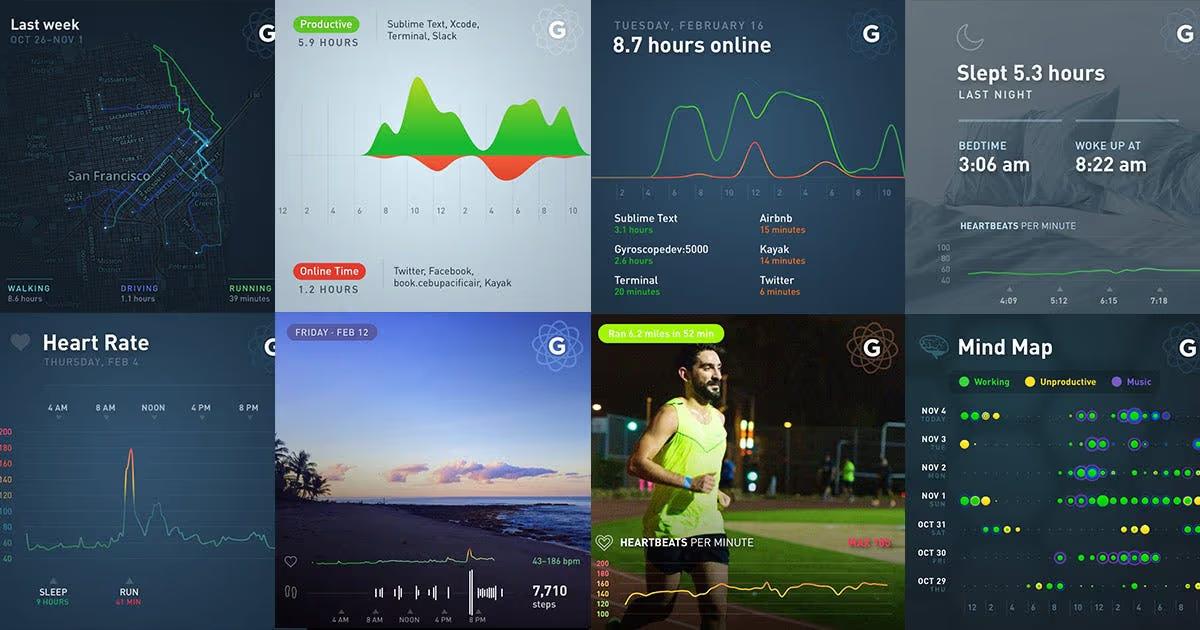
Your life dashboard. Connect up all your applications for all of your activities at a glance. Perfect for those looking to see their fitness, time spent on work and social media activities in one place.
Chrome New Tab, Web and iOS.
Let us know which applications you enjoyed in 2016 and whether you would add to this list.
All of these apps work beautifully alongside Newton as your email client. Feel free to tweet us @newtonmailapp with your suggestions.
Make sure you follow Paper Planes — Voices, opinions and musings from the people behind Newton Mail.
Have a great 2017!





