
Francesco D'Alessio
May 15, 2017
3 min read
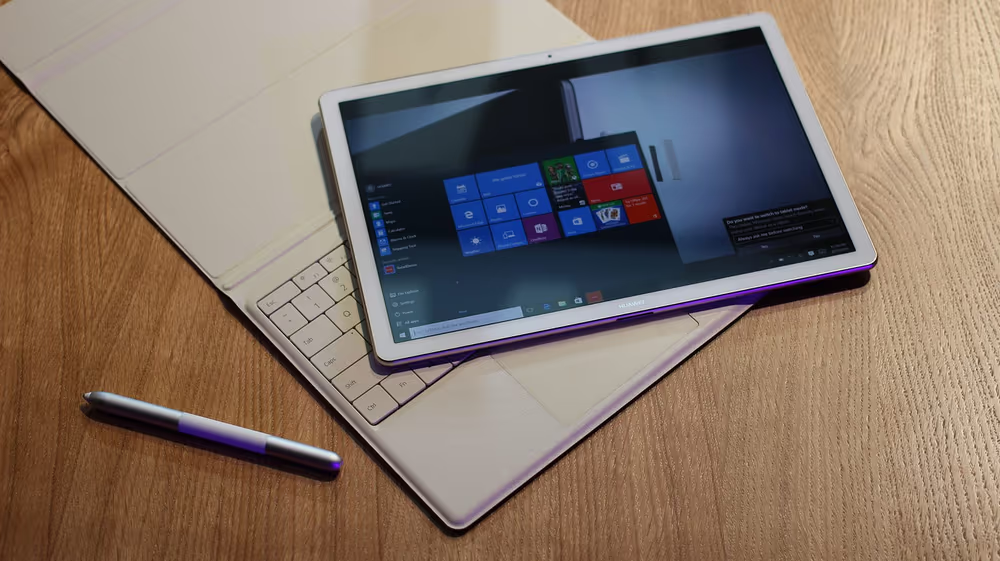
Calling all Windows users! We’ve put together a list of some of the best productivity apps on Windows 10 for those looking to get even more productive across their daily routine.
Windows is one of the most popular platforms out there. With hundreds of thousands applications, picking the best ones for your work is a pretty tough job, so here are some of the best resources for Windows 10.
Evernote: Take Notes

Let’s start with one of our favourites. Evernote. Evernote has long been the next note-taking service out there, providing functional tools to help you clip, note and tally all of your ideas and documents. That continues on Windows. Evernote for Windows is a flexible, well-designed way to take notes online and offline to help boost your productivity.
Download Evernote for Windows: here.
Todoist: Get Things Done
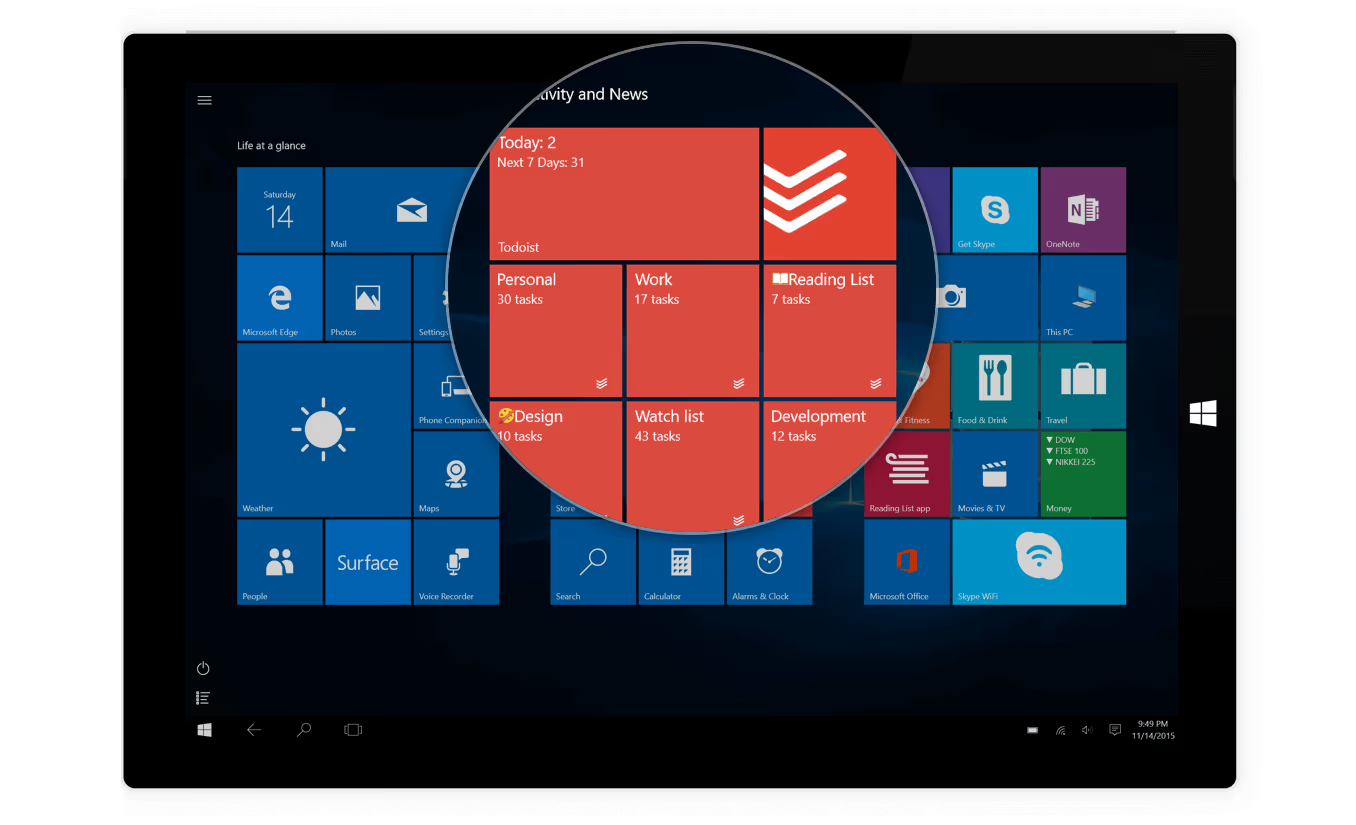
Creating your daily to-do list can be a great way to keep your priorities focused for your day ahead. Todoist allows a simple and easy experience on Windows to continue your efforts to organise your day of tasks. Todoist’s app comes with a brilliant offline mode for Windows, allowing you to get things done even when the Wi-Fi dies.
Download Todoist for Windows: here.
Grammarly: Seamless Writing
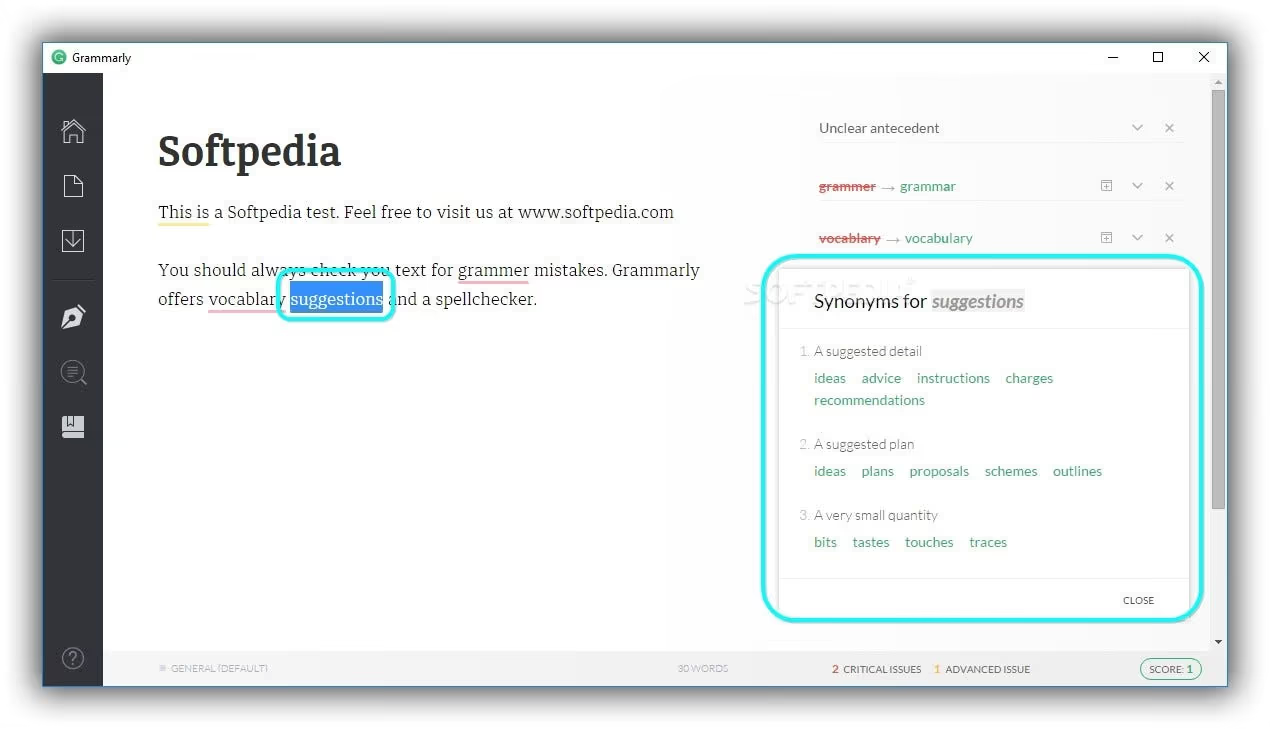
Writing is one of the most underrated things about our days. Emails, documents, notes, we simply forget about many of these experiences. Grammarly refocuses your attention to the words on the page. Highlighting key grammatical issues, picking up on your vocabulary use and enhancing the sentences that help build those messages you shoot out across your day. Grammarly is a great way to start improving your written word on Windows.
Install Grammarly for Windows: here.
Dropbox: Easy File Management
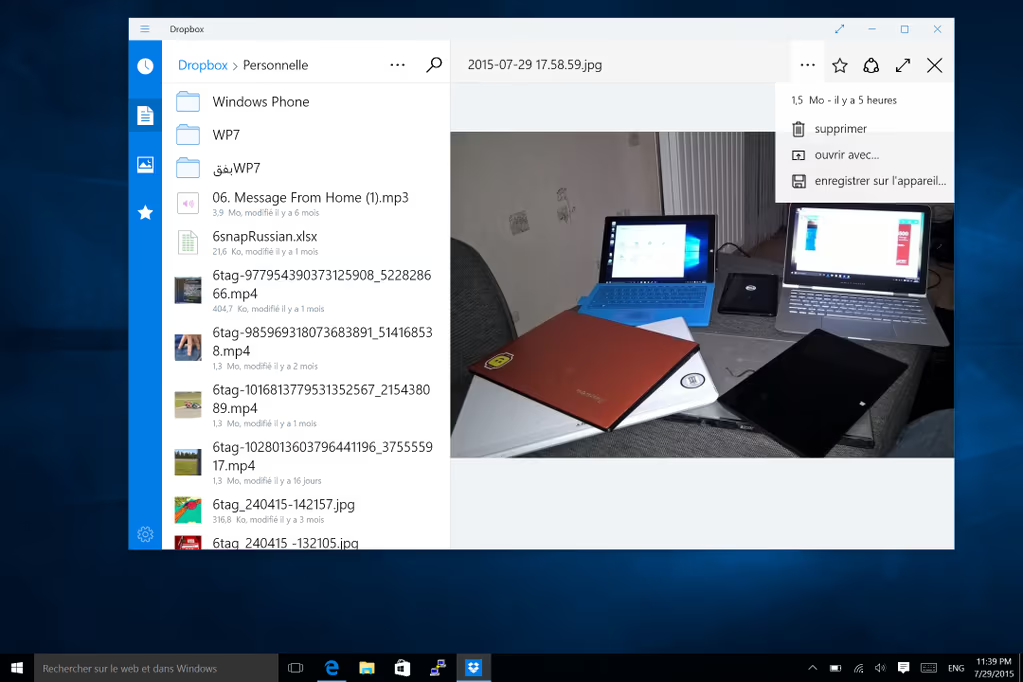
A messy desktop can mean a messy routine. Keeping your space clean is a great way to move forward with your productivity. A clean space, both digital and physical means constant nurturing. With Dropbox, adding files and documents to your folder will instantly sync them online to your account. With the Dropbox Smart Sync function you can save space but get access to the files you need, anytime, anywhere.
Install Dropbox for Windows: here.
ColdTurkey: Anti-Distraction
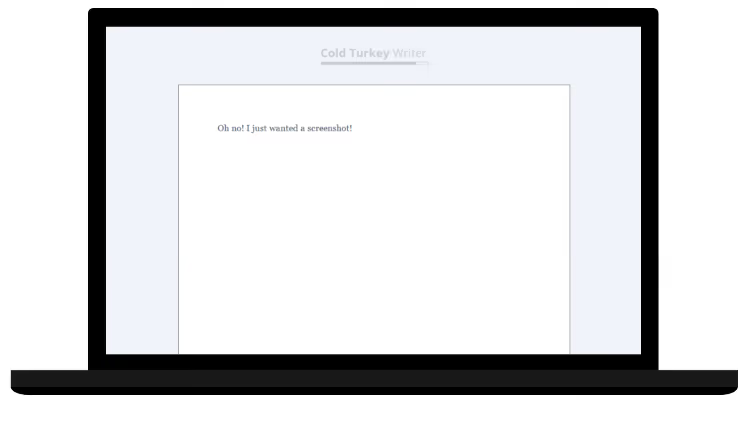
Need to get away from distractions?! ColdTurkey helps by blocking all those distractions on the web. Whether it’s a specific website for a period of time, or it is an app that you keep getting distracted by. With ColdTurkey the goal is to keep away from all of those pesky interruptions that ruin our workflow.
Install ColdTurkey for Windows: here.
Microsoft To-Do: Your Day Planner
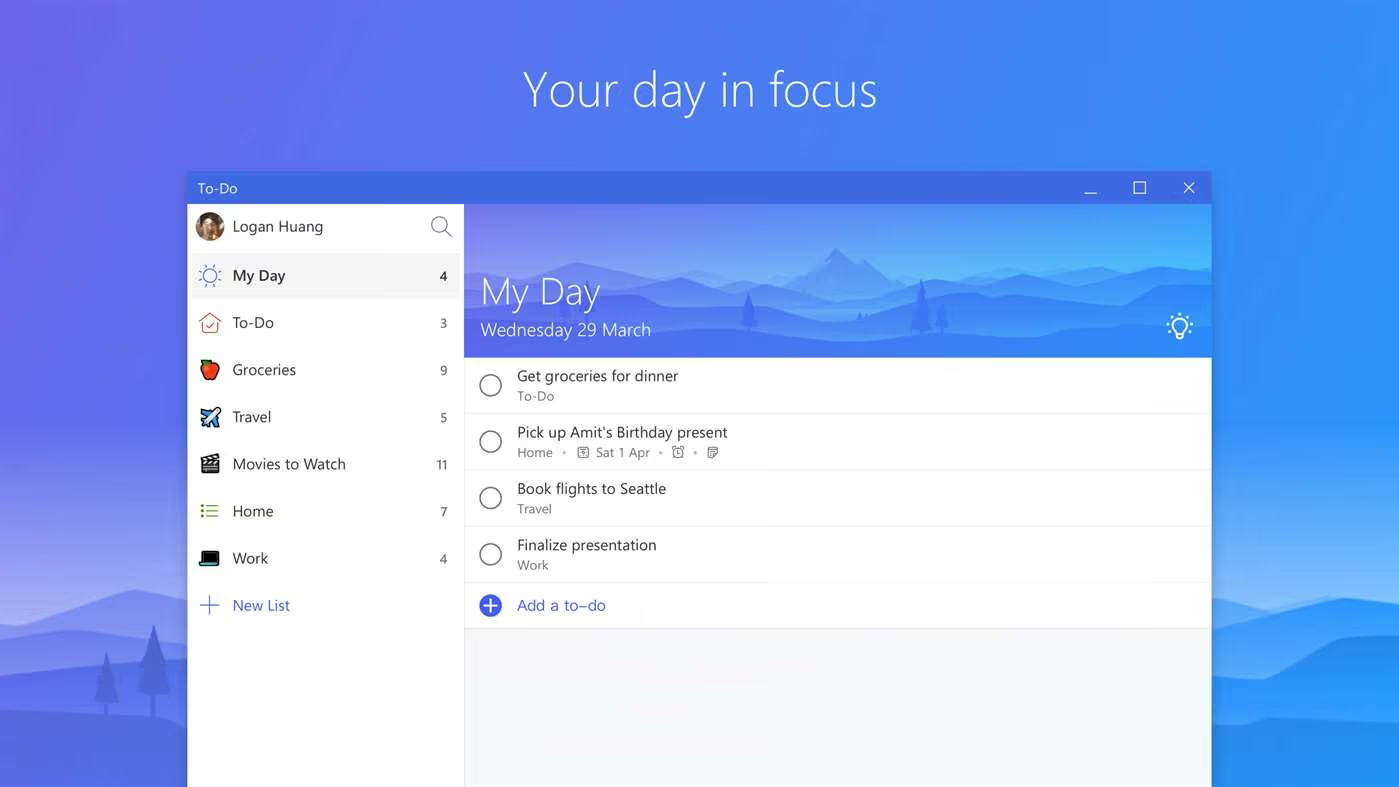
Now that Wunderlist is gone, Microsoft ToDo is your go-to Microsoft solution for To-dos. Easily manage your tasks and lists using Microsoft ToDo’s simple and easy design. Create themes and emoji lists to get started with any of your lists. Microsoft ToDo is currently in preview, but available for those wanting to get started early with the experience. Note that it’s functionality does not include sub-tasks, an inbox and calendar integrations. Yet.
Install Microsoft ToDo for Windows: here.
Tired of the stock Windows email app? Don’t worry, the Newton Windows beta is out! Take command of your Inbox with powerful features like Read Receipts, Send Later, Snooze and more. Start your 14-day free trial today.
Follow along for latest updates on Newton for Windows!





