
Francesco D'Alessio
February 2, 2017
2 min read

Lots of emails usually means lots of tasks.
Millions of people rely on Todoist every single day to get tasks done. Todoist is one of the top productivity applications for collecting, adding and building your to-do lists. There are many fantastic integrations with Todoist, Newton being one of those.
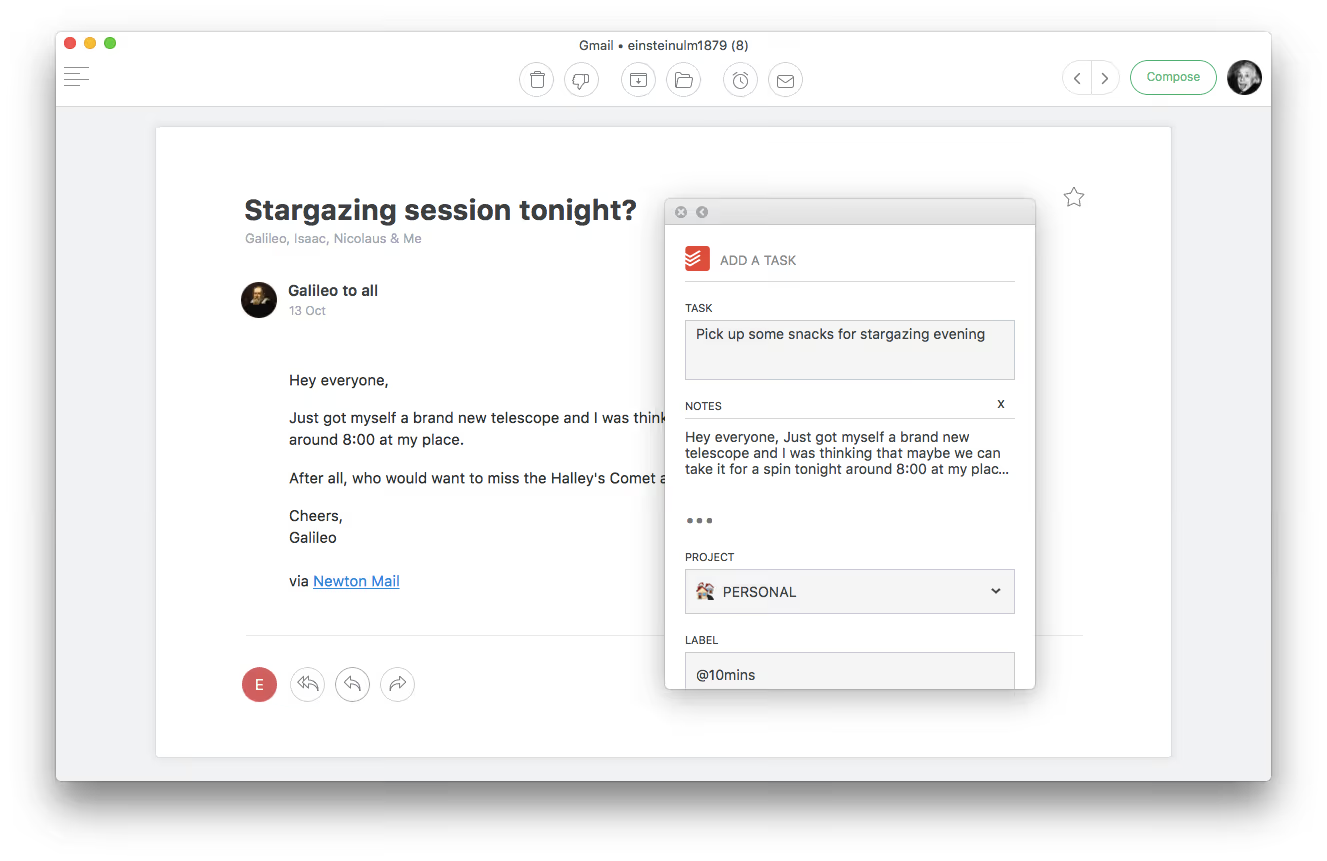
Here’s how you can add tasks directly from Newton to your Todoist project folders and get more done wherever you are.
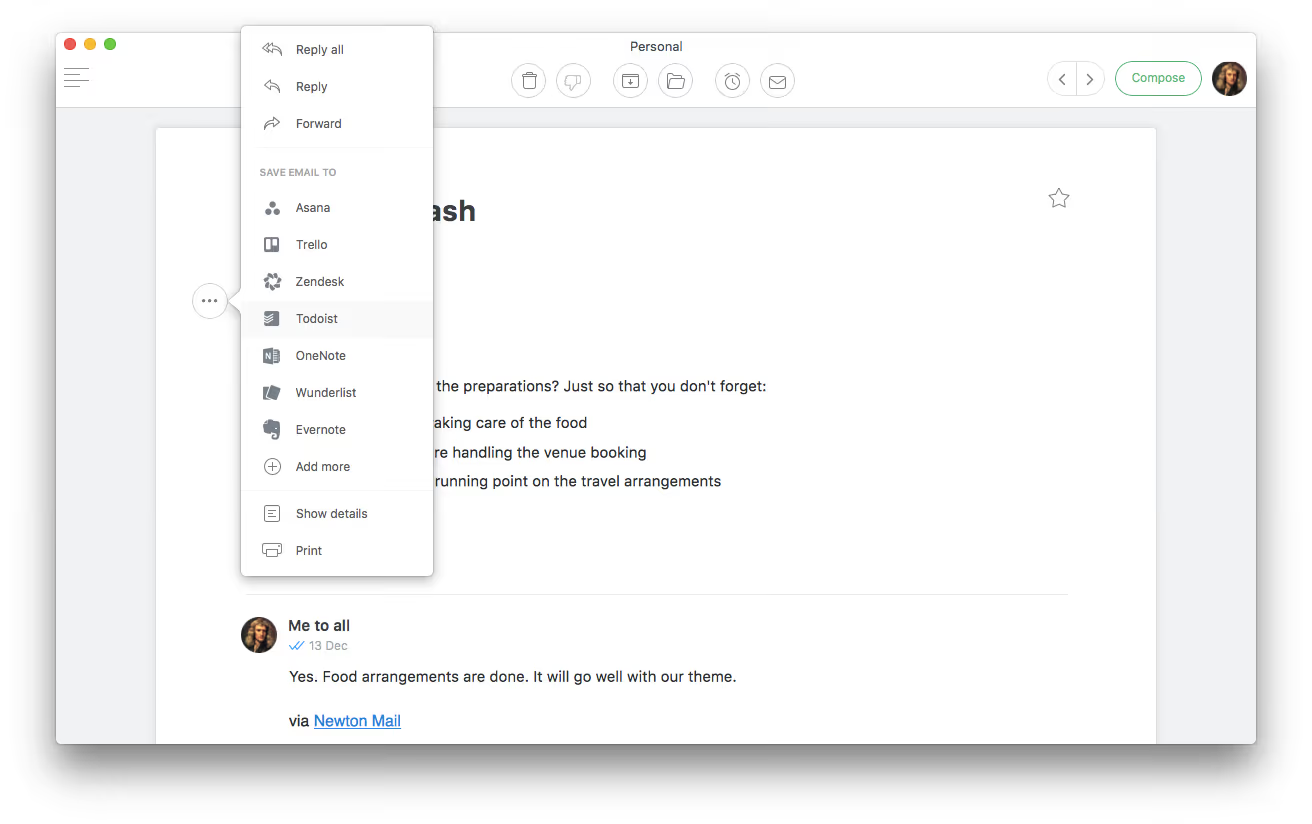
- On your mobile device/Mac hit the 3 horizontal dots next to an email
- Hit Todoist and sign into or create your Todoist account
- Once set-up, simply save the email into your desired project and add the title of the task
- You can also add a due date and priority level for easier access.
- Hit “add task” and we’ll send the task straight over to Todoist
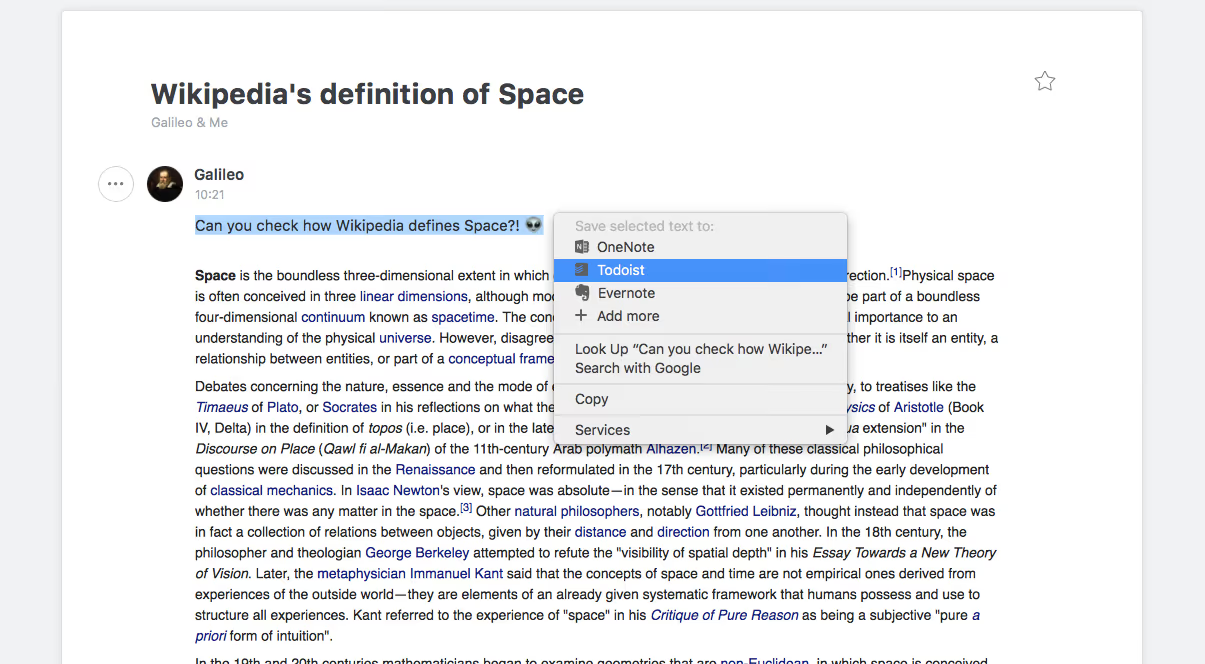
- Bonus: Highlight some text, right click and “add to Todoist”
Here’s how everything works on mobile and desktop, starting with desktop:
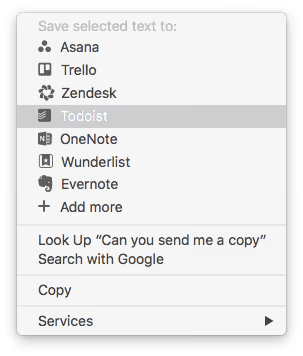
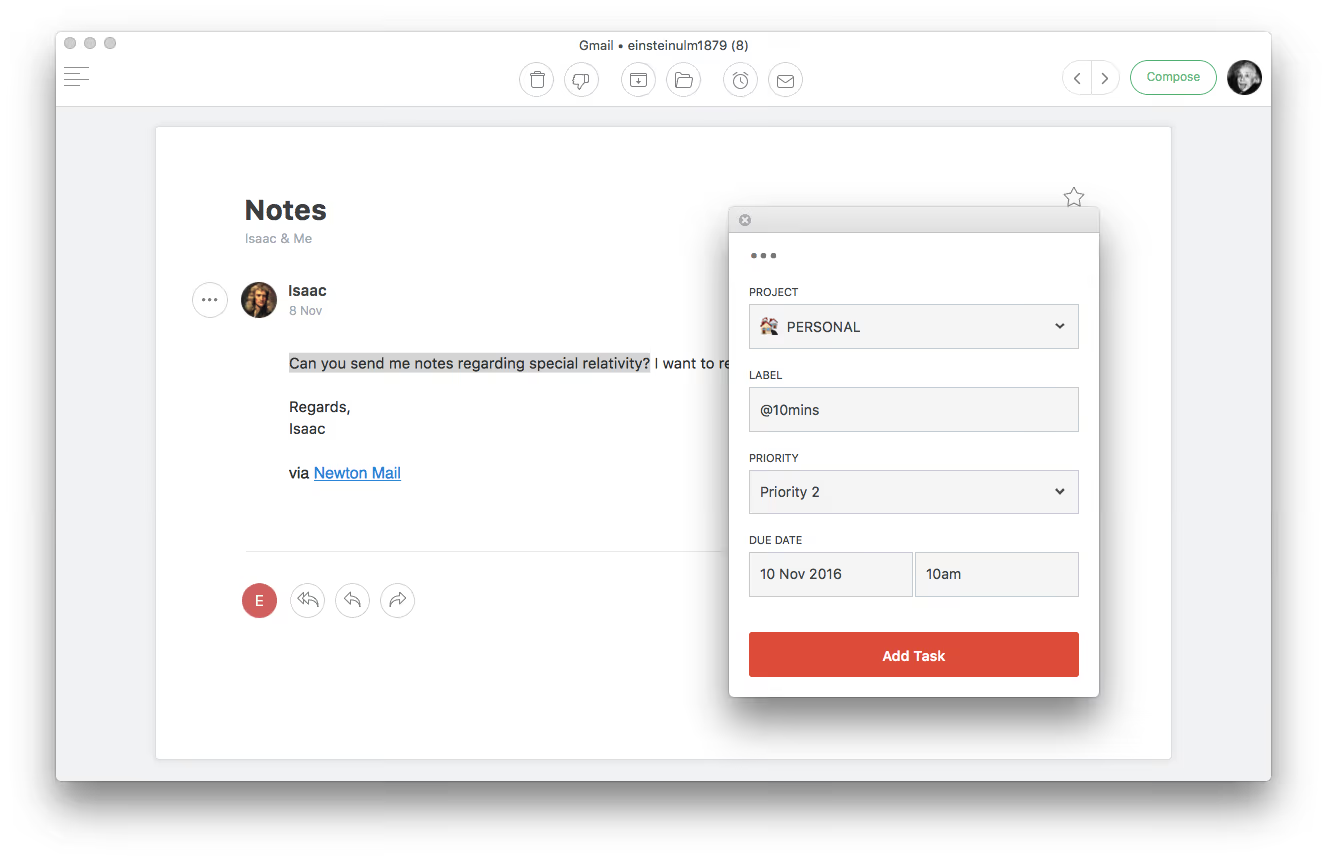
Here’s how Todoist and Newton work on mobile:
Todoist is one of our most-used integrations and users love the ability to instantly turn emails into tasks, both on mobile and desktop, in a single click. Let us know how you like it in the comments.
If you’re looking for a modern, powerful emailing experience, give Newton a spin.





