
Francesco D'Alessio
October 13, 2017
2 min read

For years I struggled with writing emails on the go!
On the train and bus, my outgoing emails just looked messy! Over the last few years I’ve picked up a handful of tactics that I’ve implemented to help improve the quality of my short bursts of email, when I’m on and offline.
1. The Email Signature
Creating an email signature for all of my accounts was one of the best things I ever did for my email. As someone who communicates through a multitude of channels and remotely, I wanted to start sharing my brand through

This is my Mail signature. It provides a concise summary of my work, and shares a little window of personality with an image and social buttons. To craft this, I used a site called Wisestamp and pasted this into my Newton email account settings so it replicated across all my devices, easy to do on other clients too. It’s easy to use and so simple using a free account.
2. Attachments on iCloud Drive
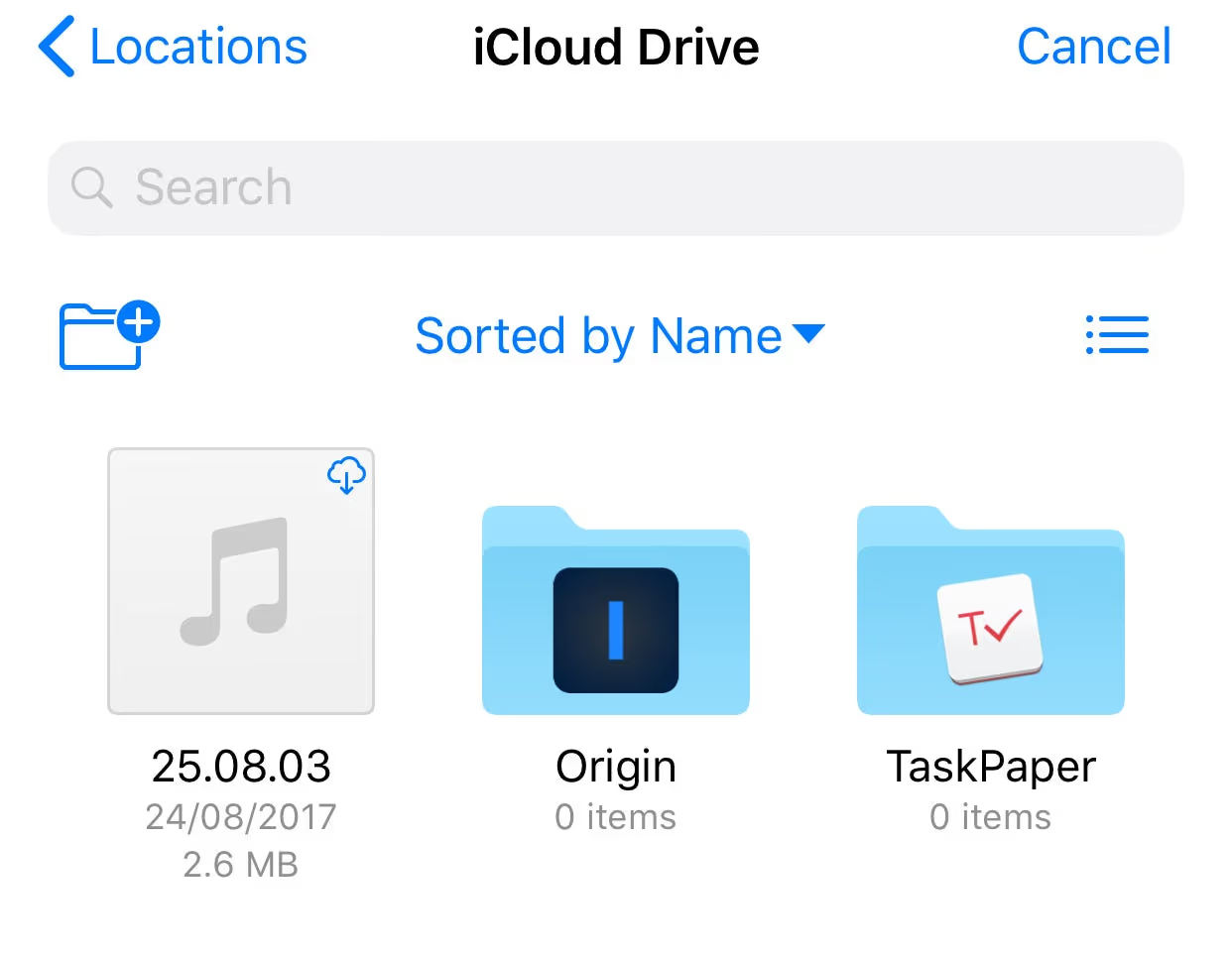
Only discovered in the last month for my iOS device. What a discovery!
I always rejected those iCloud Drive messages for a long time, and then iOS 11 came around and I decided to explore this as a viable solution for sending files on the go via iOS devices.
Essentially if I want to transfer anything on the go, I should add it to iCloud Drive then use my email to transfer it, using the attachments section.
Easy, well-crafted and perfect for working on the go!
3. Processing Email with Gestures
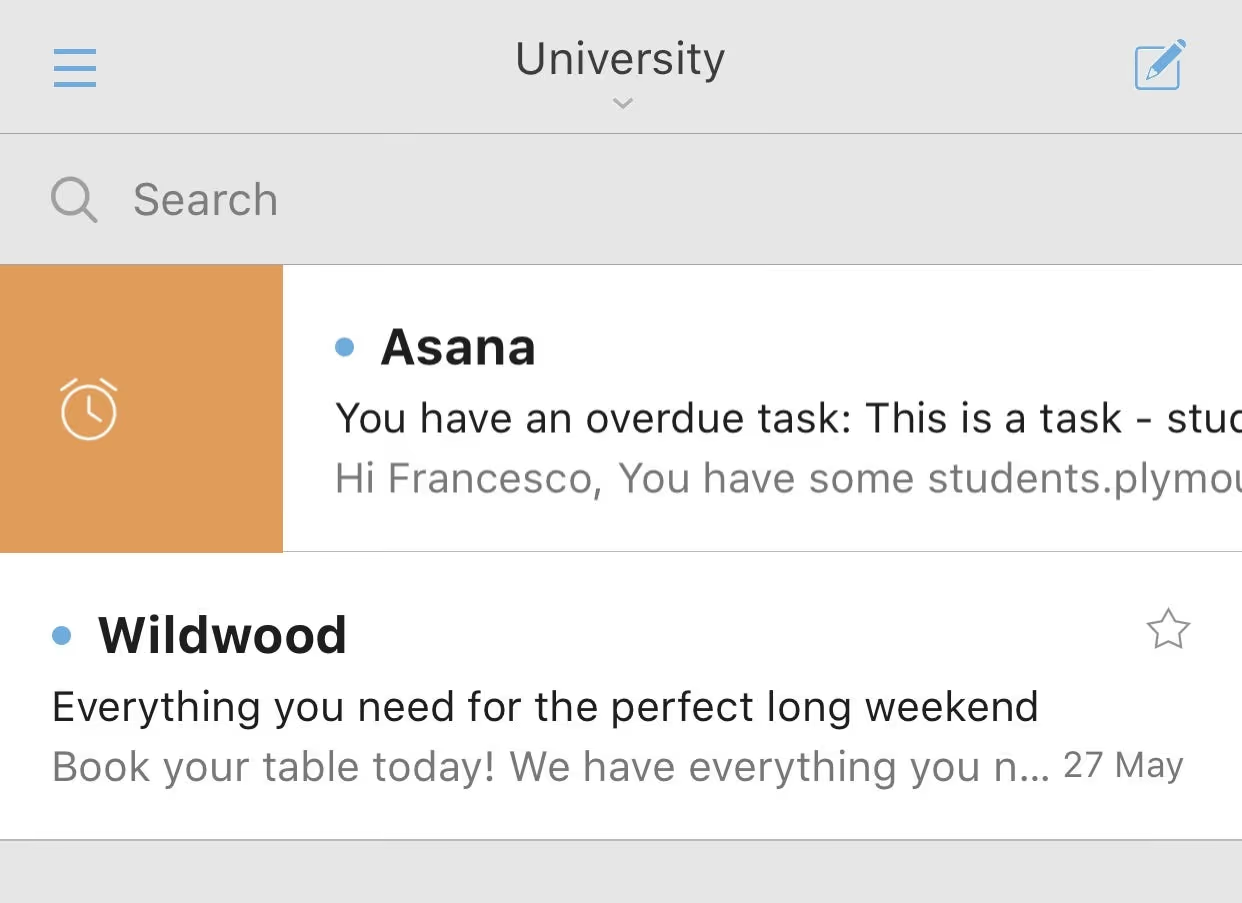
After suffering discovering email gestures, my on the go Inbox Zero game has been 200% stronger.
Typically, I used to go into emails and process them, but at a glance I could clear my inbox and get to the most important ones systematically.
Really simple, but something I don’t regret setting up, customising and learning how to do this.
Want to hear more email tips, follow Paper Planes on Medium for more weekly articles about productivity, conquering your inbox and business!
Keen to know the email demo’d in this piece, it’s Newton. Try it today!
Newton is one of the leading email apps on iOS, Mac, Android & Windows. Combine this stunning design with features like Read Receipts, Undo Send and even Tidy Inbox to reduce clutter, you’ll be at Inbox Zero in no time.
Follow us on Medium for more articles.





