
Joseph Lucero
July 27, 2017
6 min read
Despite hearing the “email is dead” schpeel here and there from different sources. It’s not. Nor will it be anytime in the near future considering major platforms rely on user emails such as Facebook. Don’t get me wrong though, email does suck. Email sucks because you have the default Gmail app or Apples native mail application. If you’re an Android user the email manager selections aren’t too hot either.
Like you and your friends I too hated email up until a few weeks ago when I discovered the holy grail of email apps, Newton. Note that I am the pickiest and hardest to please when it comes to choosing apps that I will use every day. So the fact that I warmed up to Newton without any issue says a lot.
Enough bragging about how great Newton is. I’m going to tell you why I ditched every other email app for it.
“Newton is more than supercharged mail. It has transformed my daily communication”
Newton is universal in supporting any email provider that you could possibly use. The list includes Gsuite, Gmail, Office 365, Yahoo Mail, Outlook, Exchange, iCloud, and even custom IMAP! This is huge for fellow business owners who use Gsuite ( the Business version of Google Apps) to help manage their company. Newton doesn’t limit you to one email provider either, you can have multiple email accounts each with a different provider. GASP. You can manage and edit different email signatures per email account as well!
Every other native emailing application does that. You’re not wrong just be patient.
Read Receipts
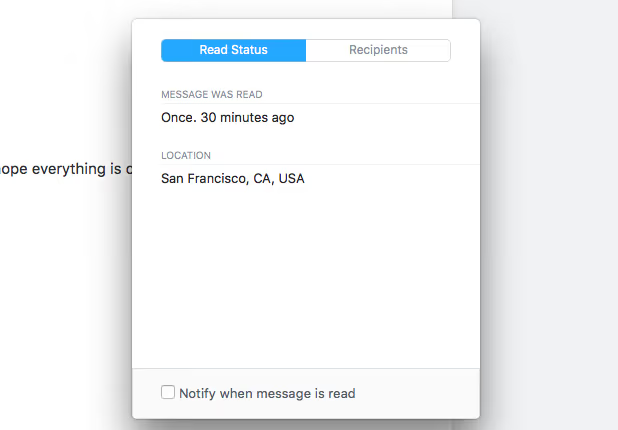
Newton decided to add a flavor to the mix that everyone else has been lacking. Read receipts for email. I repeat, read receipts for email. Nearly all the messaging platforms we use today utilize read receipts. These applications include Facebook Messenger, WhatsApp, Snapchat, iMessage, and even Twitter direct messaging. At this point we expect communication platforms to let us know what’s being seen by the end user.
Now you know who your real friends are when you send that wedding invite and half of them lie about not receiving it, but Newton says they read it. Awkward.
Read receipts in Newton become more satisfying though. You have the choice to be alerted immediately when someone reads your email and this alert comes in form of a push notification. Or turn push notifications off for read receipts from Newton. You will still be able to see who read your email by the two check marks on the left side of the email.
Send Later
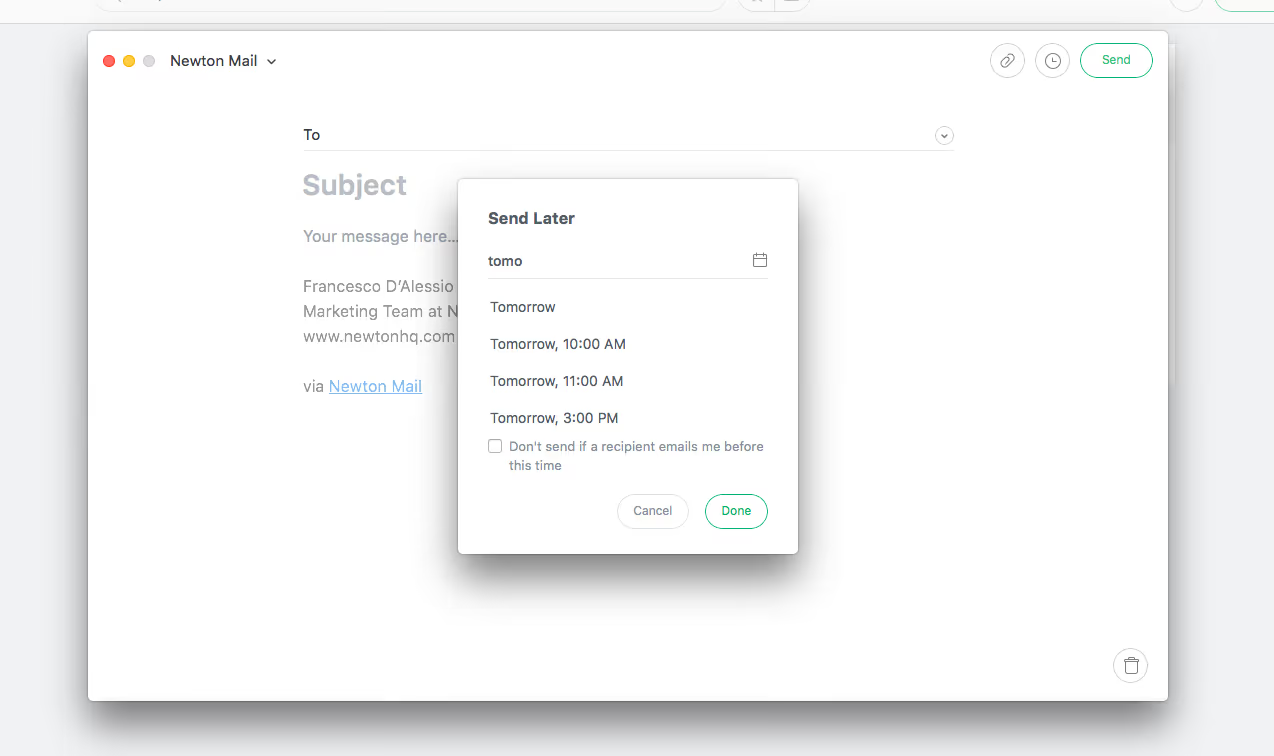
Should we call this Newton feature Send Later or time saver? Maybe even a life saver? Because send later is going to save you a whole lot of time. Take a look at a real world example of mine.
I often am up at 3:00 AM having no business sending emails to employees and friends. The problem is if I wait til’ 9:00 AM, a more appropriate time to send this email I may have forgotten what I was even gonna say. Worse, I could have forgotten to send that important email all in all. Newton allows you to schedule an email to your recipients of choice for a later time.
Send Later by Newton allows you to send your emails at just the right time. No worrying and no forgetting.
Snooze
Yes just how you snooze your alarm clock. But better because this is Newton.
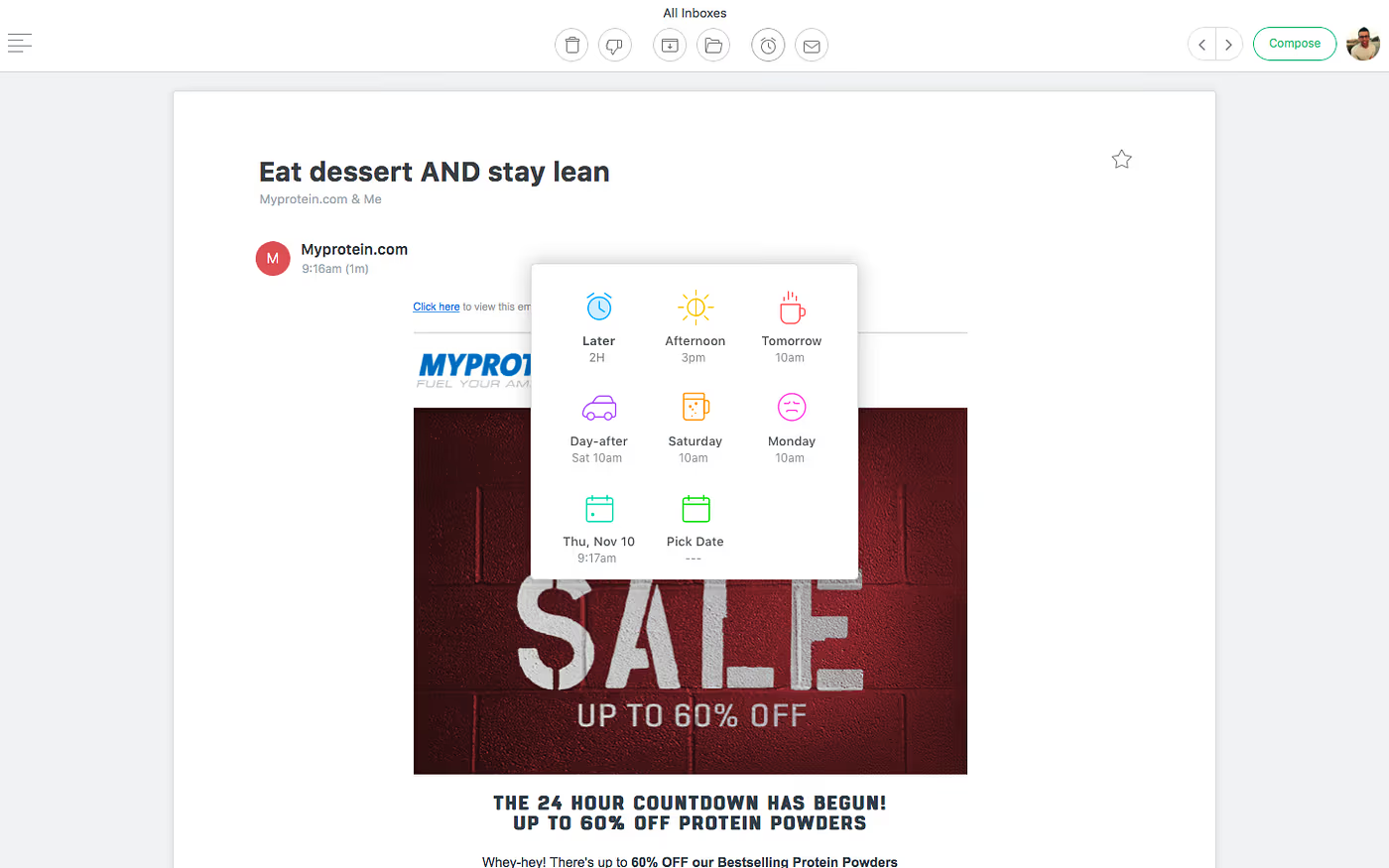
With Snooze in Newton you have a few options to take care of that email you just received at a different time. If you’re thinking “I could just come back to the email when I want”. Then this feature isn’t for you, it’s for people who are on top of their game. Snooze is that reminder to reply when you have a good response or when you’re ready. When you choose to use snooze inside of Newton the email will show back up in your inbox as if it’s something you have never opened before.
Futuristic alert.
Newton gives you a good shelf of options if you want to Snooze an email from your inbox. Choose one of the default Newton options or choose your own with the calendar icon in the bottom left corner. Both more than efficient to do the job of snooze’n emails. You don’t lose snoozed emails however. They can all be accessed in the menu panel depending on which email account you used to Snooze that email with.
Sender Profile
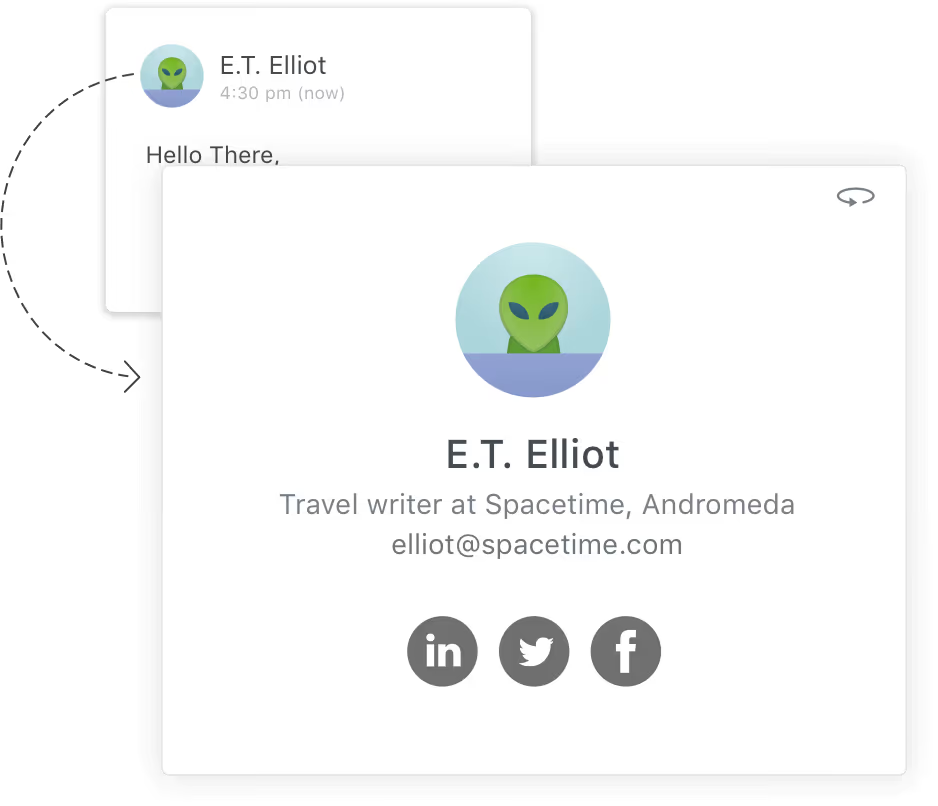
Newton let’s you see who that stranger in your inbox is. An easy tap on the recipients profile picture will make a small window appear telling everything Newton knows about them. This information on the sender profile is usually that individuals social media profiles, where they work, and a little more about them. Depending on what information is publicly available about the person or company emailing you.
This handy feature works on all devices on all platforms. Who’s emailing you?
Connected Apps
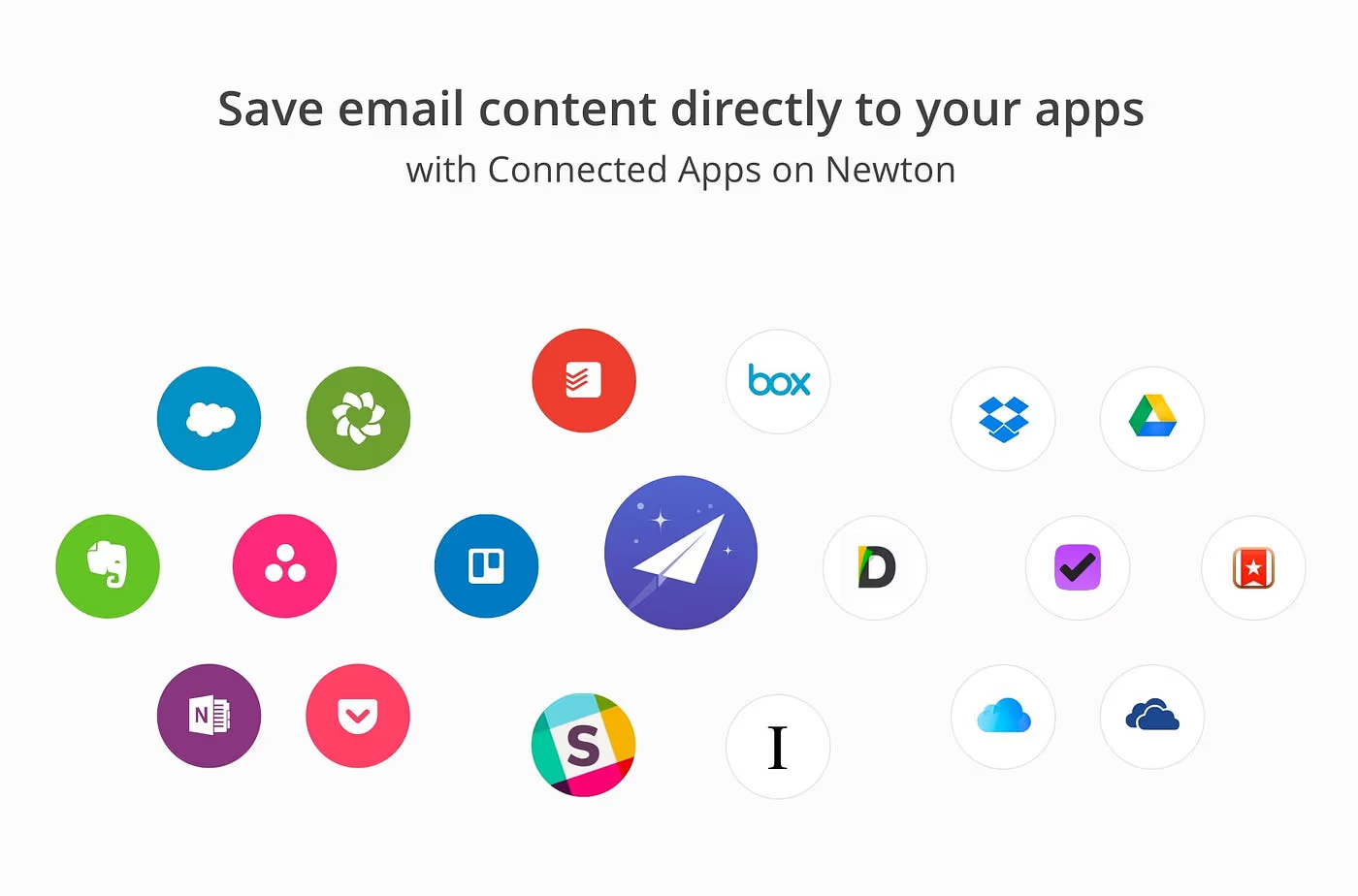
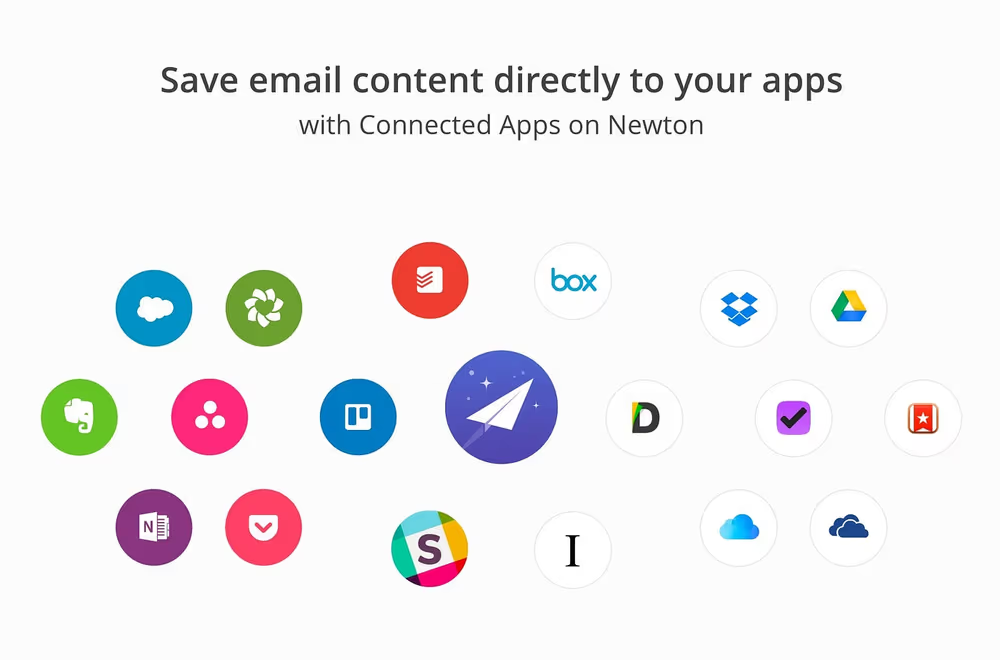
Saving an email to one of the apps you already use such as Evernote is easy in Newton. On mobile three dots will appear vertically. When clicked a menu on the bottom of the screen will appear offering all connected apps, you choose where you’d like to save the email to. On desktop three dots will appear horizontally. When clicked a menu under the three dots will appear offering the same deal.
This feature in Newton can be useful for anyone in a countless number of ways. For myself, I like saving things I find humorous to Evernote. For an attorney they could find connected apps with Newton useful by saving important trial emails to one of their favorite apps. I could be here all day with real life scenarios with Newton and connected apps but you’ll have to try for yourself.
Newton wouldn’t be the best emailing app around if it didn’t have an Amazon Alexa skill.
Nobody loves AI assistants more than I do so for Newton to perfectly hit the head on the hammer with an Alexa skill was another factor in my decision to completely switch to Newton. Once you have the skill you can ask Alexa “Alexa, ask Newton if I’ve got mail.” and that is just the start with this incredible feat from Newton.
“Checking emails on Newton will easily become one of your favorite things to do”
This has scratched the surface on the benefits of using Newton as your primary application for email.
Try it for yourself with a 14 Day free trial.
What will you do with Newton?
Originally published at www.josephlucero.co on July 27, 2017.





