
Francesco D'Alessio
February 10, 2017
2 min read

Clipping important emails to your notebooks.
OneNote is a member of the Office family. Create notes on the go, for work, for projects or for your personal organization. Perfect for those looking to clip notes on all of your devices, and planning out your next project, OneNote aims to be your second brain within your pocket.
Here’s how you can clip your emails as notes into OneNote with a few clicks:
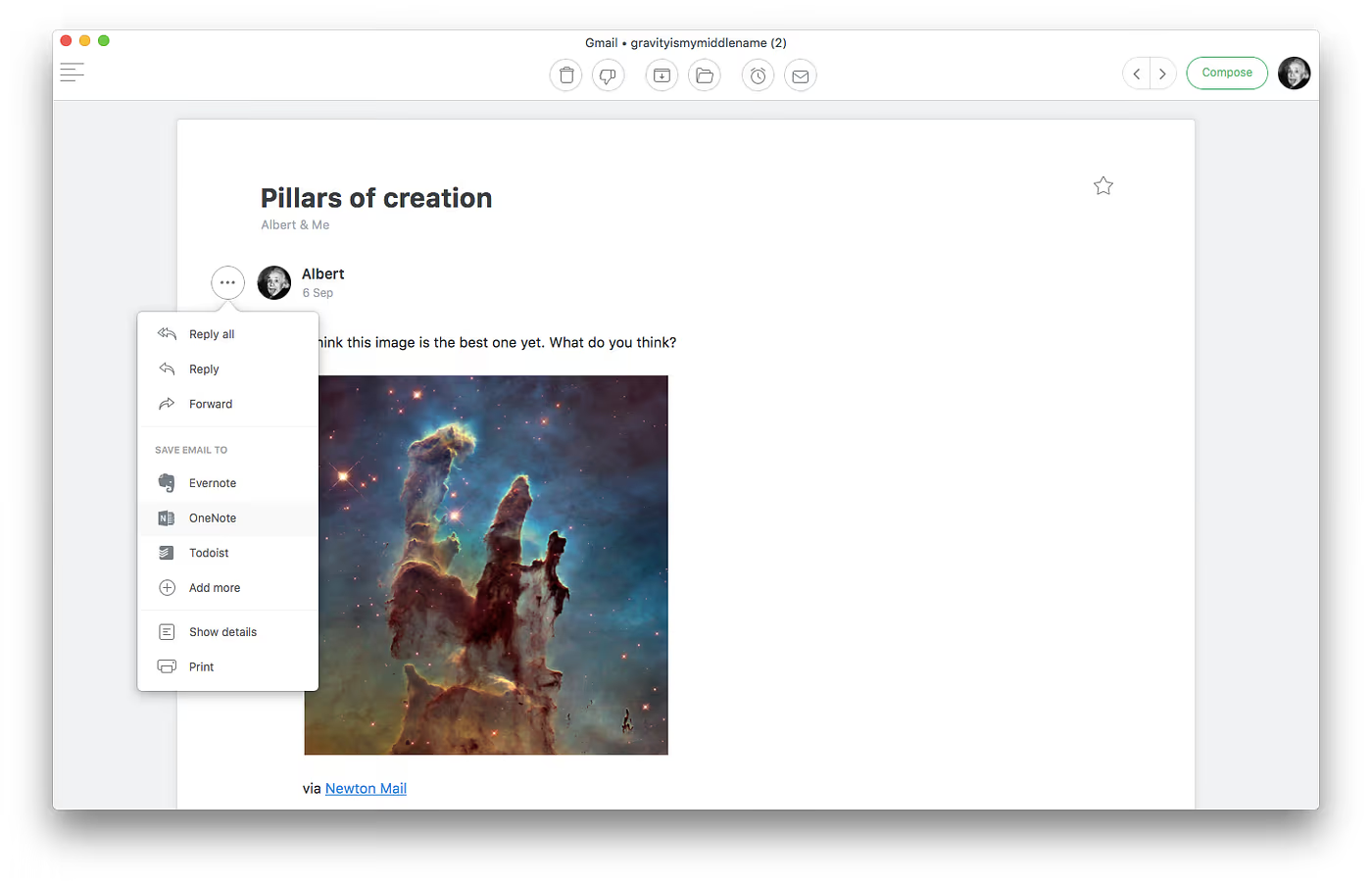
Simply follow these instructions:
- On your mobile device/Mac hit the 3 horizontal dots next to an email
- Hit OneNote and sign into or create your Microsoft account
- Newton allows you to save text or emails as notes inside of OneNote.
- Notes will be saved into the Quick Notes section of your OneNote.
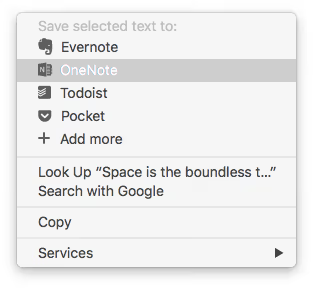
- Bonus: Save text directly into Microsoft OneNote as notes.
Here’s how everything works on mobile and desktop, let’s start with mobile:
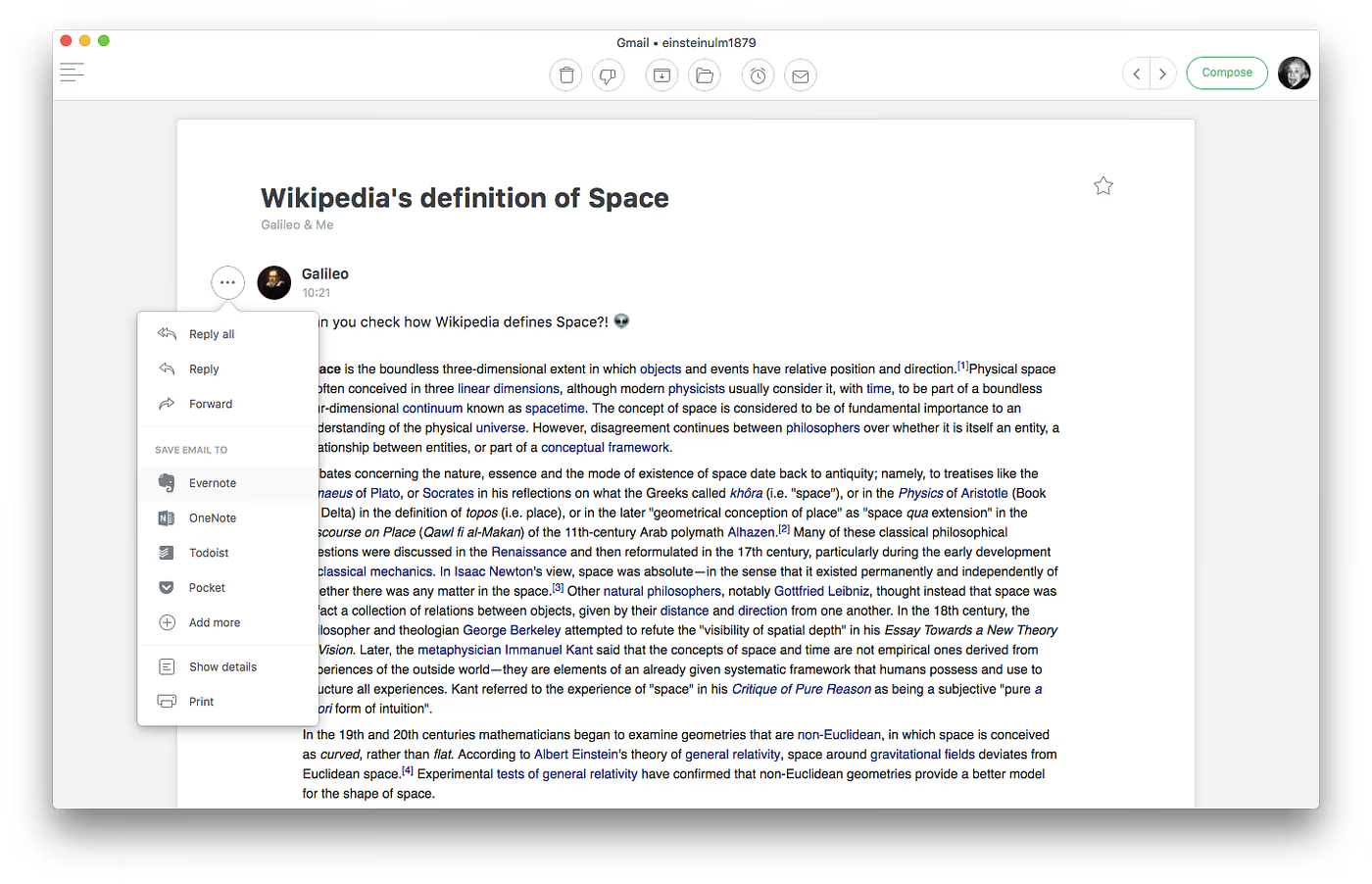
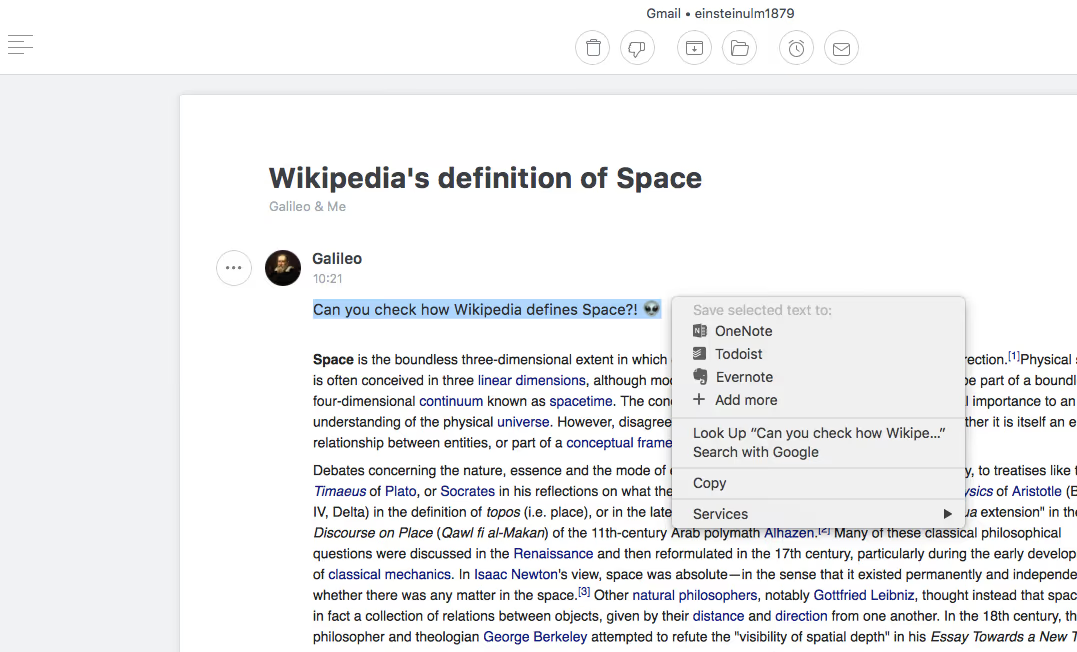
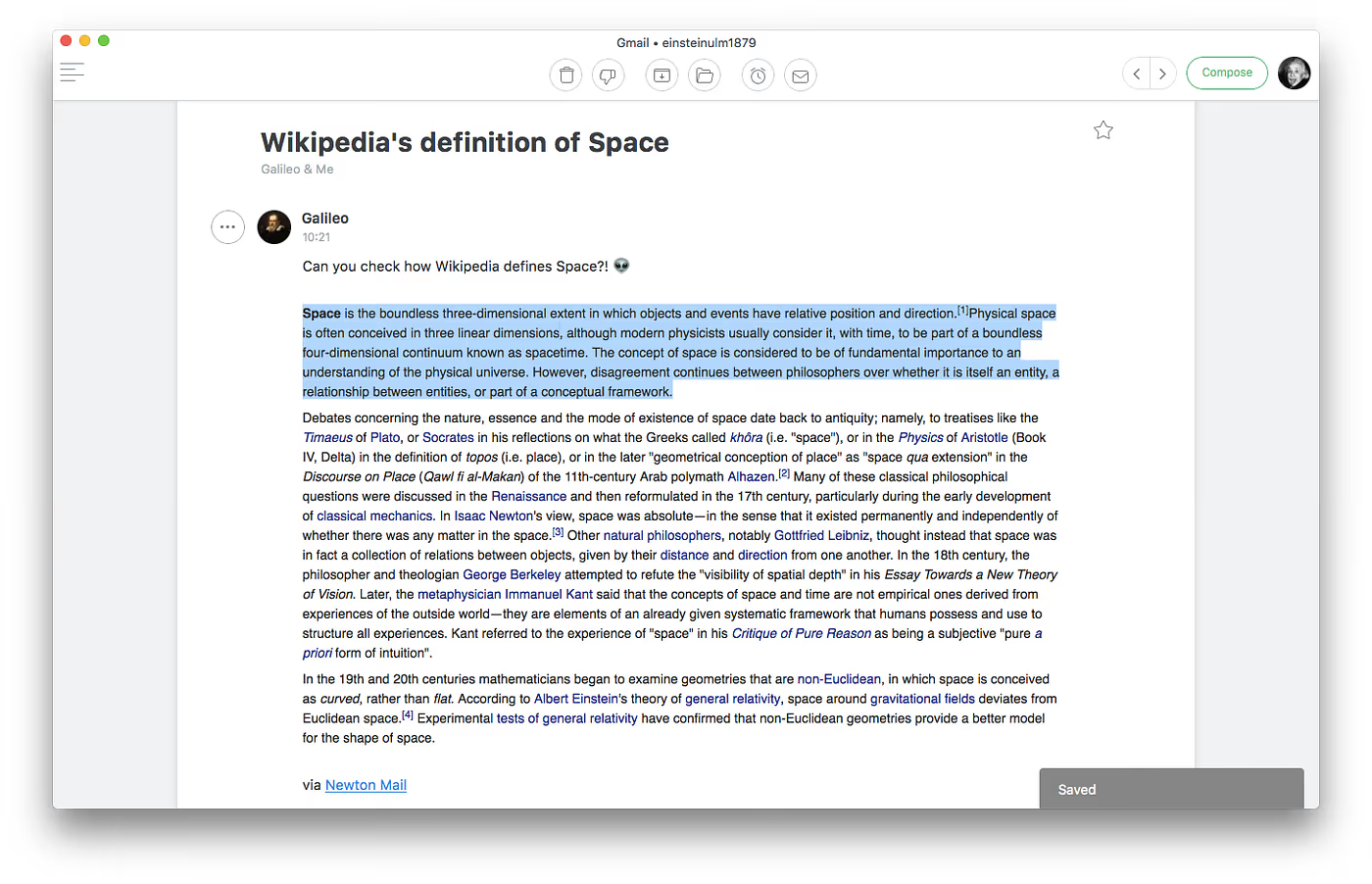
Here’s how OneNote and Newton work on mobile:
OneNote is one of the most used note-taking applications thanks to its close integration with Office 365 and other Microsoft tools. Newton works beautifully alongside OneNote to help you clip notes wherever you are.
If you’re looking for a modern, powerful emailing experience, give Newton a spin.





