
Umesh Gopinath
March 15, 2017
2 min read
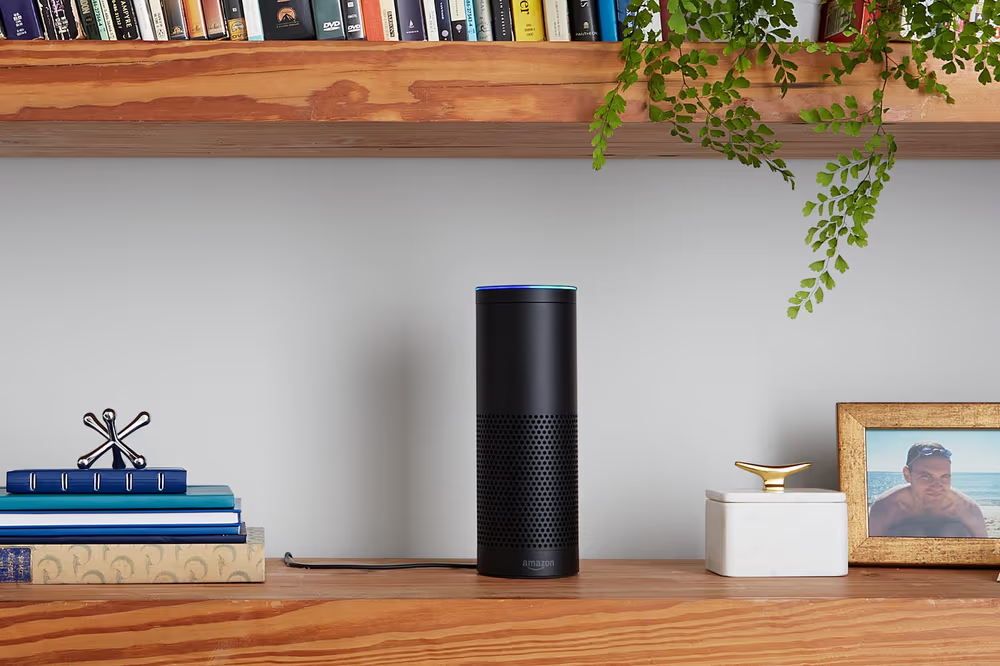
Too busy or too lazy to get to Newton on your phone but want to quickly catch up with your emails? Just ask Alexa. The Newton skill on Alexa will now make you stay on top of your emails without having to reach for your phone or computer.
Set it up
- Pre requisite: You should be already using Newton on your iPhone, Android or Mac
- Install Alexa app on your iPhone or Android
- Search for Newton skill on Alexa app and enable it.
- Tap on Link account. You’ll be taken to the Newton oAuth page.
- Log in to Newton using your Newton username and password to authorize Alexa to access your emails.
Talk to Alexa
- Start by saying Alexa, ask Newton if I’ve got mail.
- Alexa will reply if you have new mails and from who.
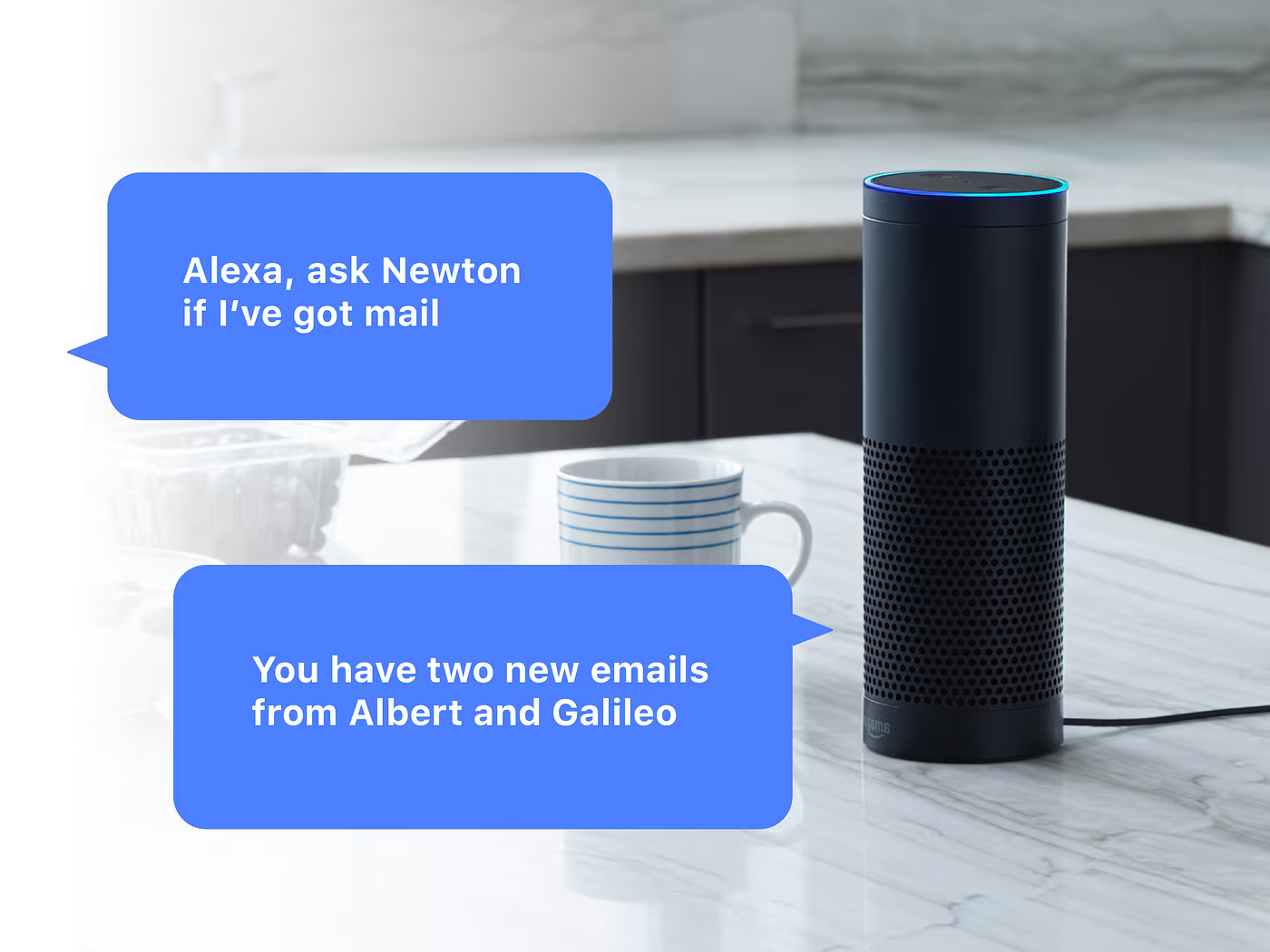
3. She will then ask “Do you want me to read them?”. Just reply Yes or No.
4. After reading a mail, she will ask you What do you want me to do with this mail?
Say any of the following:
Mark as read, Delete, Archive, Mark as spam, Snooze till later, Snooze till afternoon, Snooze till tomorrow, Snooze till day after tomorrow, Snooze till Saturday, Snooze till Monday, Snooze to Desktop.
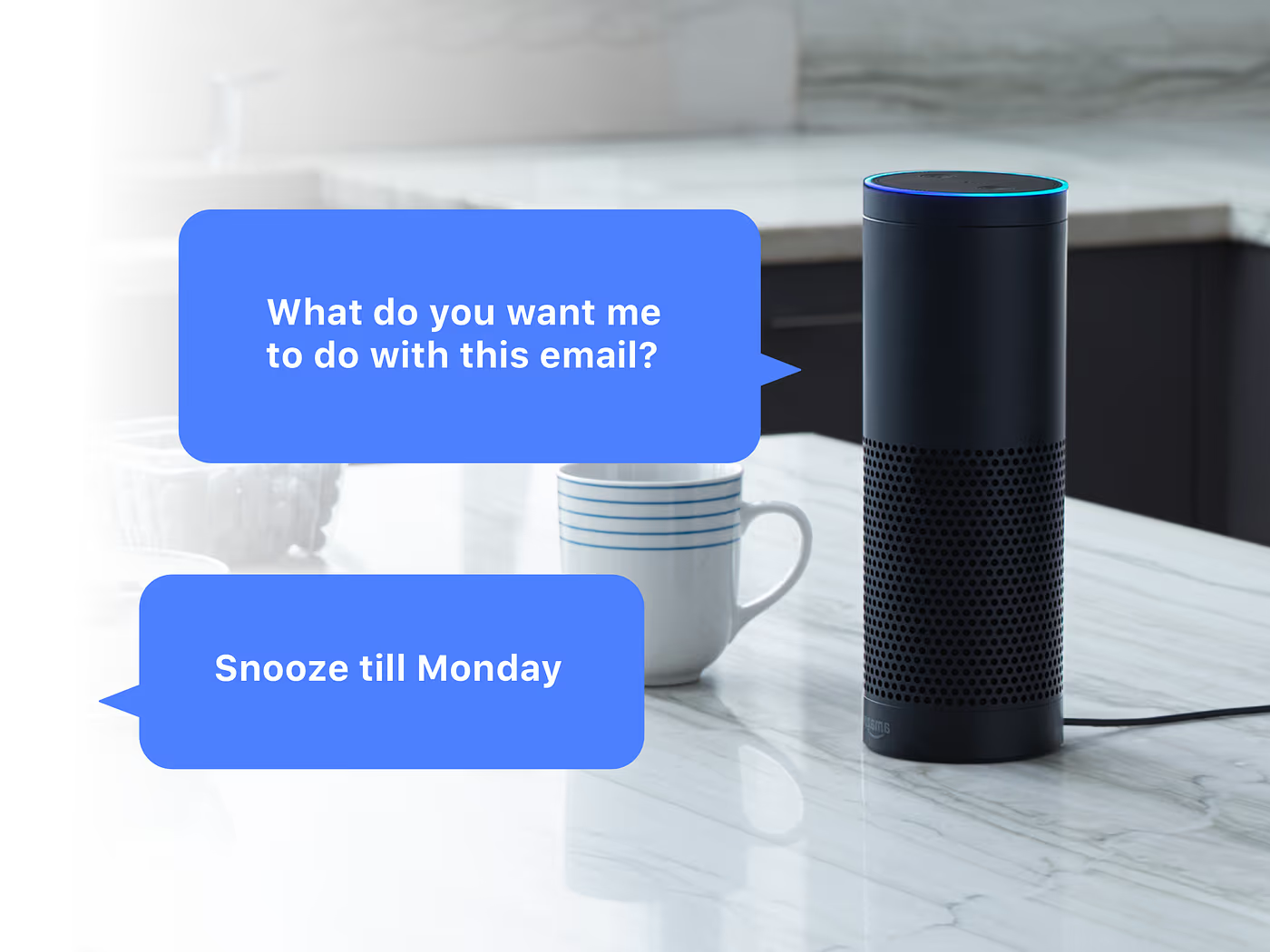
Or, say Nothing and she’ll move to the next mail.
5. You can also interrupt her if you wish to, by saying, Alexa, read again, Alexa, read next and Alexa, read previous mail.
6. At any point of time if you want to stop, just say Alexa, stop.
7. If you want to quickly know who emailed you when you hear your phone buzz, just say Alexa, ask Newton who just mailed me.
That’s some impressive skill isn’t it?
If you are a fan of Newton, please don’t forget to say
Alexa, tell Newton that I’m a fan.
Get the Newton skill on the Alexa App Store





