
Francesco D'Alessio
February 7, 2017
5 min read

Whether you’re a freelance designer, marketer or a professional YouTuber, you’ve all got something in common. Email. As a freelancer, you always have to conquer the ever-growing pile of emails arriving from your colleagues, clients, and friends across an already busy day.
We wanted to share some advice for the freelancers, to reduce email clutter, answer the most important emails and combat everyday email stress.
Aim for Inbox Zero
The whirlwind of emails can hit us in chunks or even as a trickle.
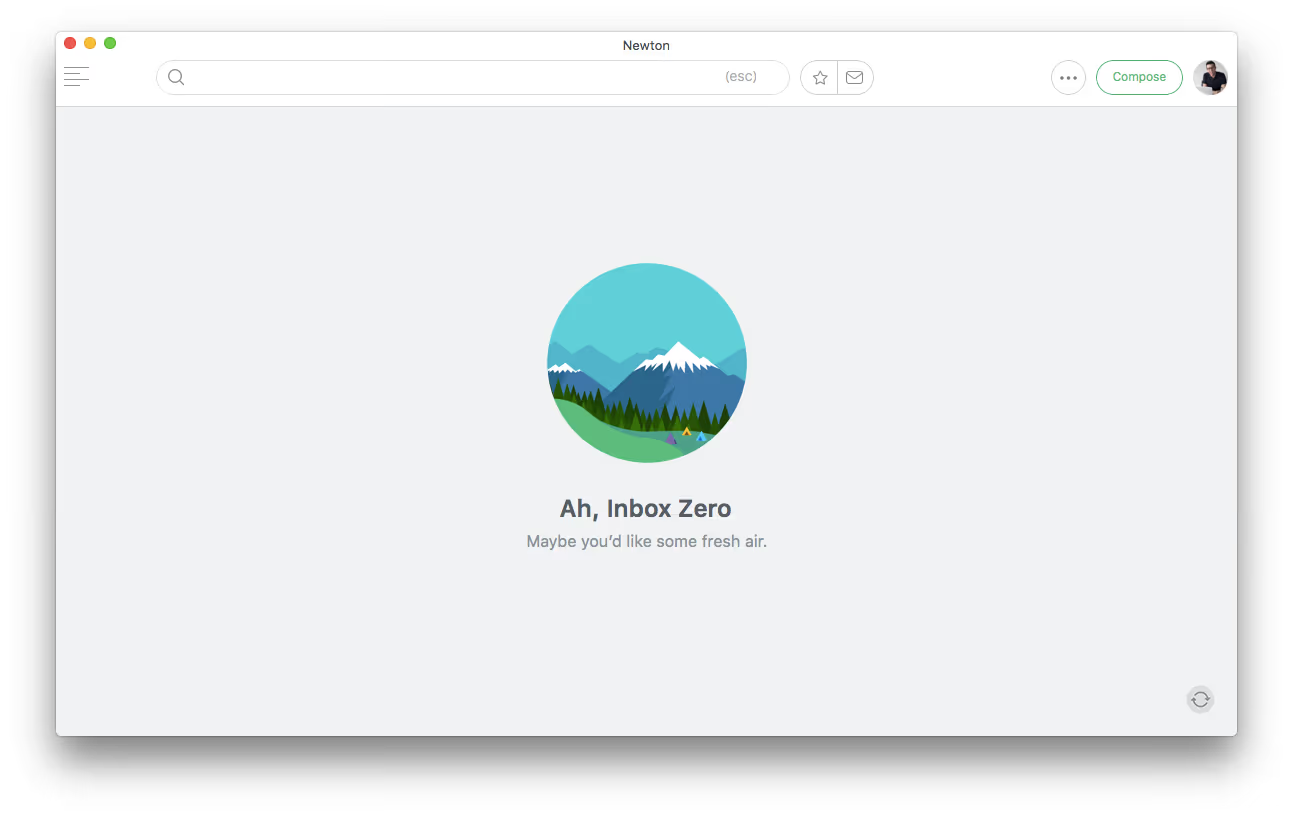
The concept of having an empty inbox is almost alien to some people. Inbox Zero is a technique that is discussed in a lot of email productivity literature. Created by Merlin Mann, the creator of 43folders.com this idea has been widely adopted but many individuals, especially freelancers, struggle to introduce it into their emailing system. Whether you want to implement a rigor system like Inbox Zero or not, here’s a few tips to getting close to an empty inbox.
- Try to avoid answering emails as they come in, as hard as it sounds, this can help to prevent time inside of your inbox.
- Jump into emails for reference purposes or if it’s an element of a project you are currently working on.
- Clear your email inbox every 4 hours or more. This’ll give your inbox time to fill up, complete two rallies of clearing across the day.
- Only complete work associated with an email if it takes 2 minutes or less. Otherwise, delegate or add it to do it later on your task/project manager.
Clearing your email normally occurs at 9 am to start the workday and 5 pm to end your workday. It’ll allow you to combat your emails in two core rallies, versus 30 little separate rallies.
Only go into your inbox to clear the whole email set.
Create an auto responder
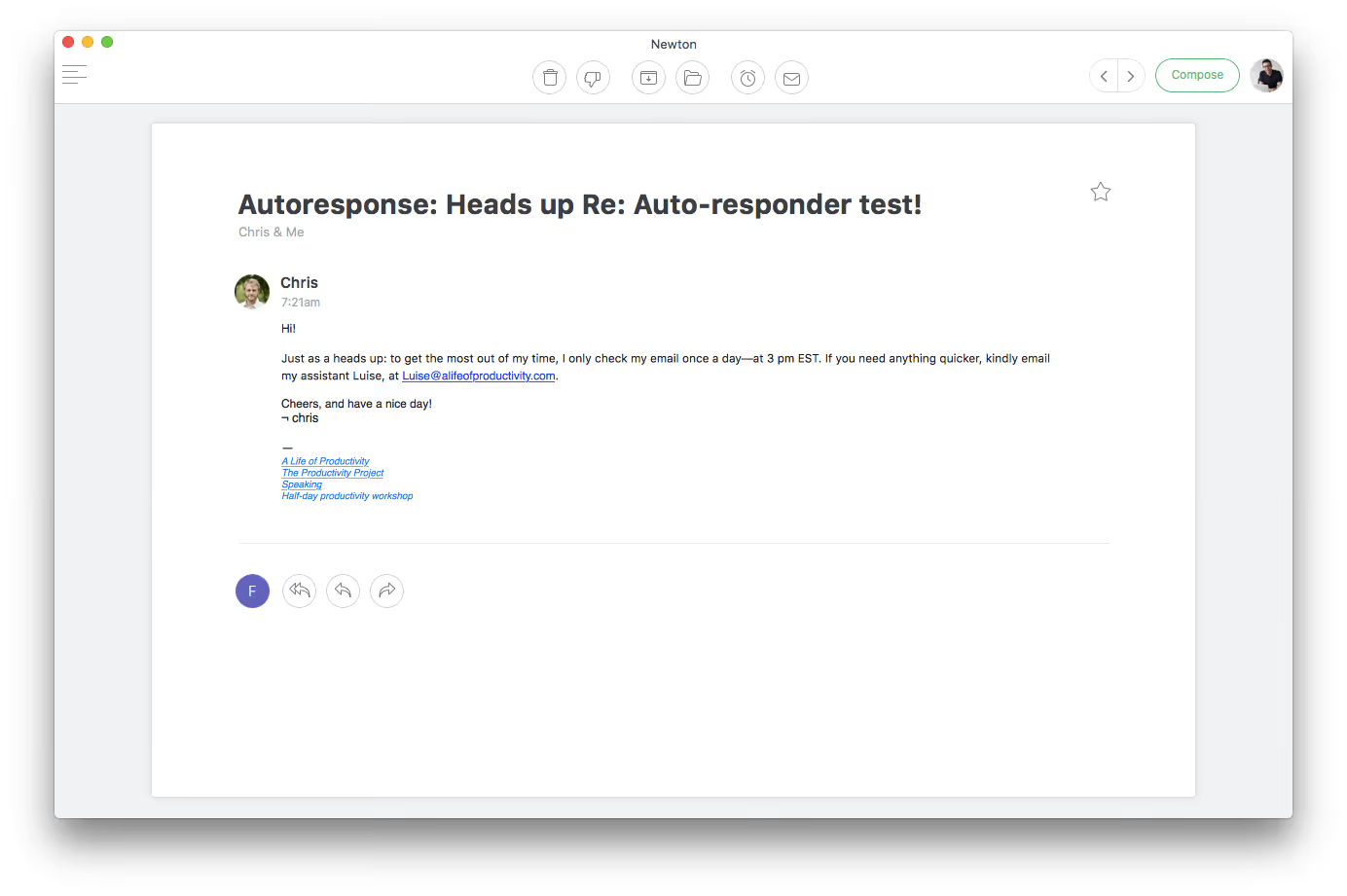
A popular routine amongst freelancers who travel in and out of the office is an autoresponder. It’s become a technique adopted to reduce emails from internal communication, apologize for tardiness or to point people in the right direction.
Something that Chris from A Life of Productivity has adopted in his auto responder. Not only does it help redirect us to the right people, it also gives them a heads-up that they should not expect a prompt response to their email.
Read the following books
If you’ve discovered this article with little or no knowledge of email productivity, there are a few good reads that’ll act as the perfect training course for you and your inbox.
Tim Ferriss’s Four Hour Workweek is famed as the “bible for combatting unwanted emails”. It’s something I read every year again to help squeeze any poor routines out ofmy emailing habits. Another read by Chris Bailey is the Productivity Project, a set of experiments used to test concepts of organising lifestyle.
Blogs like Productivityist and A Life of Productivity are very handy resources for those looking for a regular source of insightful learnings on email clearance.
Reduce email clutter

Email clutter is a mysterious thing. A combination of newsletter, unimportant emails, occasional SPAM and general noise from the world of the internet. There are various ways you can eliminate some of this noise.
When you’re completing your next Inbox Zero rally, try taking note of the last few “clutter” type emails you haven’t read. Whether they are e-newsletters or even recurring on-boarding emails to a new app, try eliminating them by using the unsubscribe button at the bottom of every email. If you aim to do this as you go, maybe between 5–10 emails a week, you’ll begin to reduce your general email clutter.
Remember the golden question is: If you haven’t read the last few emails, why not? This question will help to determine whether you need to unsubscribe ASAP.
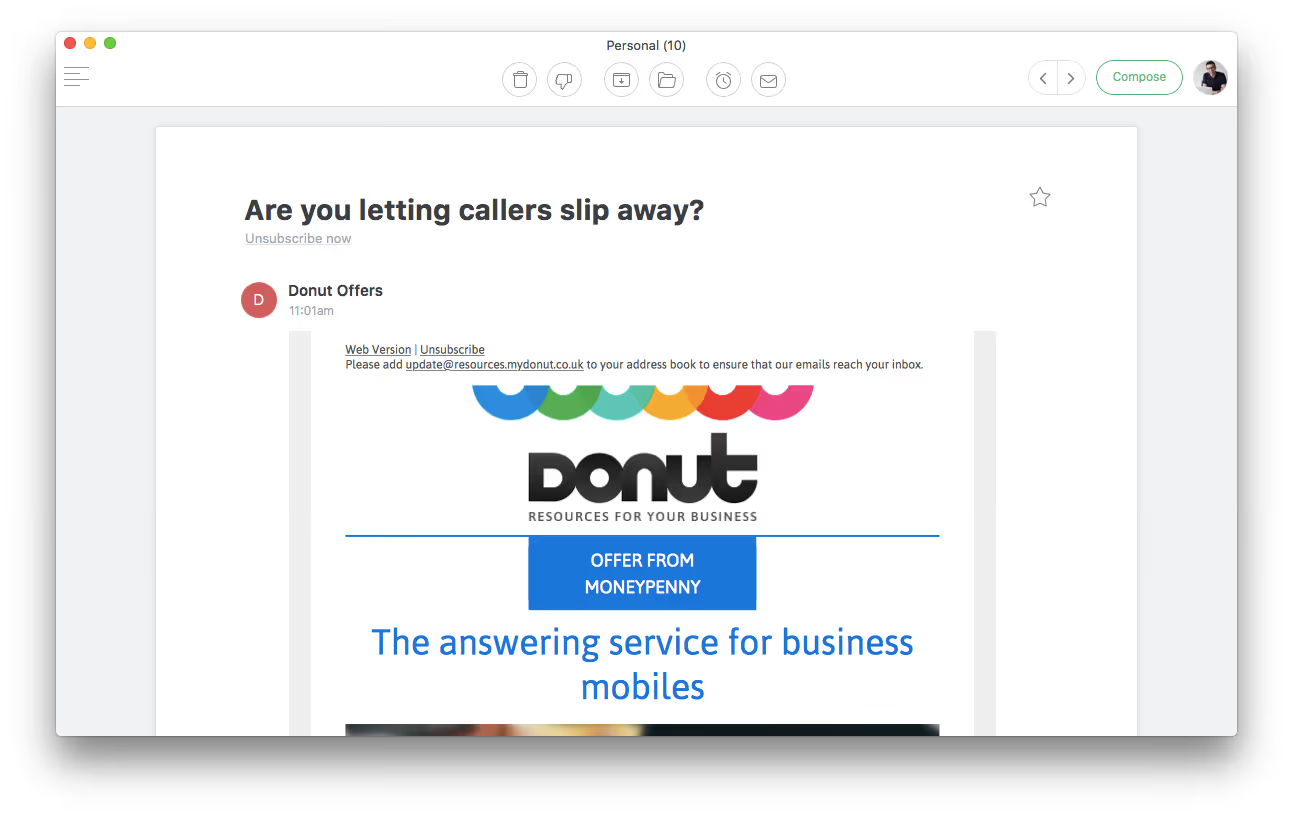
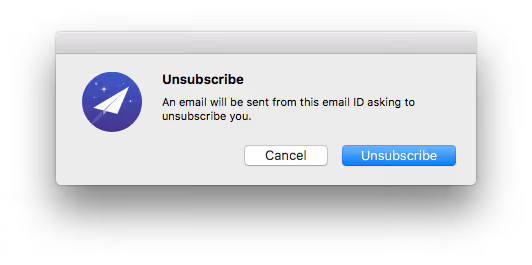
On Newton, we introduced a new one-click unsubscribe button so users can easily unsubscribe from unwanted newsletters without any hassle. It’s really easy to use and it’s perfect for saving time.
Use forwarding functions
You must have heard of tools like Todoist, Wunderlist, and Evernote.
These services are great ways to clip notes and tasks that you incur across your day. Many of these services help you avoid email distraction by having a “forward email” allowing you to save emails straight into your to-do list.
For example: Todoist offers a unique email address for you to email in your to-dos or useful information, very useful for on the go productivity without leaving your inbox.
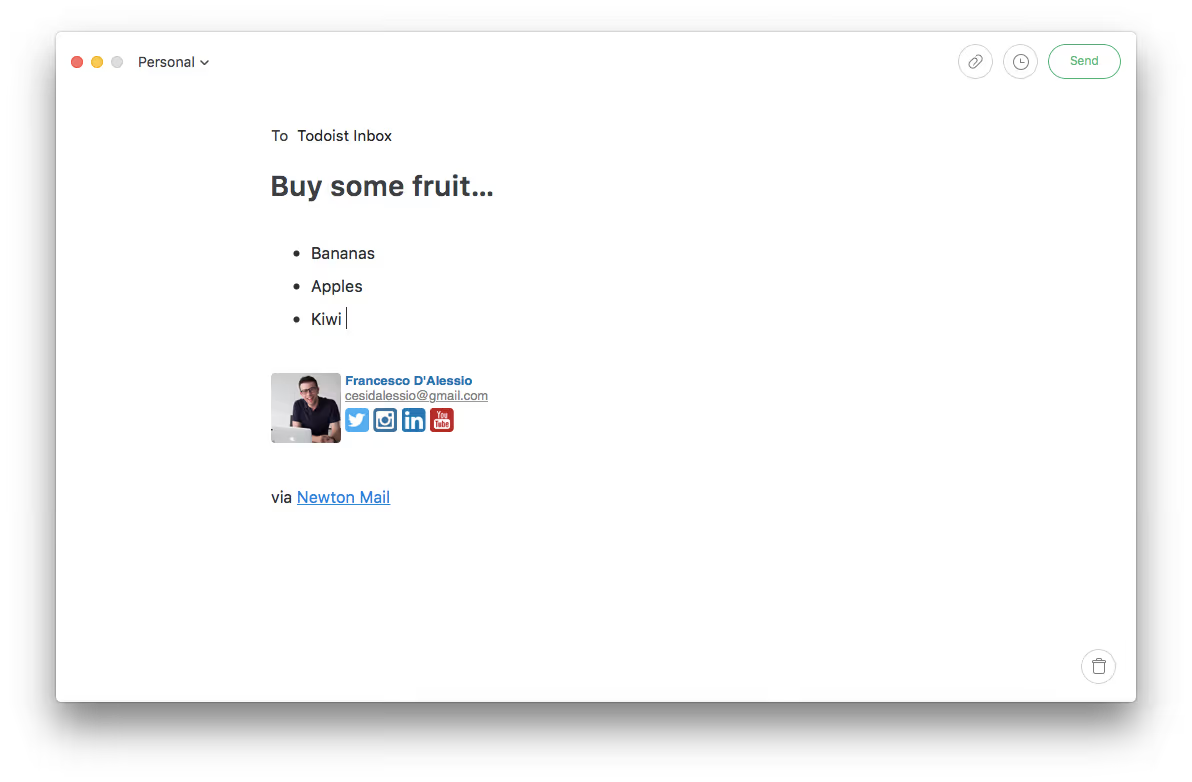
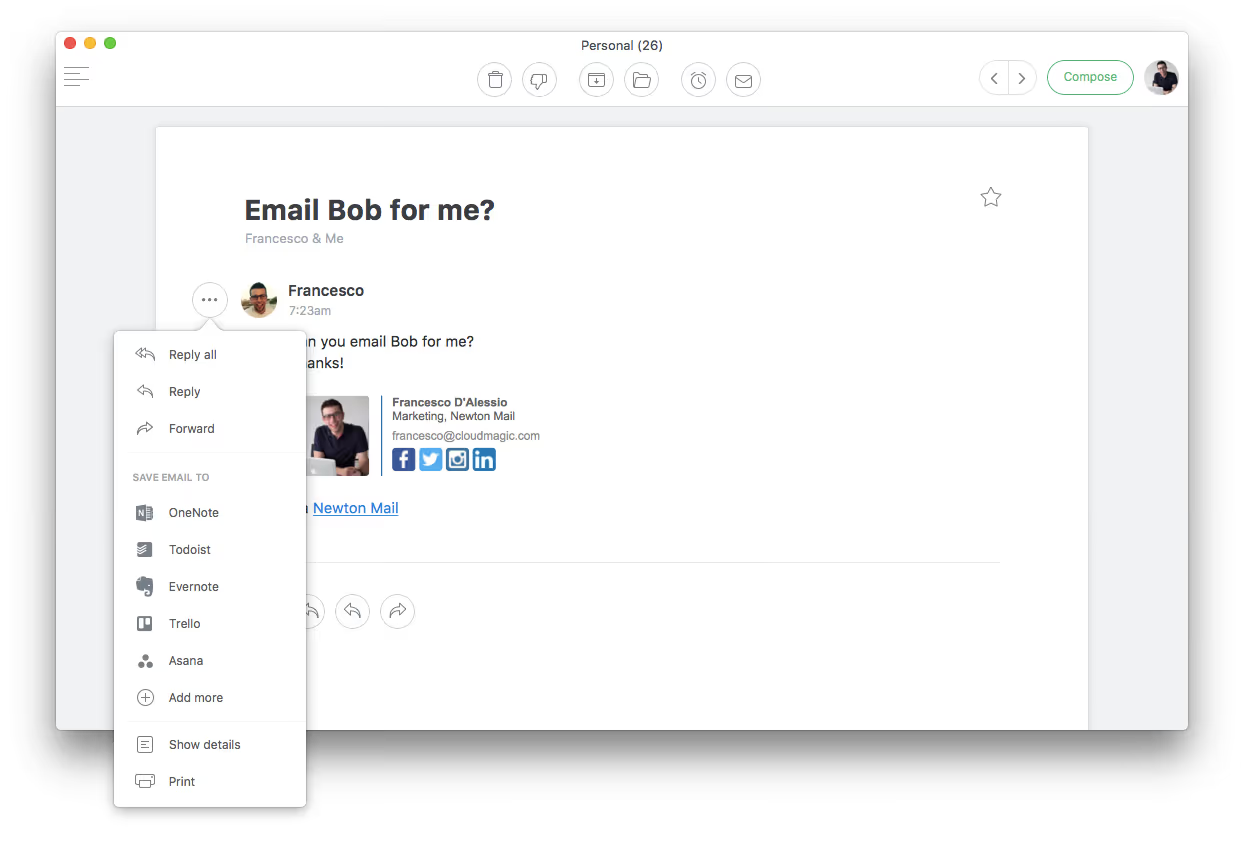
Email applications, like Newton, offer integrations with these productivity applications, allowing you to turn emails into tasks and notes in a single click.
Track the progress of an email
Email tracking is a concept that sounds like science fiction to many. There are many bonuses to knowing when, where and who read your email
Understanding whether your email has been read, received or where it landed can help perfect the communication, both internally and externally. There are a range of tools, from plugins to native tools that can help you execute this email tracking process.
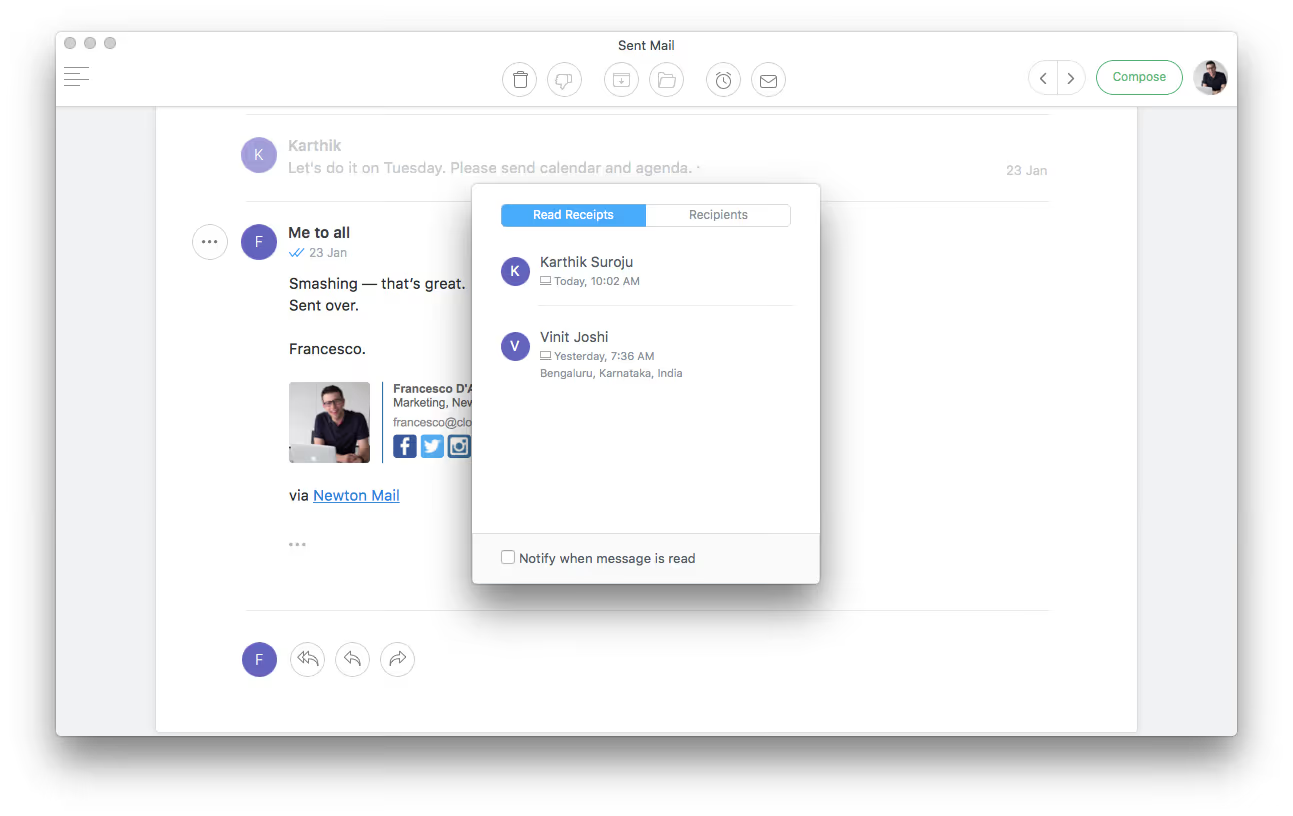
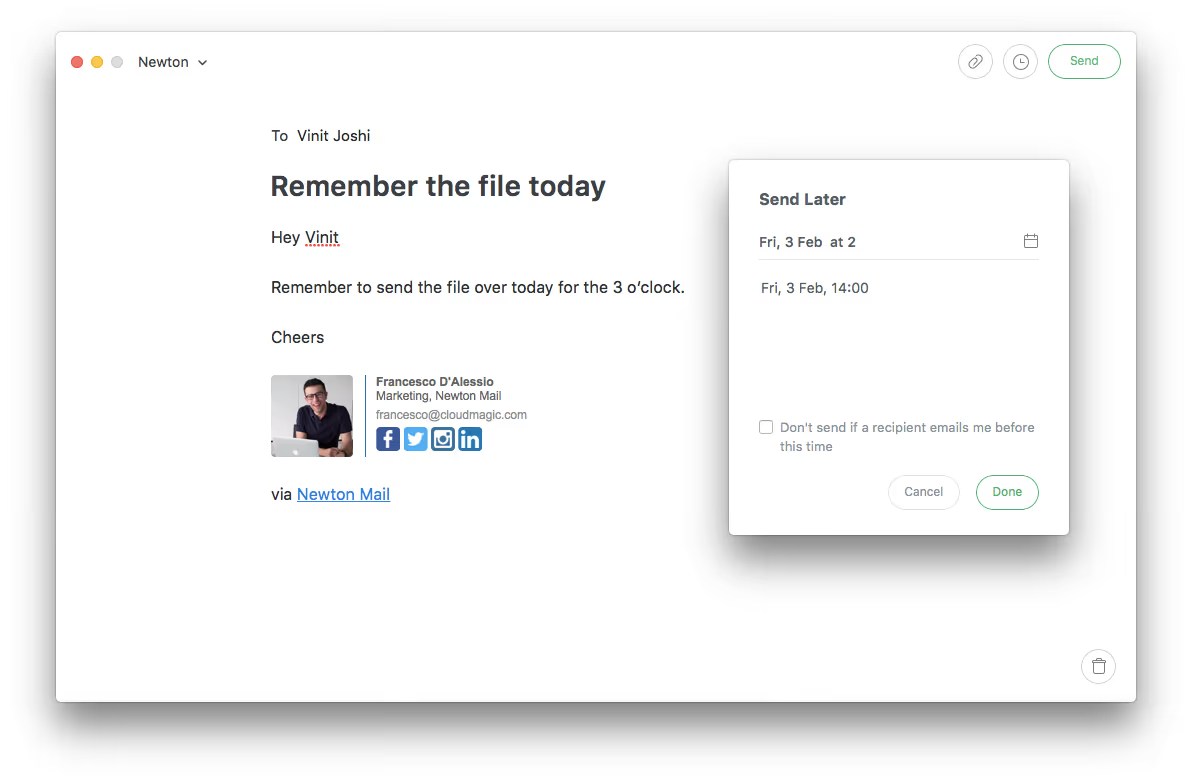
The benefits can have enormous value. Everything from better communication within the office, based on the knowledge of what times people normally like to read emails to working out whether a potential client has read the email, in order to help tailor the next email. There’s also an ability to “schedule emails” to help time the email to land at a specific time and date in somebody’s inbox.
Continuous improvement

You have to remember email is about continuous improvement. Freelancers have a great opportunity to improve their inbox skills to help refine the input they receive across their day.
All of these learnings combined with more email productivity literature can help put into practice full-proof routines to support you and your business.
Feel free to let us know how you organise your emails as a freelancer, tweet us @newtonmailapp, we’d love to hear!
Francesco from the Newton team





