Newton
November 18, 2016
2 min read
If you are switching to an Android device from iPhone or iPad, it’s likely that you are carrying your iCloud email address with you.
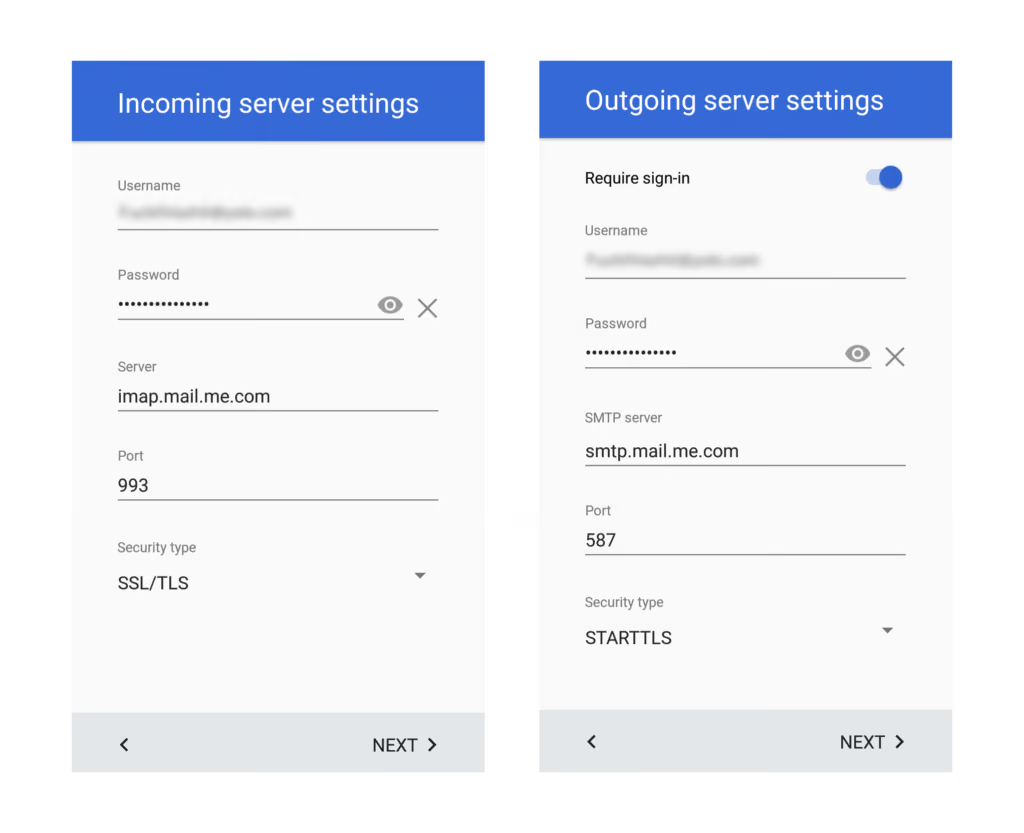
Good news is, you can access your iCloud email on Android. But the process is complex on Gmail — you need to add your iCloud account as IMAP, input incoming and outgoing SMTP server addresses, Port number, etc. All you get is the cluttered Gmail interface.
Newton to the rescue
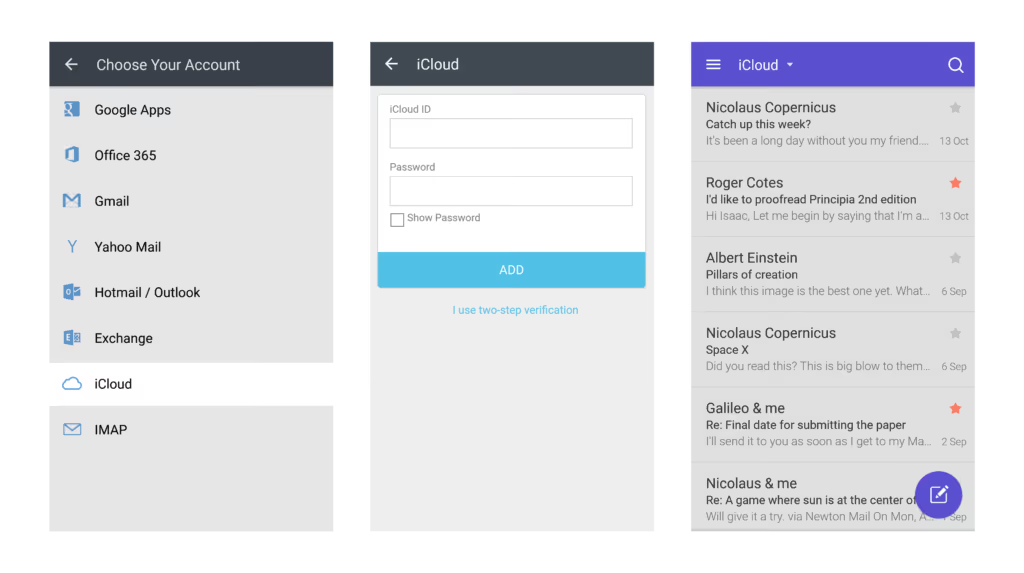
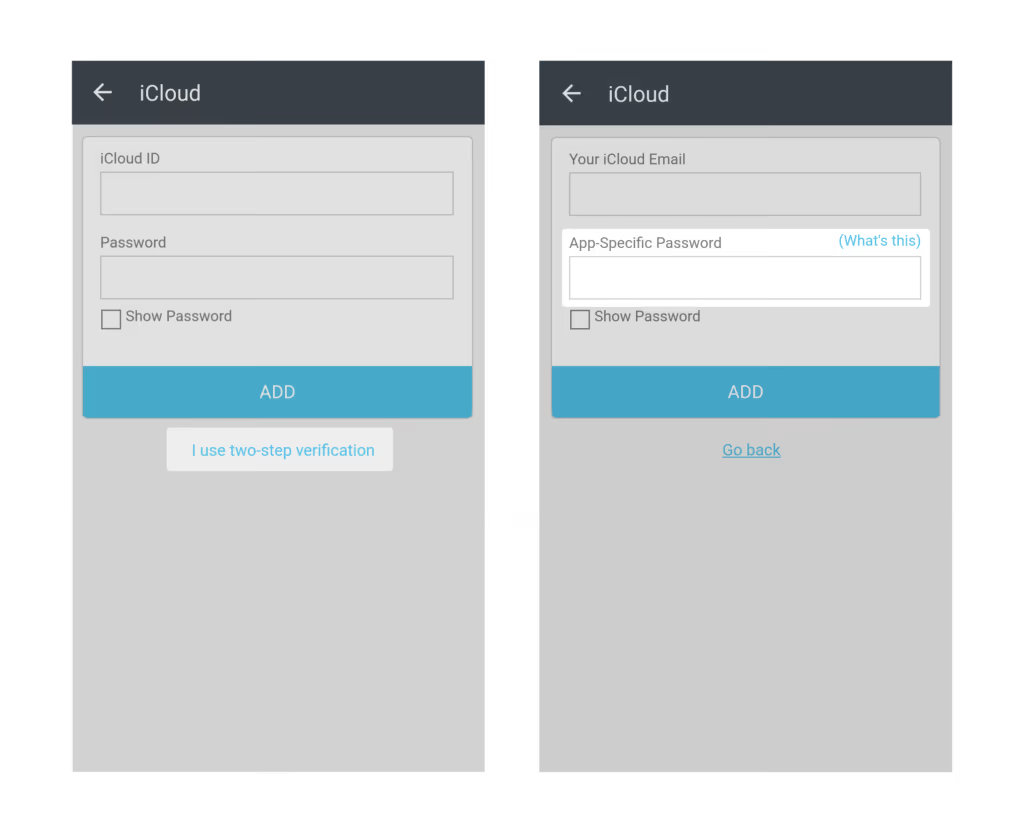
Newton Mail makes it easy for you to access your iCloud account on Android, with a simple one-step setup. Here’s how you add your iCloud account to Newton –
Go to Settings > Email Accounts > Add More > iCloud.
High-Level Security
Newton supports login via App Specific Password. For those who are not familiar with App Specific Password, it maintains a high level of security and ensures that your primary Apple ID password won’t be collected or stored.
Sign Up Once, Use Everywhere
Once you create a Newton account, you can use it to login to any new device and all your email and preferences will be synced automatically. Newton is available on Android, iPhone, iPad and Mac. (Psst…we are working on a Window Desktop app!)
“Next time you change your device, you need not go through the pain of setting up your email from scratch.”
Don’t just access your email, Supercharge it!
Newton comes loaded with a host of powerful features like Email Tracking, Send Later, Undo Send, Sender Profile, Snooze & more which works across all types email accounts including Gmail, Exchange, Yahoo Mail, Outlook, and IMAP.
“With Newton, you won’t just get to access your iCloud email on Android; you’ll supercharge your emailing altogether.”
Newton comes with a 14-day free trial. Download the app and start your free trial today!
Author: karthik suroju





