
Francesco D'Alessio
April 26, 2017
4 min read
Picking a great selection of Apps is tough for Mac, where do you start!?
After being a Chromebook user for 3 years entering the world of Mac was a huge eye-opener with lots of nifty applications for all your needs. I thought I’d round-up a few of those resources that have become helpful to keeping organised on my Mac.
I am a huge tab hoarder, I’ll admit it. When things get messy with my tabs I rely on these apps to keep everything else together. Here’s a comprehensive list of some of the best Mac applications for keeping organised, enjoy!
Cleaning up your Mac
- Memory Clean 2 — quick memory cleaner
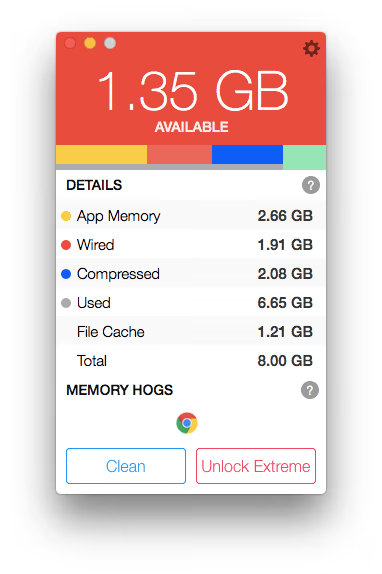
Keeping your memory low is important. So cleaning your Mac is now an option. Memory Clean 2 will help keep your memory fresh and ready without disrupting your core experience. I’ve noticed this has helped increase the speed of day to day getting things done.
It’ll show you in real-time too where your Mac’s memory is being spent, it’s cool!
Download for Mac. (free)
- GridSutra — Window Organiser

The aim is to declutter your desktop by reducing the amount of windows you have in an orderly fashion. There’s presets for grid set-ups that you can use to help organise your windows, without any stress. And plenty of shortcuts for you to access these easily as you go across your day! An alternative is Magnets on Mac.
Download for Mac ($2.99)
- Unclutter — Your Clipboard Chief
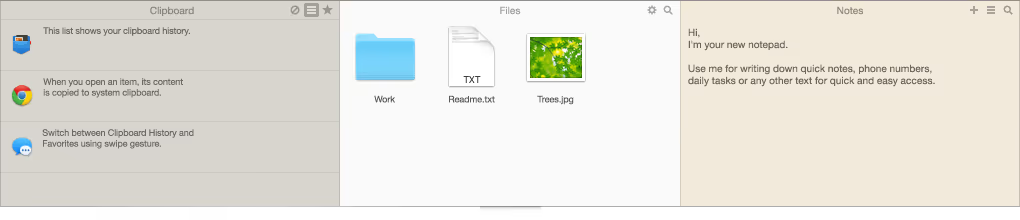
Store important clippings, files and notes in a handy place. Hit the top bar, scroll down and it’ll appear, you magic bar. It’s something I’m finding very easy to use when it comes to copying the same piece of text across applications and regular use files. Worth checking out, ideal for time-saving!
Download for Mac ($9.99)
Keep Organised Offline
- Evernote — The Notebook King

Creating notes inside of Evernote is easy, we all know of it’s wonderful features. If you don’t feel free to go to their website for a 101. One of Evernote’s golden features is offline, it’s great for taking notes on the go and keeping yourself organised. I created a video about how to keep yourself organised with Evernote notebooks too, which might help.
Download for Mac (free)
- Timing — Log your time
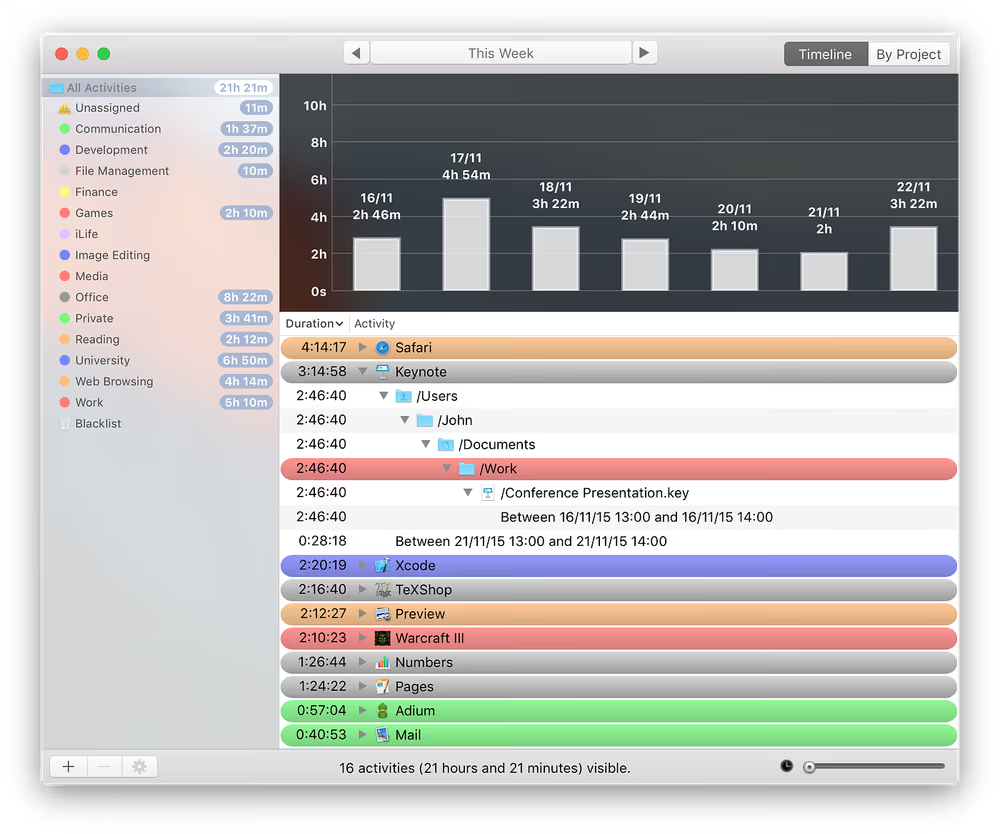
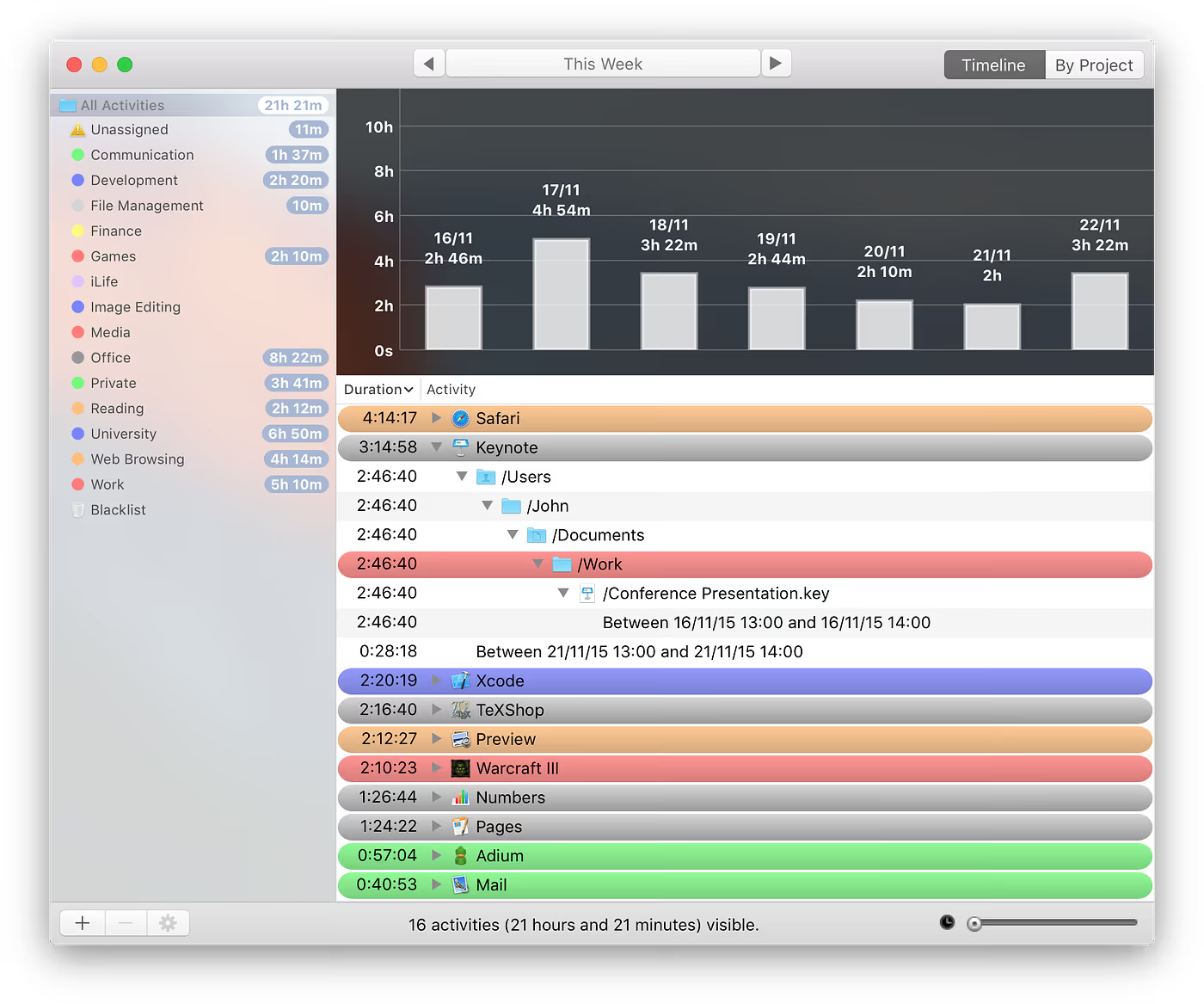
Offline time tracking. Ideal for making sure you tally all those minutes with a client, hours of research and days of emailing. Works really smoothly and provides a great way to log the time you spend for auditing each week. It is a little on the expensive side for a Mac app license, but if you’re looking for a robust solution you’ll enjoy Timing for sure.
Download for Mac ($59.99)
- Be Focused Pro — Pomodoro Timers
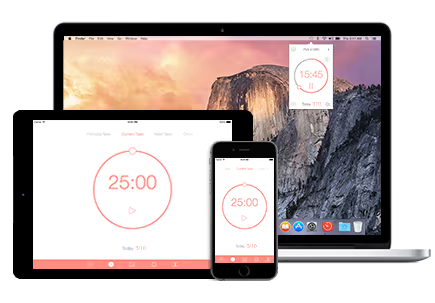
Pomodoro timers are perfect for keeping on track with your day to day work. Avoiding the messyness, focusing and channeling your attention in the 25 minutes and then having the 5 minutes break to relax to help refuel for your next timer session.
Download for Mac (£4.99)
Getting things done
- Todoist — Capture your tasks

The magic of Todoist is all about the ways you can capture. There’s various tools like the Chrome extension, the Gmail plugin and even within Newton. However the genius function on the Mac is the “quick-shortcut” allowing you to add tasks using intelligent input wherever you are. Perfect for getting organised within whatever app you are in.
- Timork — a smart, fun task manager
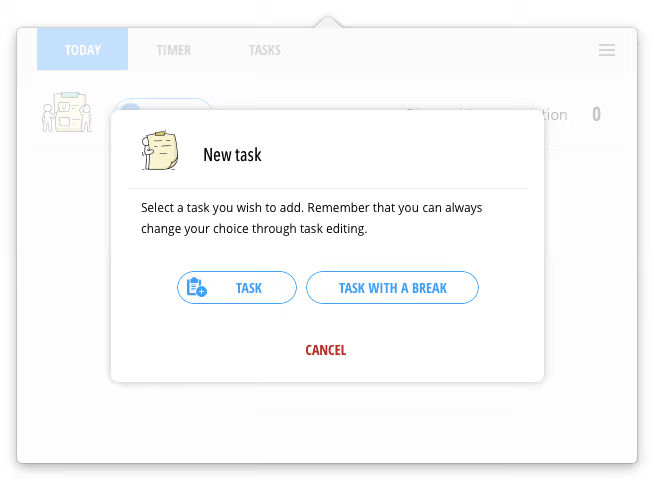

The lumberjack logo drew me into this one. After a few days I was super interested to how this worked on Mac. This Mac application allows you to access any tasks and pomodoro timers. Perfect for getting organised! Although it’s not Todoist’s impressively detailed tool, it’s a great start!
Download for Mac: (free)
I’d love to hear your thoughts on the Mac apps you use everyday to get organised.
Speaking of powerful Mac applications, why not try Newton? Advanced features like Read Receipts, Send Later, Snooze & more coupled with a clean, stress-free interface will surely give you some Inbox peace.
Follow Paper Planes today on Medium





