
Francesco D'Alessio
March 9, 2018
2 min read

Researching can be pretty laborious.
Sources, data, tables and lots more, in today’s fast-paced society, luckily, we don’t have to manually collect all this data anymore using methods like paper, but using research tools to collect all of this instead.
From academics to marketing managers, research needs to be done.
There’s no magic research button, as of yet, that will understand all context as you go about your research to do it all. So what are some useful tools and apps that can help us meanwhile?!
Diigo: Annotate & Clip with Ease
Most research is accomplished through the web and the likes of Chrome. Combining annotation functionality, sticky notes, outliers to a personal library, everything’s all in one place with Diigo, easy for reading later.
Download Diigo for Chrome: here
Evernote: Collect & Organise your Notes

A slightly more advanced tool for capturing, Evernote for Chrome provides a very functional note-clipper with annotation abilities and organisation features to save you time and effort across your workday.
Download Web Clipper for Chrome: here
Notebook 3 by Zoho: Colourful Clipping
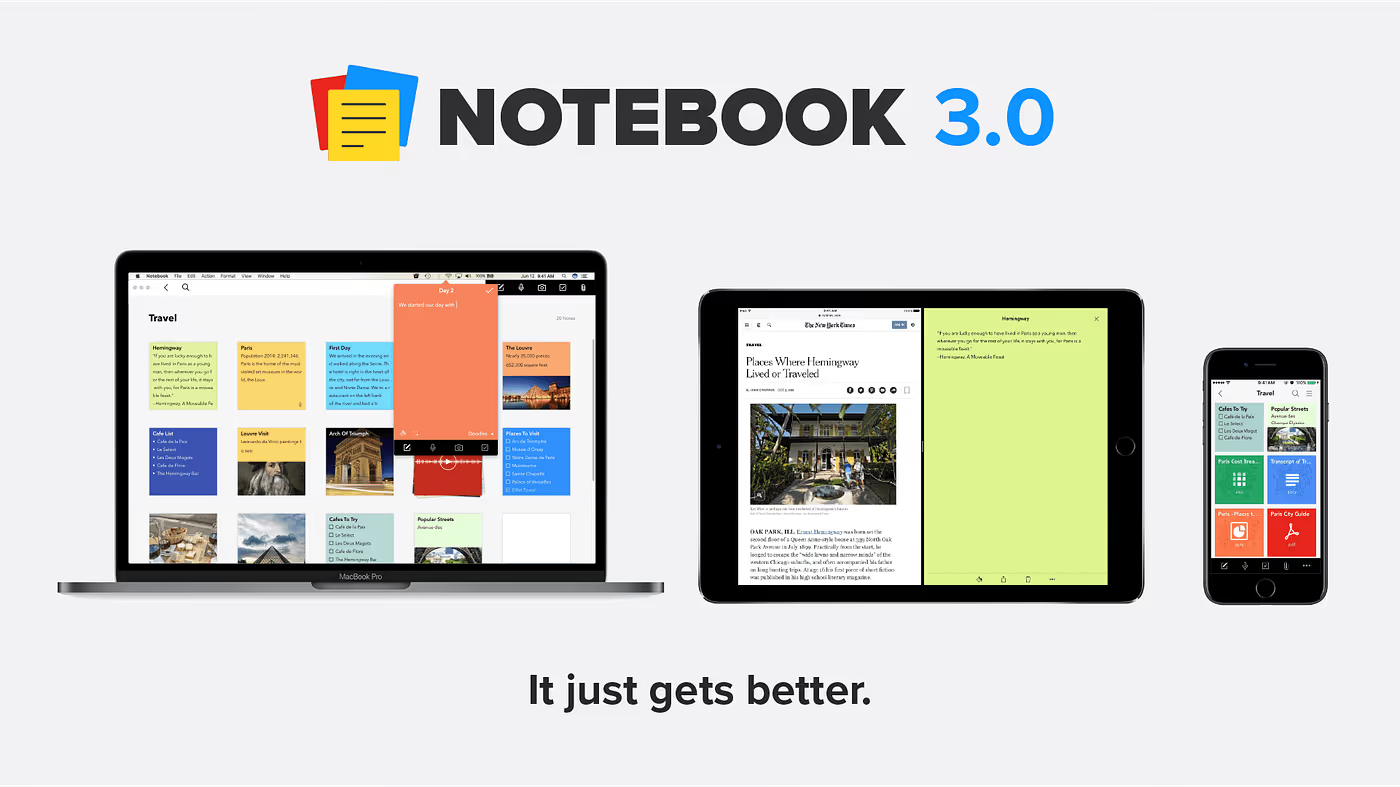
With a Safari & Chrome clipper, Zoho Notebook brings fun, easy and playful web clipping for research without the intensity of organising your notes. This colourful note-taker takes full advantage of checklist, images and documents.
Download Notebook 3.0: here
Lumio: Highlight Text
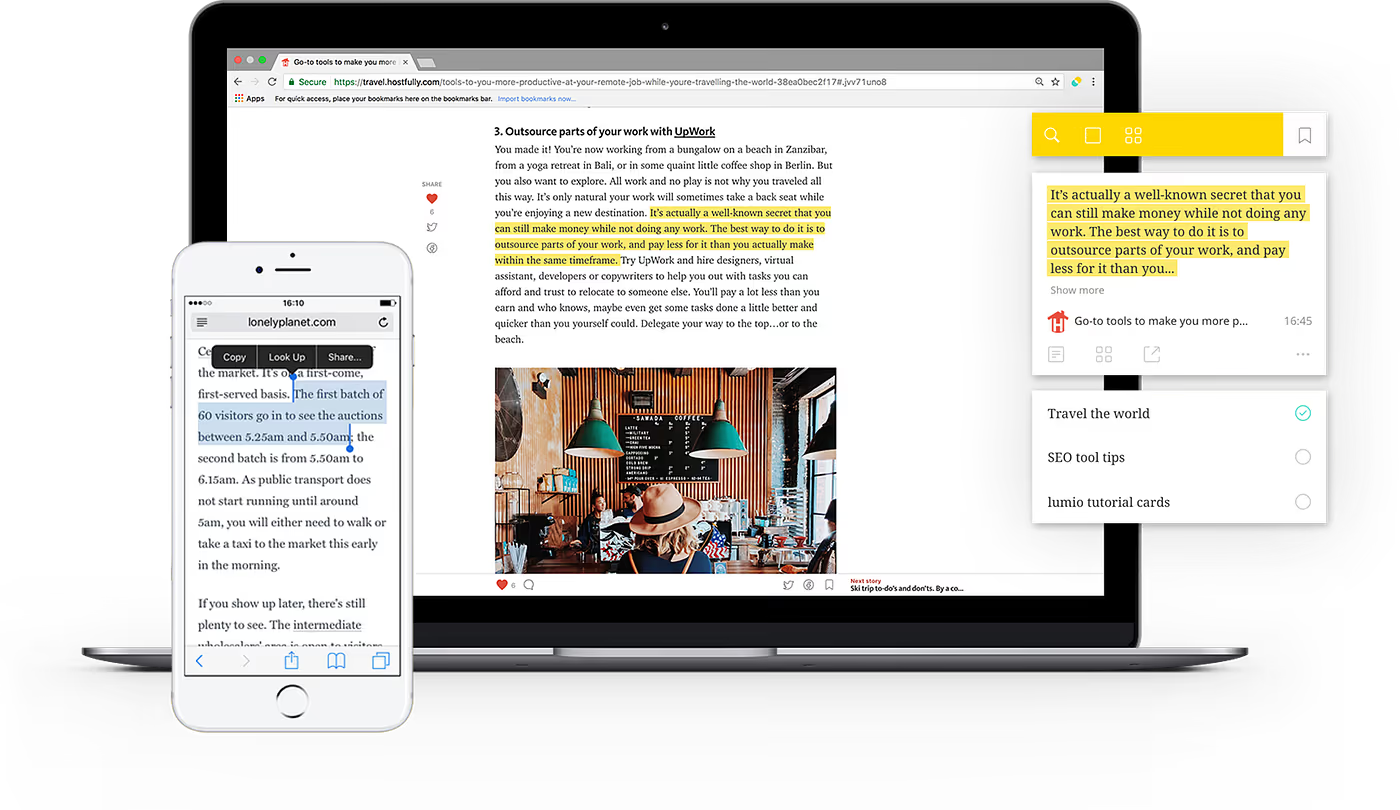
Highlight what matters. Lumio is a pretty well designed application providing a way to highlight and annotate important information then bring it together ready to share or consume later. One of the easiest to use and get on with.
Download Lumio for Chrome: here
OneNote Web Clipper

Another popular note-taker, that people don’t realise has a web clipper. OneNote’s web clipper is easy to use and allows to you to save to your notebooks, add tags and clip what you need, from full pages to full reads.
Download OneNote for Chrome: here
Dive into research without worrying about what and where you capture things You’ll love all of these recommendations, see which works for you!
Want to save emails to Evernote or OneNote from your inbox? Try Newton
Newton is one of the leading email apps on iOS, Mac, Android & Windows, providing powerful features like Read Receipts, Undo Send and even Tidy Inbox to reduce clutter, you’ll be at Inbox Zero in no time.
Follow us on Medium for more articles