
Francesco D'Alessio
August 21, 2017
5 min read

As you can imagine the Windows App Store is full of resources and software that can be used to boost your productivity and equally your procrastination.
In honour of our launch of Newton for Windows, we’ve put together a few of our favourite productivity apps on Windows to get you started.
From creative apps to note-taking apps, all of these recommendations have come highly recommended within the Windows community, enjoy!
1. OneNote
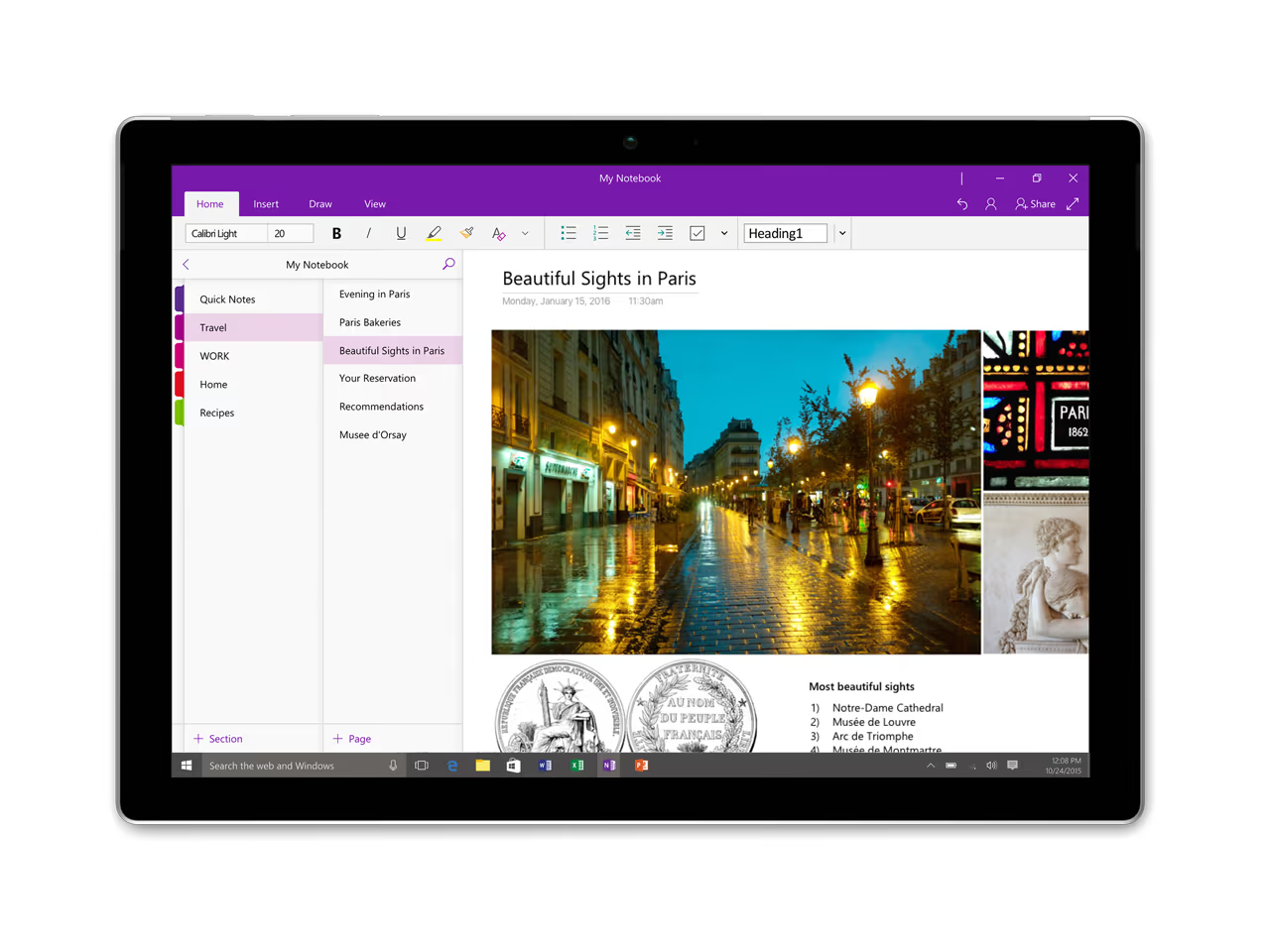
Note-taking will never be the same when using OneNote on a Windows device, optimised for the experience, this leading note-taking app allows you to take simple jottings and complex, advanced notes. Worth exploring!
Get OneNote: here (free)
2. Microsoft ToDo
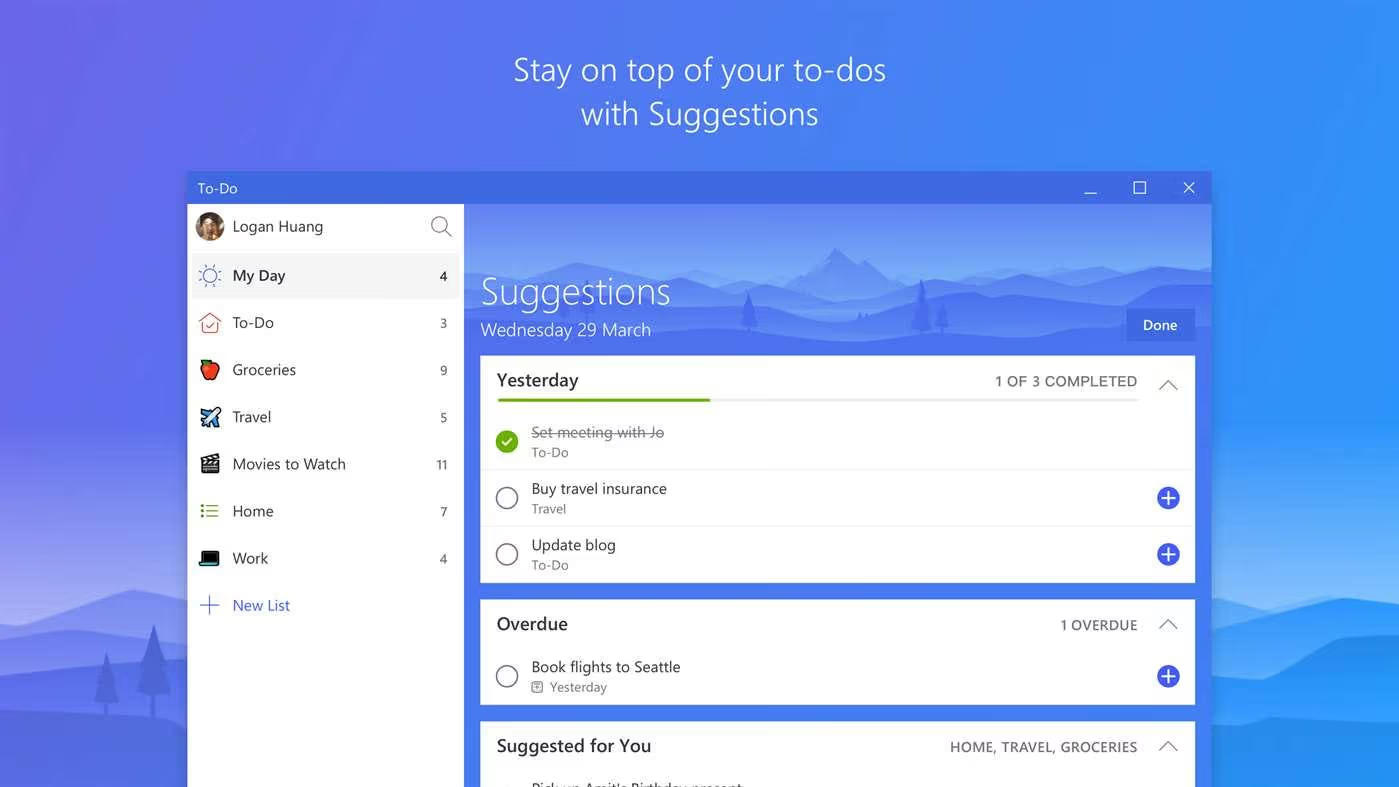
Getting things done is another vital activity, being on top of what you need to get done will help you be more productive across your day! The newly launched Microsoft ToDo replaces Wunderlist, but provides a clean way to start adding tasks, basic in its experience, it’ll help you get started!
Get Microsoft ToDo: here (free)
3. Todoist
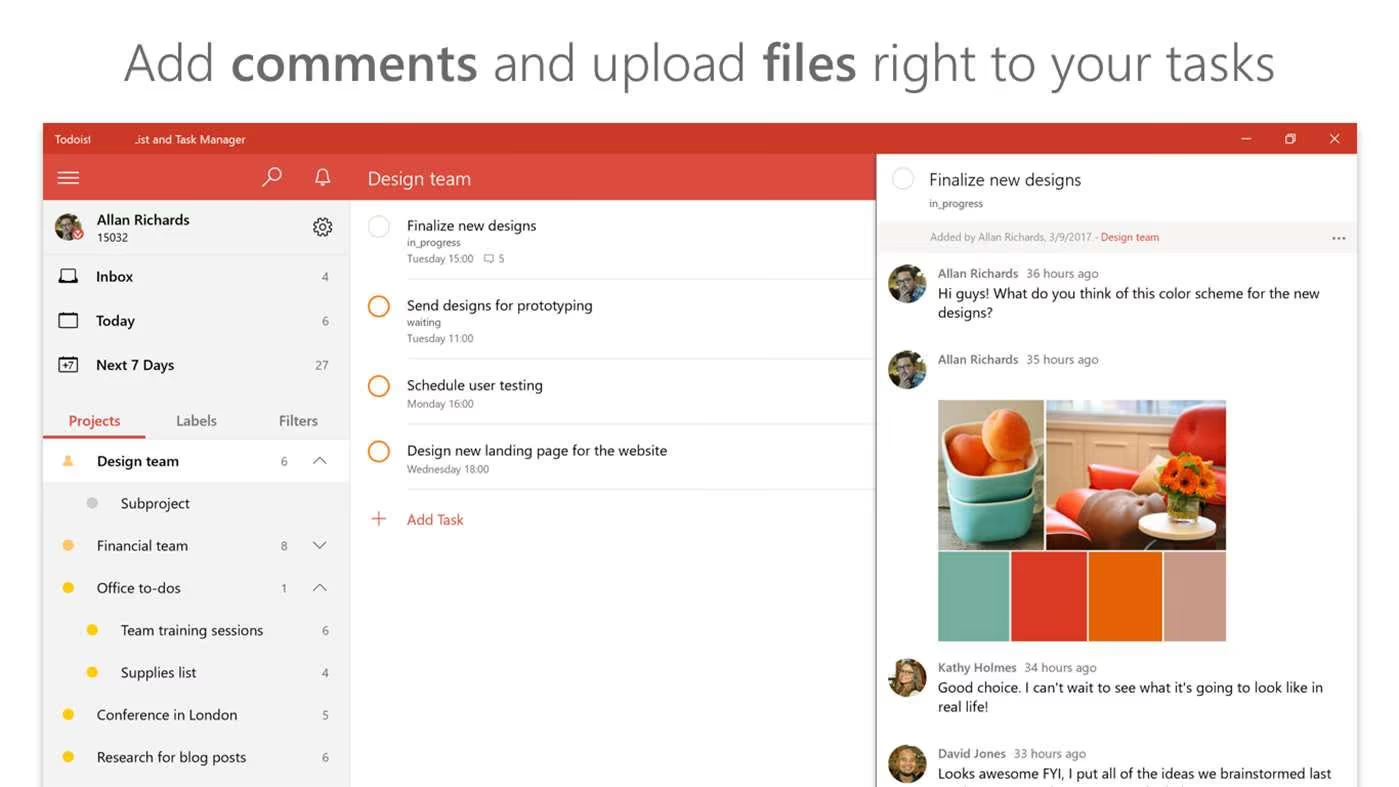
An equally, if not stronger, to-do list application, Todoist is available on Windows too. This veteran of the to-do list app space has become a favourite amongst professional and freelancers. Todoist combines an advanced experience with a flexible set-up allowing you to get things done everyday.
Get Todoist: here (free)
4. Docusign
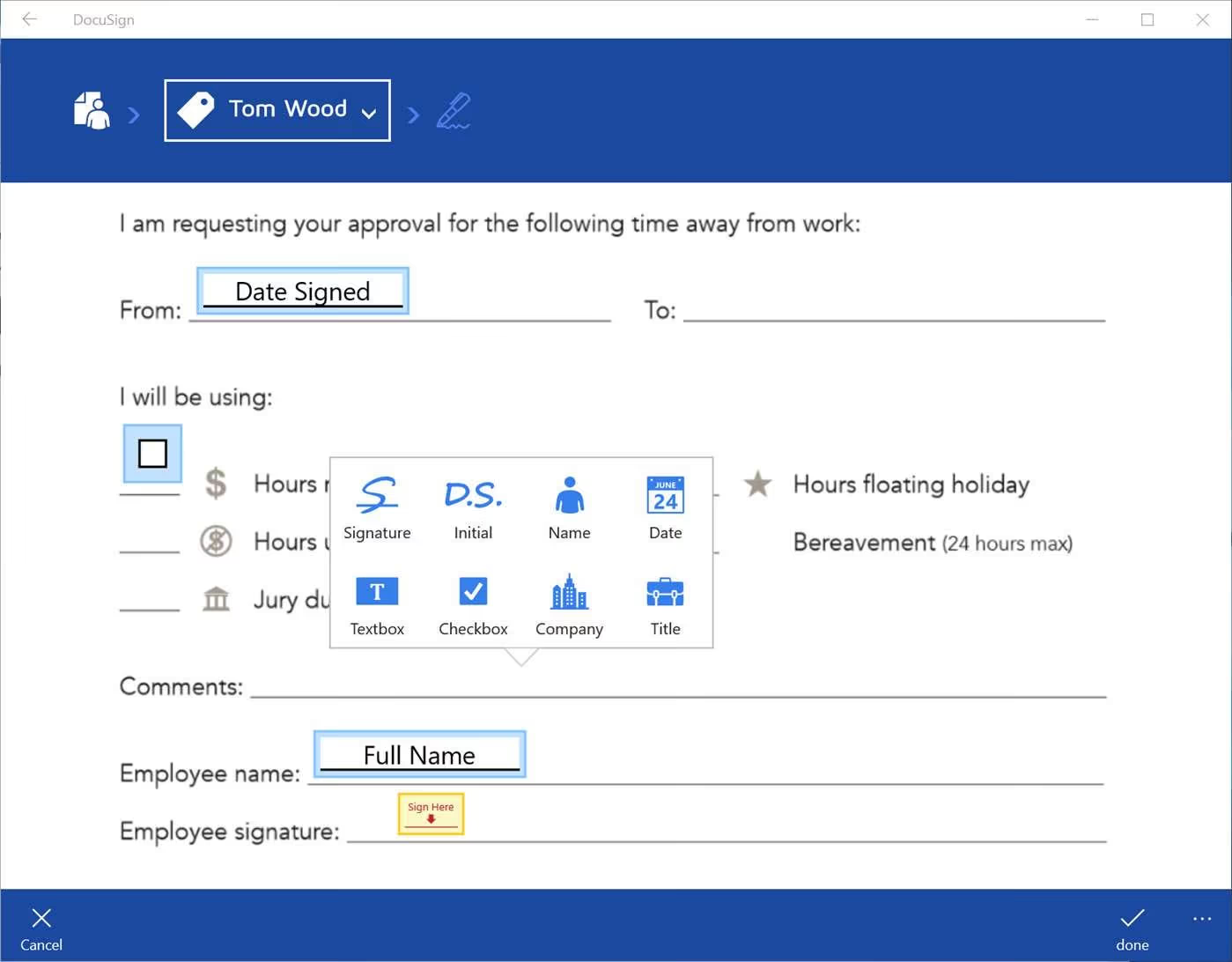
Need to get a document signed, but want to reduce the print time?! Docusign for Windows might just be for you. Signing documents electronically is becoming widely accepted as the way to transfer and confirm proposals, important documents and lots more.
Get Docusign: here (free)
5. Delve
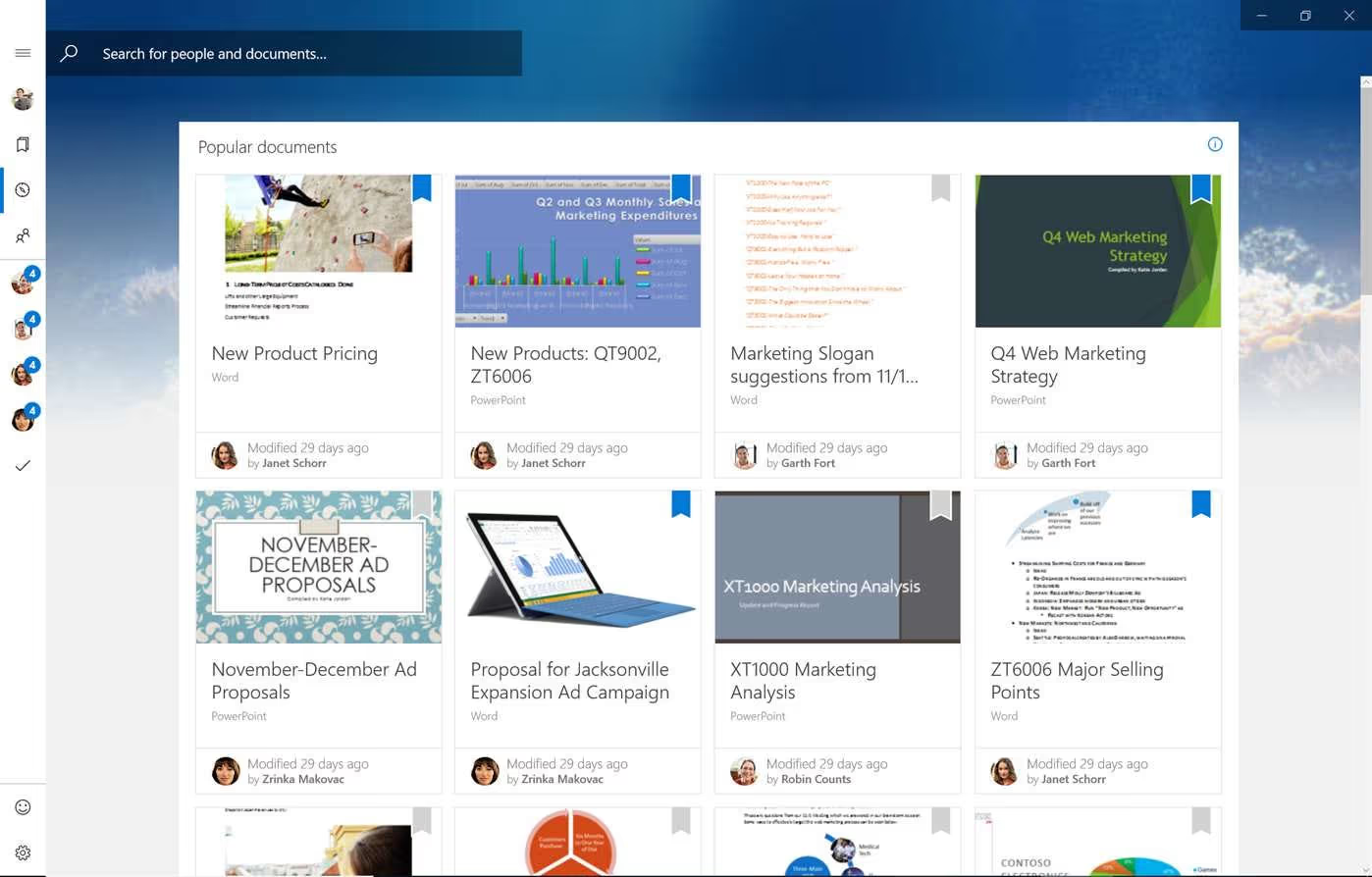
Trying to find out what others are up to?! For those on Office 365, connecting Delve for Windows, will provide you with a simple way to see all the documents your team or clients are working on. Get updated on document progress, and suggestions on documents to work on… Easy!
Get Delve: here (free)
6. Inkodo
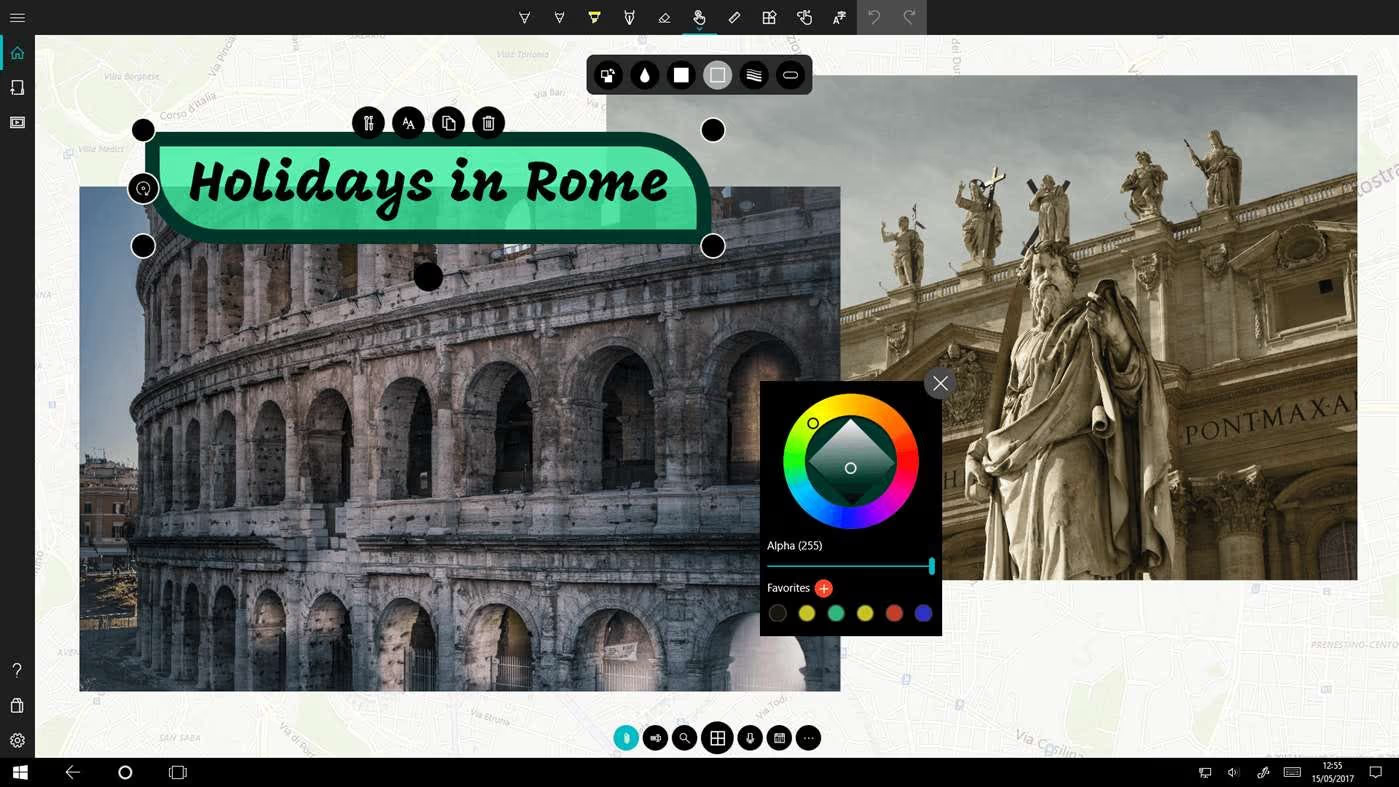
Sketch, take notes, doodle, annotate and lots more with Inkodo. Looking to visually represent things to boost the quality of your meetings, or just to grab some re-charge time, then Inkodo provides that for you! Easy to use and perfect for those 5-minute tweaks or long breaks from intense work.
Get Inkodo: here (free)
7. Focus Journal
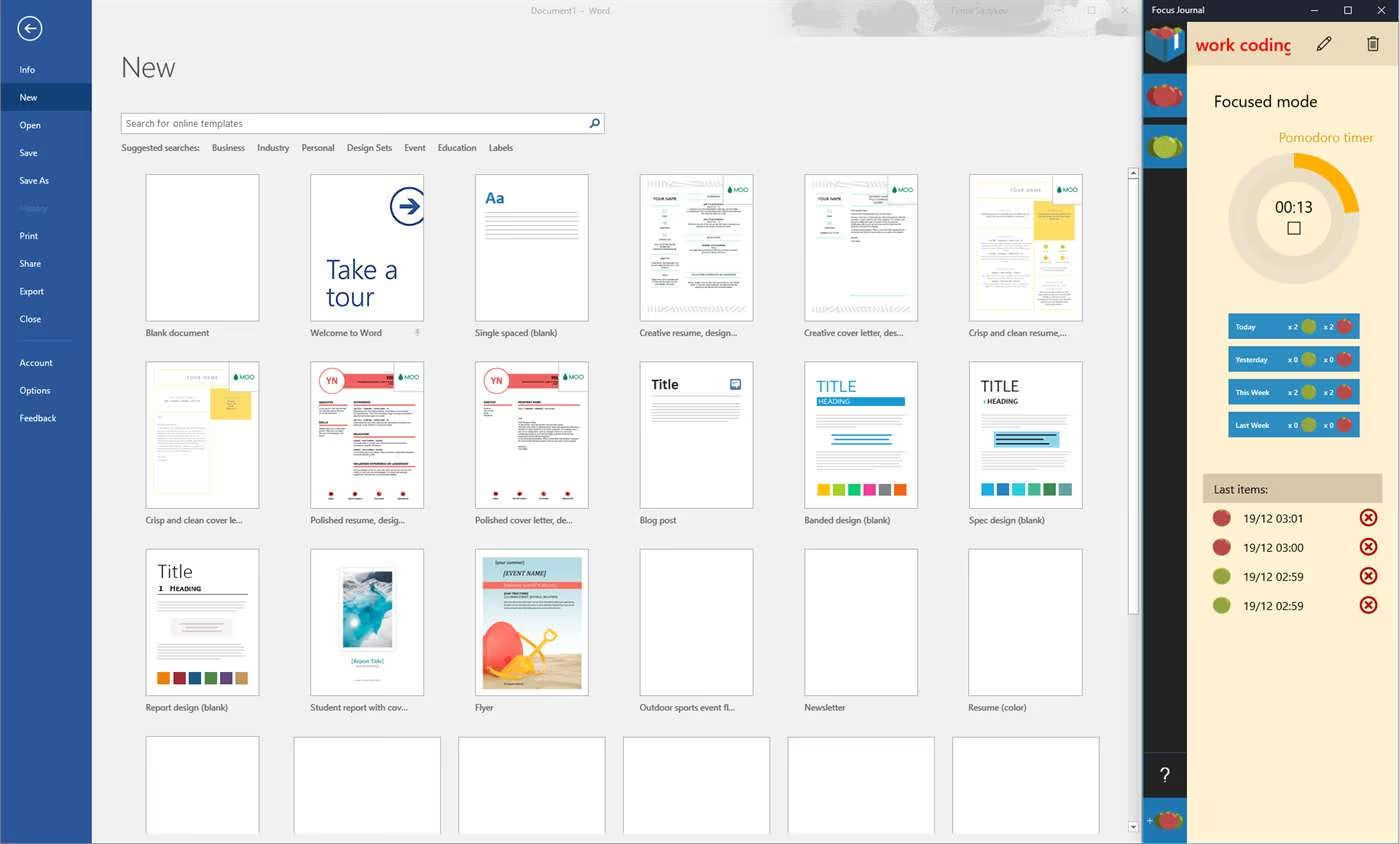
Not just a regular Pomodoro Timer, Focus Journal provides you with a comprehensive statistical breakdown of your productivity, providing you with a way to focus on individual tasks and tally your success. This enhance pomodoro experience is perfect for getting things done on PC.
Get Focus Journal: here (free)
8. Everywriter
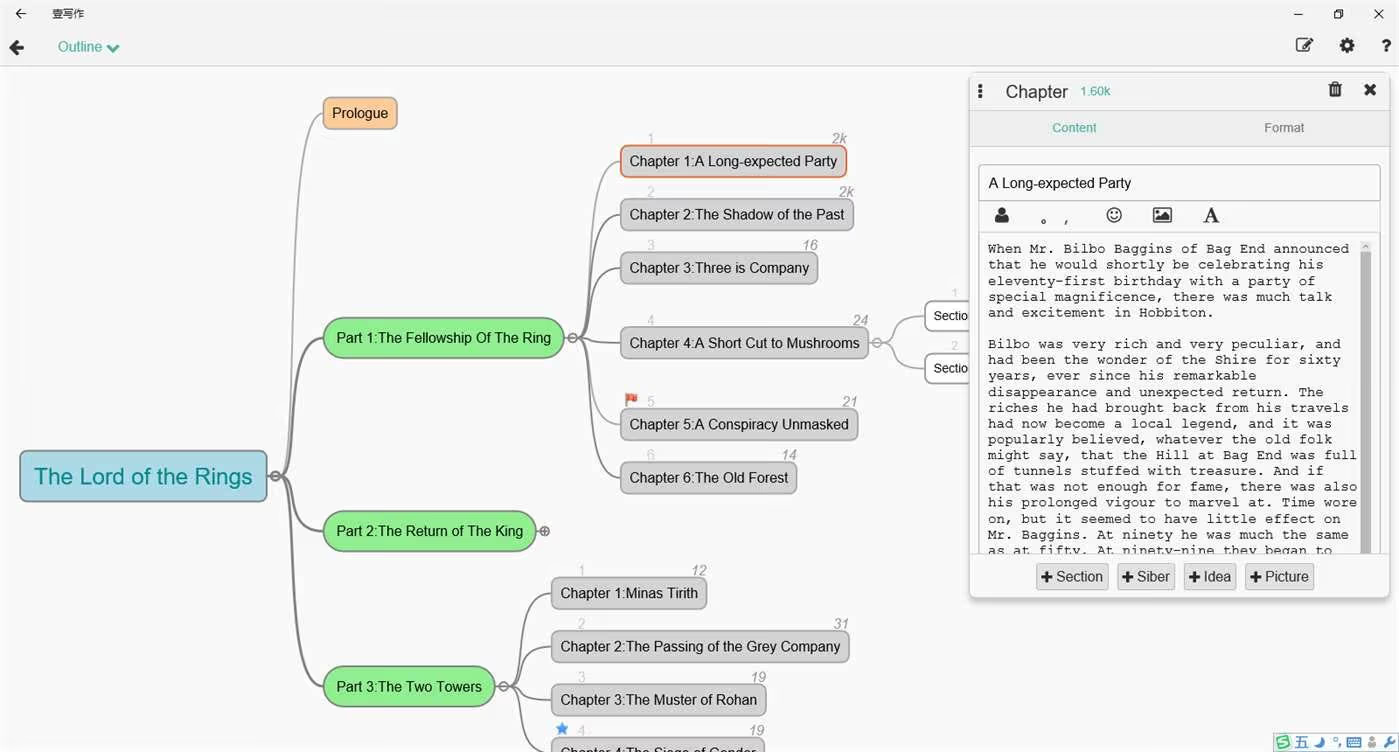
Breaking out to do some creative writing is becoming increasingly popular. With anxiety and stress on the rise, there is a conscious effort to spend time building our relaxation states. For many, writing helps to re-charge. Everywriter is a pretty smart way to get started with novel-writing.
Get Everywriter: here (free)
9. Cozi Family Organizer
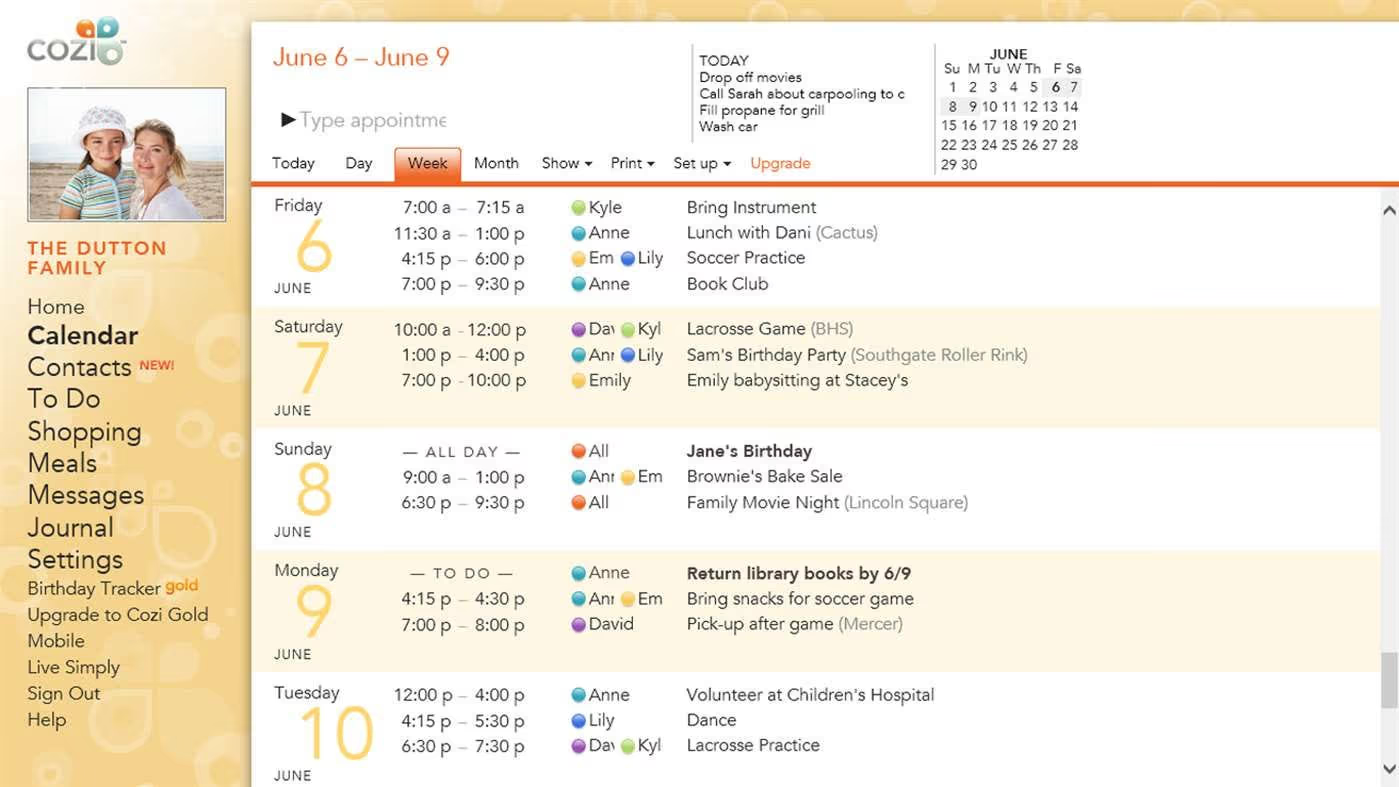
Keeping the whole family organised can be tough. Stress of work and maintaining plans with the family can put a lot of pressure on you. Why not try something like Cozi Family, allowing you to organise events, contacts, activities, shopping and heaps more, all in one place!
Get Cozi Family Organizer: here (free)
10. Yoga Studio
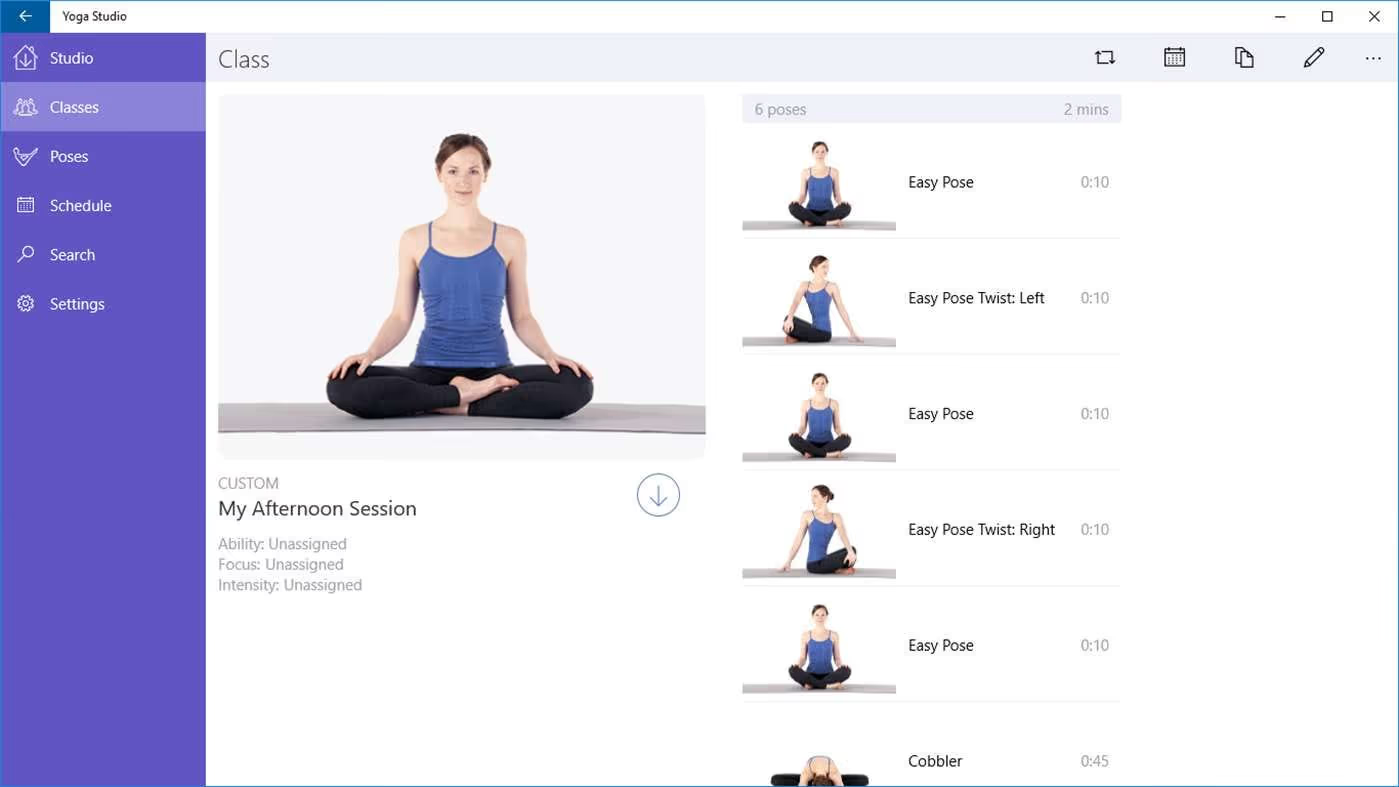
Yoga is one of the fastest growing practices for mindfulness and anxiety support, over 2.5bn is spent on Yoga classes in the US alone every single year. Yoga Studio could be a great option for getting started at the desk, and get some much needed stretch time.
Get YogaStudio: here ($3.99)
11. WorkingHours
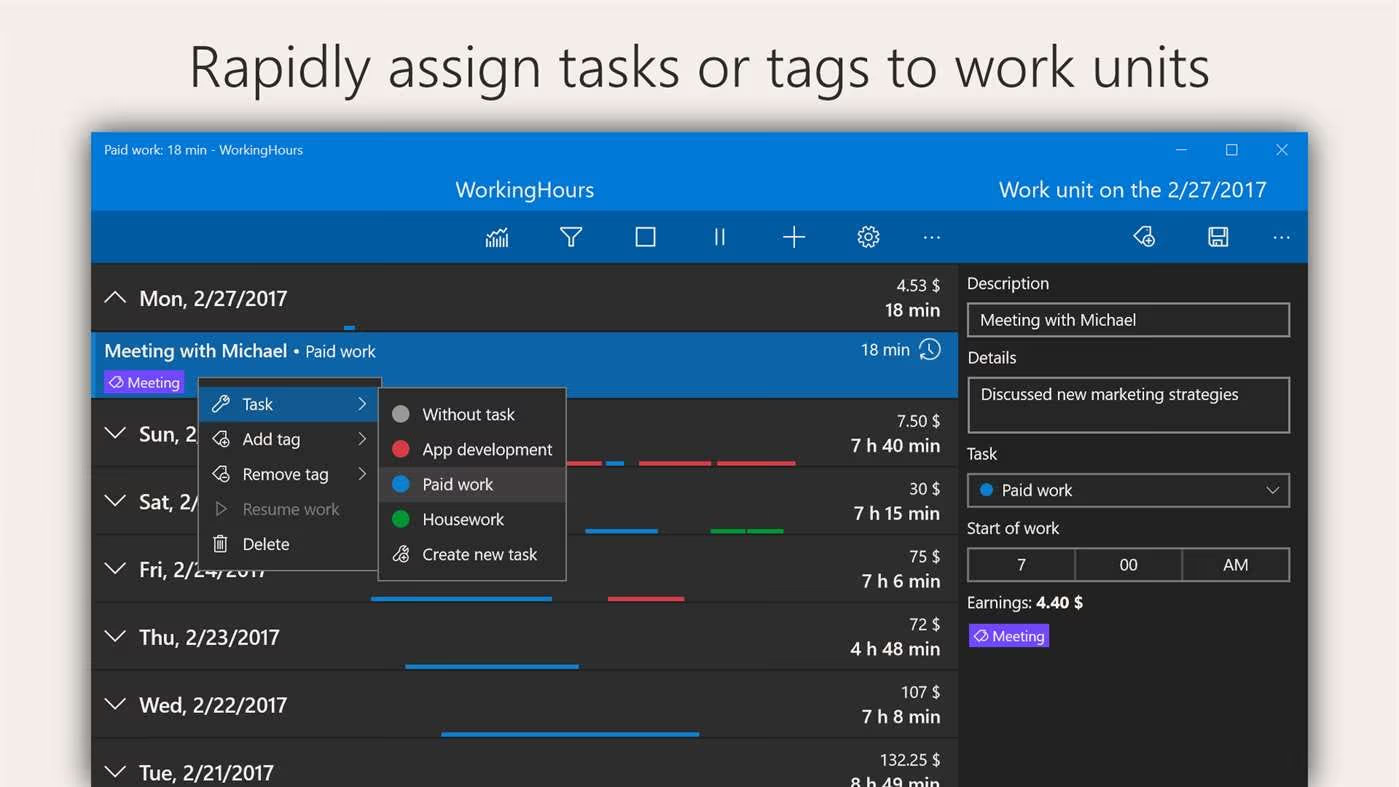
Start tracking what you spend your time on. This simple auditing process will help to uncover unnecessary meetings, time spent on email or even client work that might not bring you as much value. WorkingHours is a simple way to start logging that on your PC or mobile device.
Get WorkingHours: here (free)
12. 5-minute Relaxation
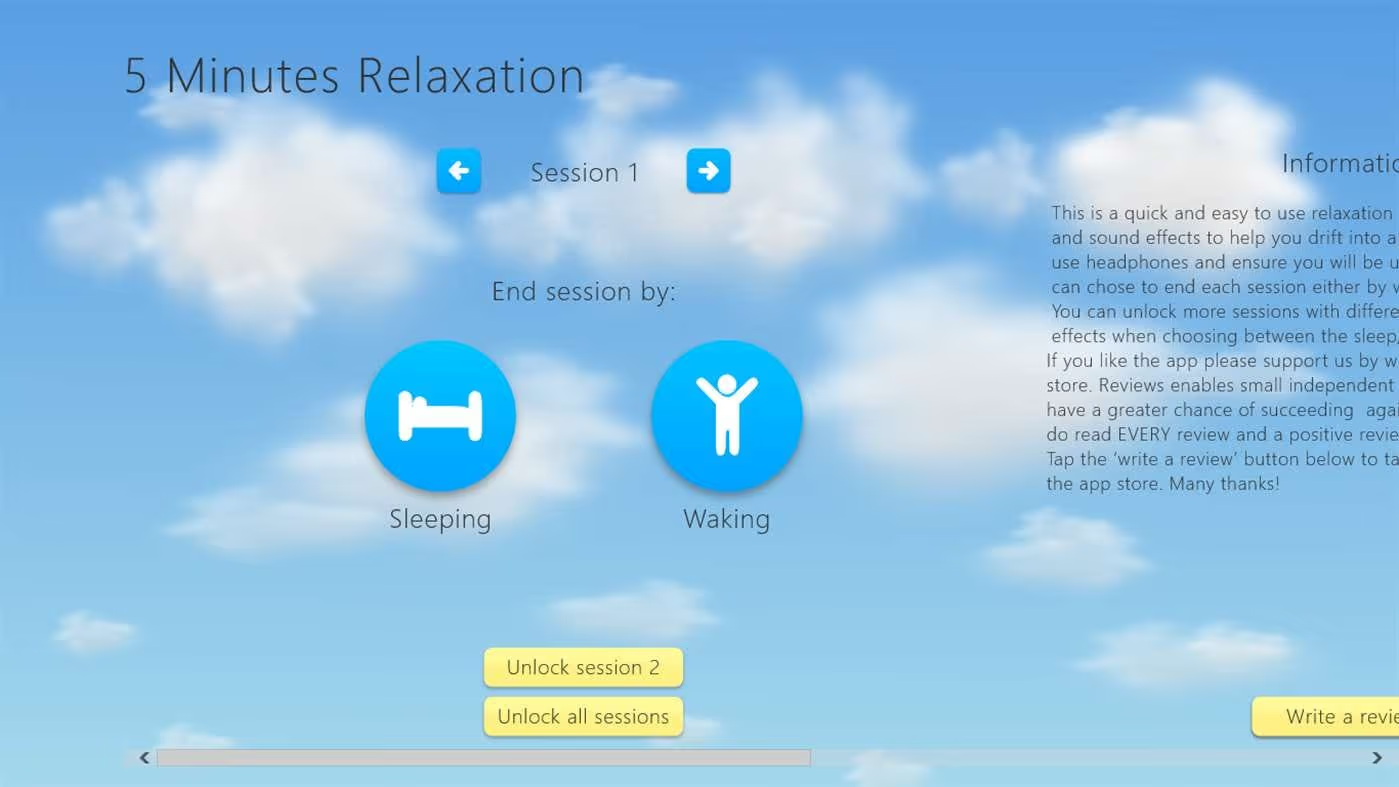
This fluid, clean app allows you to easily get 5-minutes of relax time. Maybe yoga isn’t your thing but you like to switch off as a form of meditation. The 5-minute Relaxation is a fun, easy to use app to get started with your 5-min breaks. Explore this alongside yoga for the ultimate re-charging kit!
Get 5-Minute Relaxation: here (free)
13. Twist
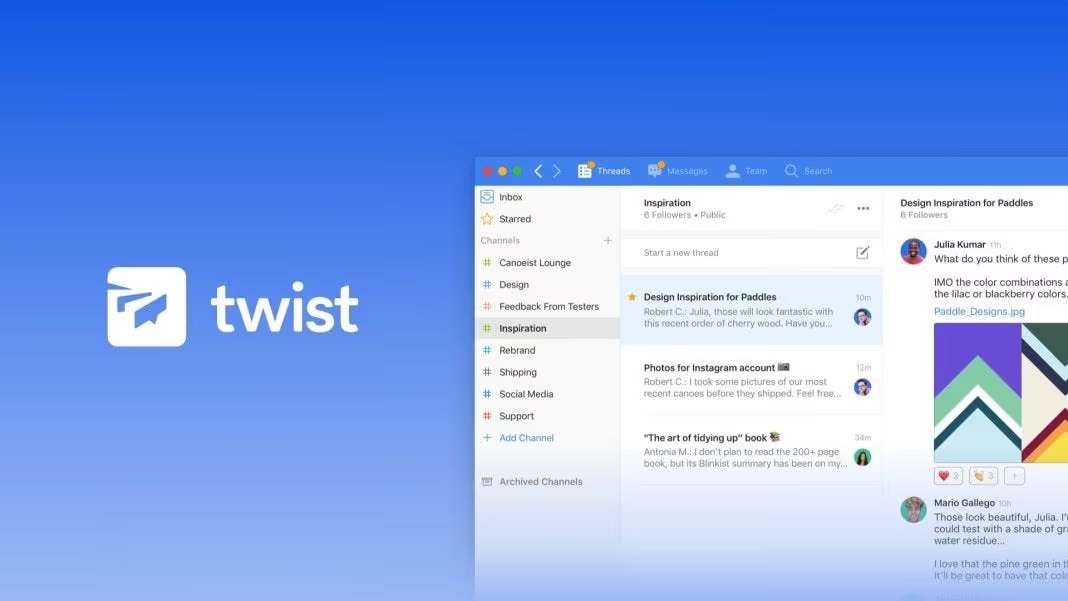
Getting things done on Slack?! Probably not. Twist is a Slack alternative designed to help you and your team have meaningful conversations in real-time. Start with threads and connect others to a conversation to help coordinate a solution and get things done.
Get Twist: here (free)
14. Dropbox
Dropbox is one of the leading ways to upload, store and write new articles. With Dropbox for Windows, you’ll be able to upload from your files, saving you valuable upload time and finding the right document. With Instant Sync, you’ll have no worries when keeping everything updated and ready!
Get Dropbox: here (free)
15. TED
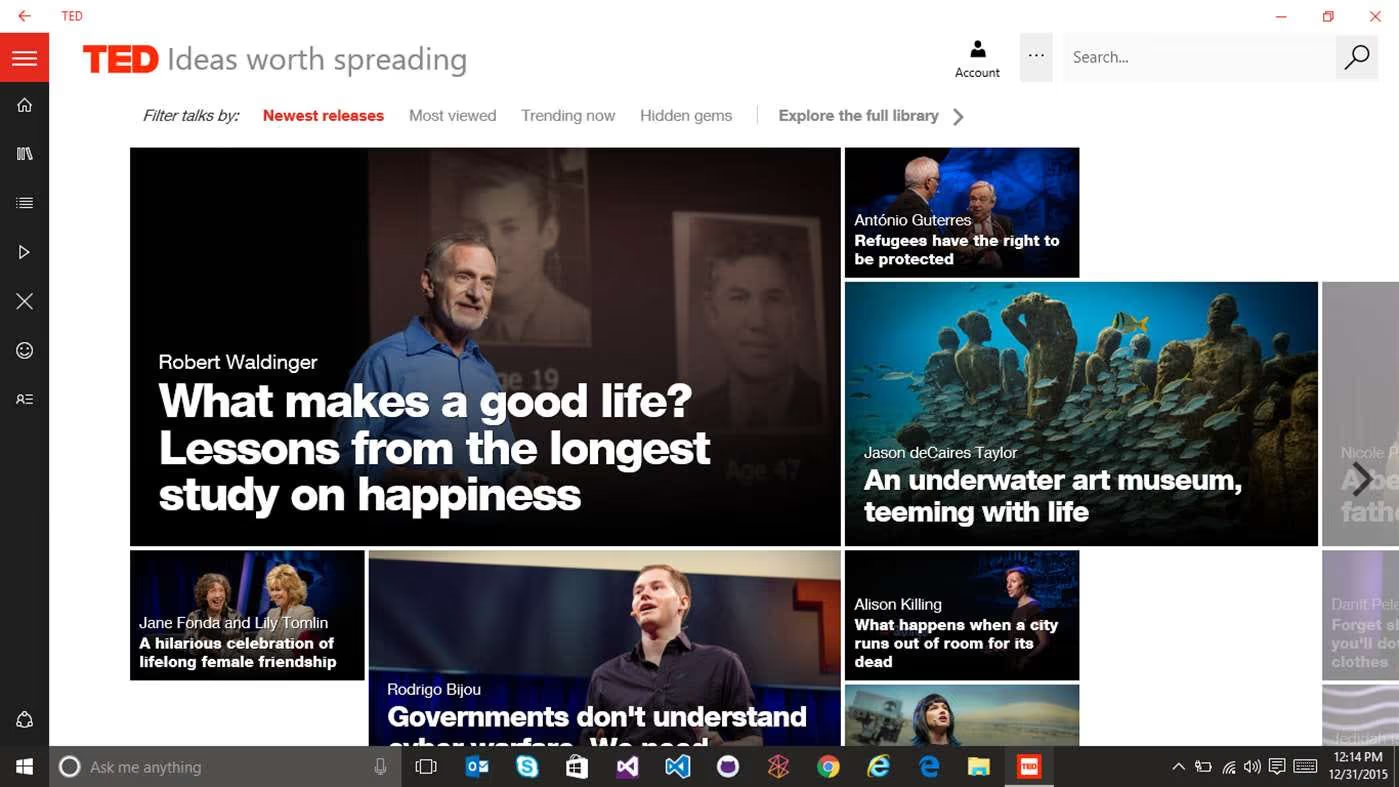
Learning is one of the best ways to keep fresh and on top of your specialism. TED is one of the best tools for finding more ways to become productive, I wouldn’t overdose, but give it a try, one video a week will be enough to keep you motivated and progressive!
Get TED: here (free)
Enjoyed these Windows apps?! You’ll love Newton for Windows.
Newton is one of the leading email services used to enhance your productivity across your day. With features likes Send Later, Snooze, Read Receipts, you’ll soon become a productivity grandmaster and focusing on getting things done. Try for 14-days free today!
Make sure to follow us on Medium!





