
Francesco D'Alessio
April 21, 2017
5 min read

One of my favourite quotes is from Abraham Lincoln.
Give me six hours to chop down a tree and I will spend the first four sharpening the axe.
This quote helps to put in perspective the importance of planning and the need for patience to help execute. Although you should never blame or worry about your tools, if the opportunity arises, you should improve your workflow.
All of these resources come highly-recommended for the workplace. From time tracking tools to plugins, all of these will help you conquer your daily missions.
1. Hours: Track Time
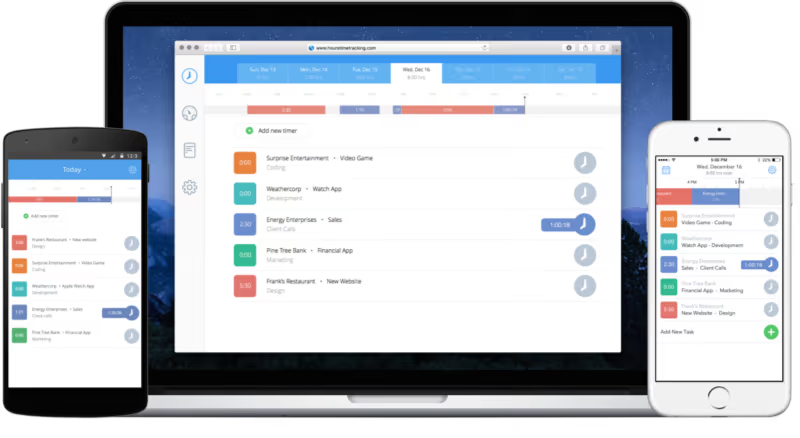
Being able to have that birds-eye view approach to what you and your team are spending your time on matters so much. Hours allows you and your team to log all the hours they spend, per client, per piece of work across their day, helping to improve transparency and vision.
(Hours: Available for Web, Android & iOS — free on iOS)
2. Noisli: Productive Noise
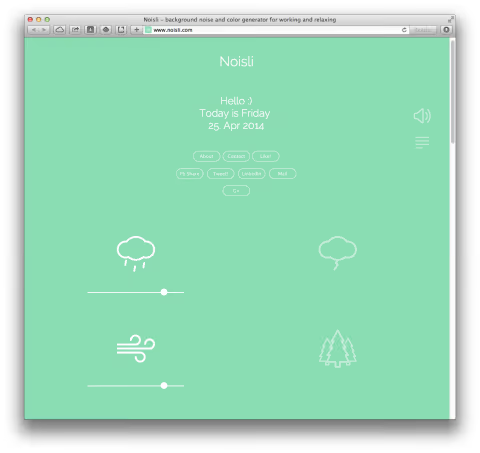
Noises play an important role in your office, if you have an environment that’s extremely noisy, things are going to be harder to get done. Depending on the company, an acceptable level of noise can help produce better results. If you struggle with this, Noisli provides a neat way to listen to tones, melodies to help you improve your workflow and productivity.
(Noisli: Available for Web, iOS and Android)
3. Zapier: Connect Services

Connecting up tools you already use is becoming even more popular. Zapier and IFTTT is one of those tools that provide a way to streamline your efforts by connecting services used on a daily basis. Imagine being able to, as a marketer, to post an Instagram post automatically after sending a tweet, saving you a short but hefty 8 minutes from your day. List some of the ways you can connect services based on your existing work set-up.
(Zapier: Available on Web, iOS and Android)
4. Grammarly: Better Grammar
More concise writing helps, whether it’s an email or a Facebook post having that confirmation that the grammar and spelling has been mastered or optimised helps massively. Grammarly is a plugin and resource that helps to refine your spelling, vocabulary and grammar all day, every day. It’s a lifesaver, making you sound smarter and more intelligent, for sure.
(Grammarly: Available on Web, Chrome and Mac/PC)
5. Trello: Visual Organisation

Many people skip past Trello as a handy project management resource to help organise your team’s to-dos visually. The “kanban” approach of Trello allows you and your colleagues to map all of the tasks/projects you have, in their various stages. Very handy for visual thinkers to capture progress.
(Trello: Available on Web, iOS and Android)
6. Blinkist: Read More

Workplace skill acquisition is very valuable. Having an employee that provides insights or approach into a new field, or project can be hugely beneficial for the outcome of the project. Something like Blinkist can help improve your employee’s personal development providing them with 15-minute condensed nonfiction reads for easy takeaways and learning.
(Blinkist: Available on iOS and Android)
7. Mindfulness: Start Meditating

Meditation is being taken more seriously, year on year. As our world of apps, tools and information gets noisy day by day, having a place to zone out is something of the future. Mindfulness is a personal favourite of mine, providing an escape from the busyness and noise of the day. They structure their resources for timed or guided mediations, perfect for any beginner.
(Mindfulness: Available on iOS)
8. Scanbot: Scan Documents
Paper around the office is messy, so being able to capture it digitally and forward it to your most used services is helpful. Scanbot helps to capture documents in the best quality, and allowing you to organise them in the right folder for immediate access, anywhere, anytime.
(Scanbot: Available on iOS and Android)
9. SimpleNote: Easy Note-taking
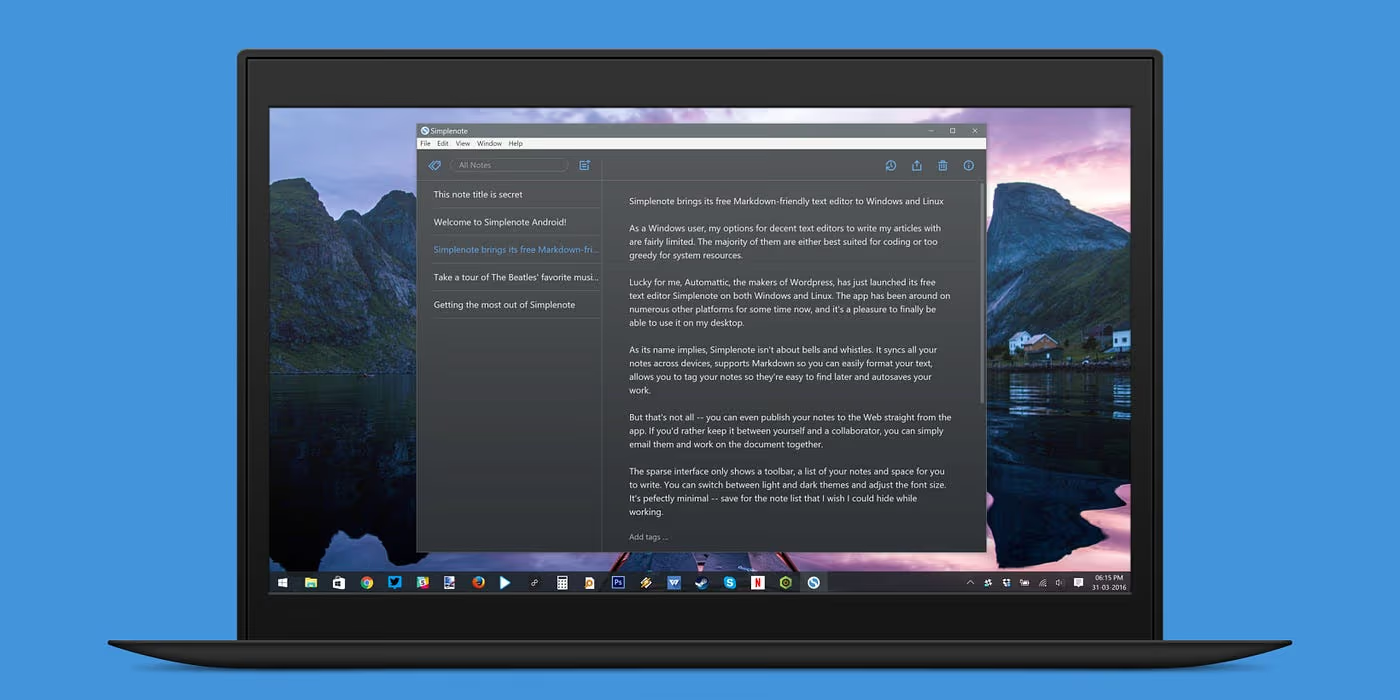
Note-taking gets messy sometimes, folders, complicated tags and much more. SimpleNote is a great solution for those looking for a basic way to capture notes as they go across their day. In terms of features, there’s not much here, so it’s ideal for jotting up ideas, thoughts and more.
(SimpleNote: Available on Web, iOS, Android & Mac/PC)
10. Do Meetings: Improve Meetings
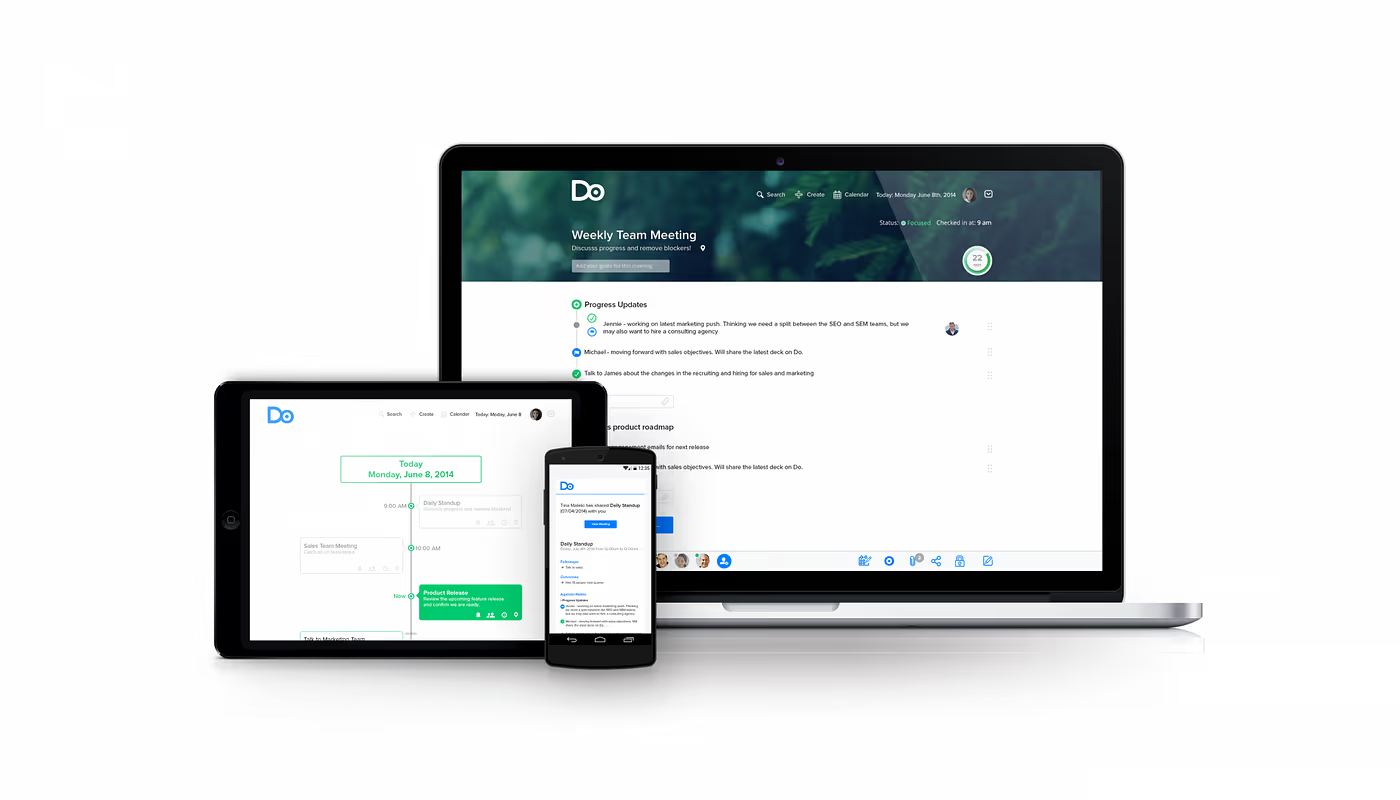
Meetings can get hectic. Having something that will pull together the experience of a meeting from meeting agenda to follow-ups is something that many managers would die for. Do Meetings is a pretty handy resource for keeping all meeting planning, execution and summary in one place. I’ve enjoyed using their follow-up feature to make sure everyone’s in the loop.
(Do Meetings: Available on iOS, Android and Web)
11. Evernote Web Clipper: Clip Everything

Using Evernote, but not to it’s maximum limits?! Have you tried the Evernote Web Clipper, it’s ideal for clipping PDFs, screenshots and making webpage annotations. For teams, it’s perfect for being able to organise everything in one location as well as sharing to your colleagues to improve your explanations.
(Evernote: Available on Web, iOS, Android & Mac/PC)
12. SetApp: Subscription Mac Apps
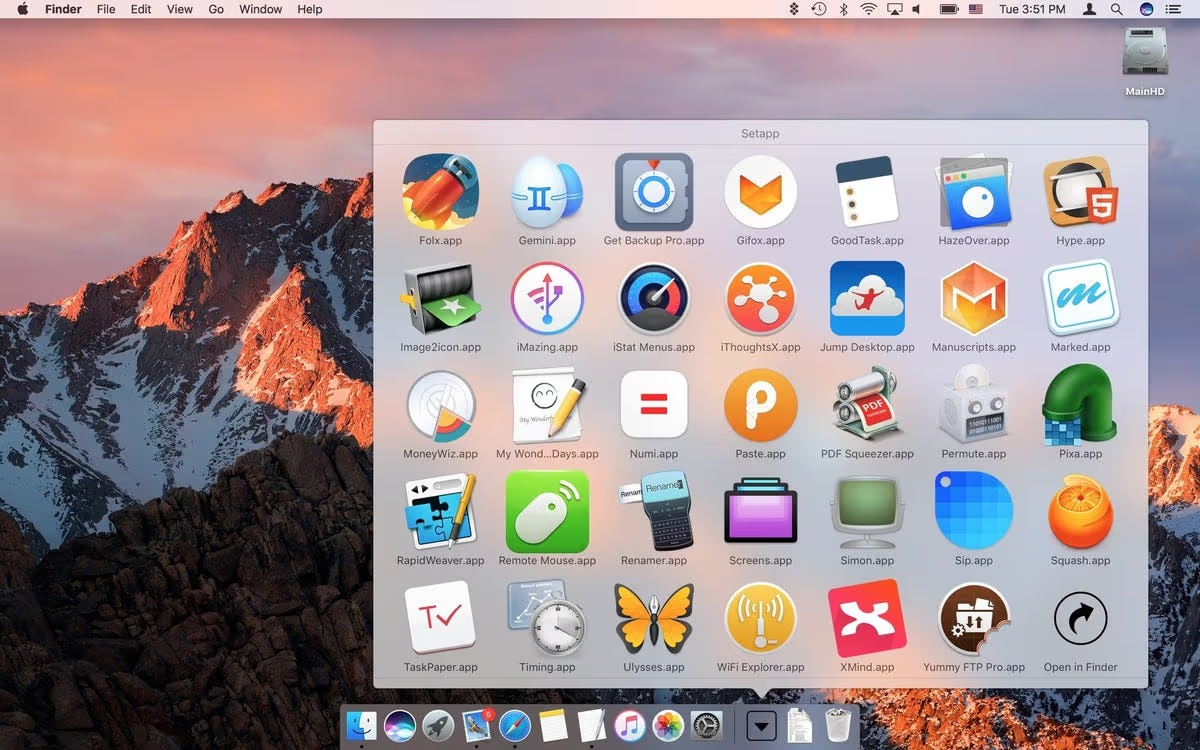
Spent hours exploring a new tool for your team?! SetApp has a host of Mac applications available on subscription so you can avoid paying a one-off fee for your applications. This gives you access to resources far and wide, ideal for your productivity across your day!
These are some of the hand-picked recommendations from our team to help you improve your workplace productivity. If you enjoyed these recommendations, let us know in the comments about any other tools that YOU use in the workplace.
Combine all of these resources with Newton for seamless productivity, Newton offers a simple yet modern email service allowing you to Send Later, Undo Send, Track Emails and much more. Try it free for 14-days here.
And lastly, don’t forget to follow Paper Planes for more tips and resources on all things email and productivity.





