


Know the moment your email is read.
Every email you send with Newton is tracked automatically — no toggles, no extensions, no awkward did you see my email?' follow-ups.
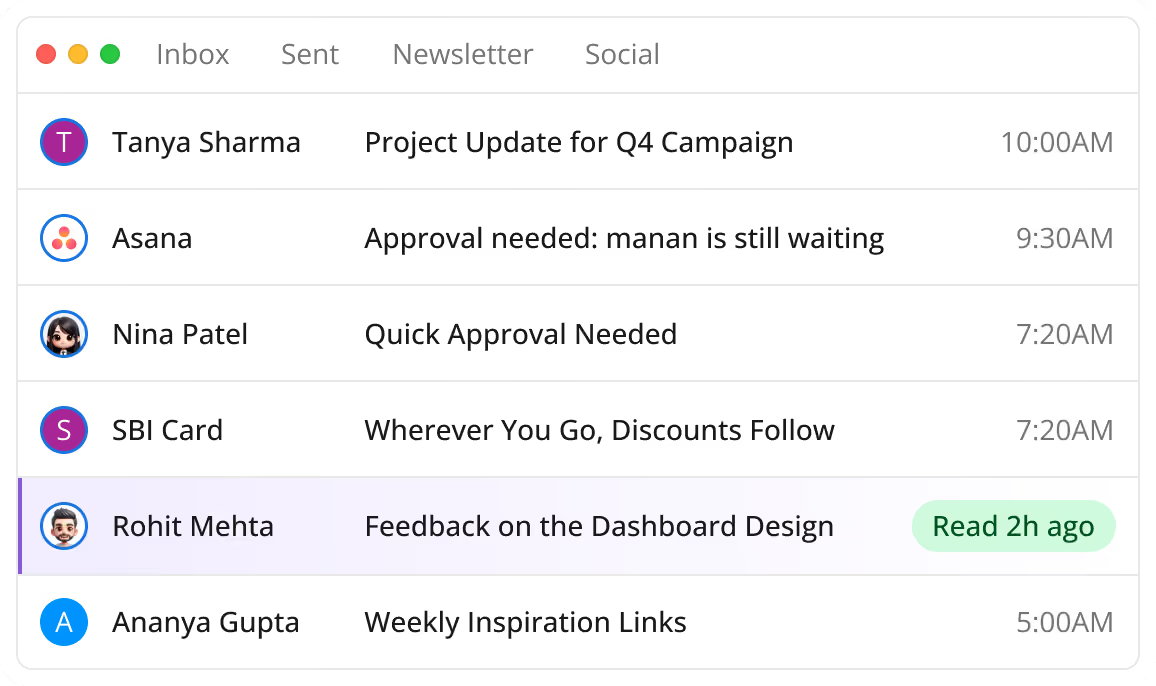


Every email you send with Newton is tracked automatically — no toggles, no extensions, no awkward did you see my email?' follow-ups.
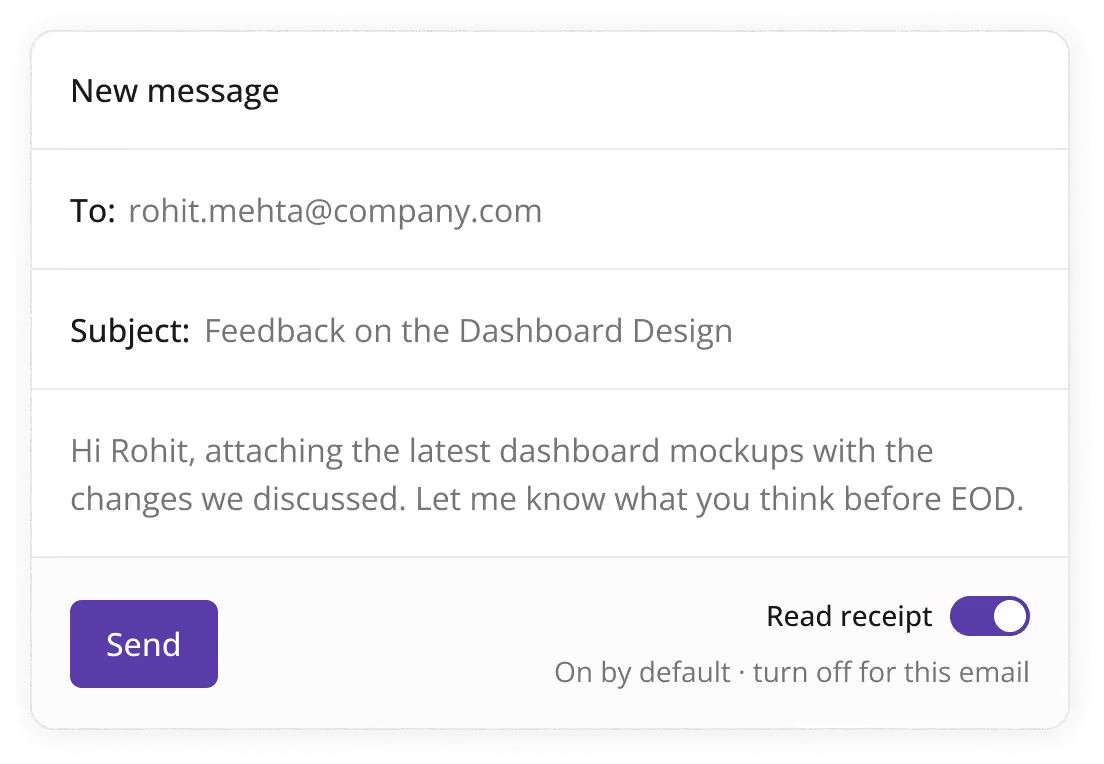
Zero setup
Newton tracks every sent email out of the box - Gmail, Google Workspace, Outlook, Office 365 - and shows opens right inside the conversation.
Accuracy
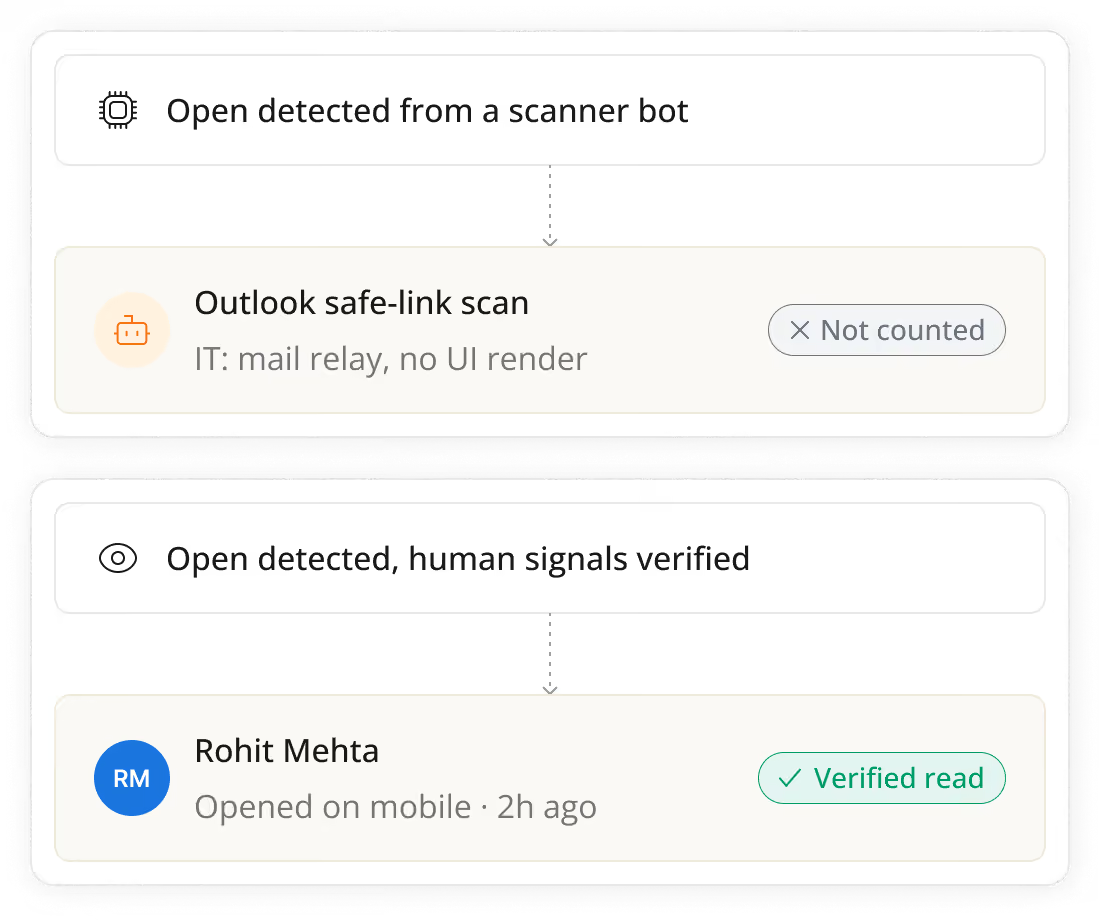
Newton filters out spam filters, bots, and self-opens - when we say it was read, a human read it.
Follow up at the right time
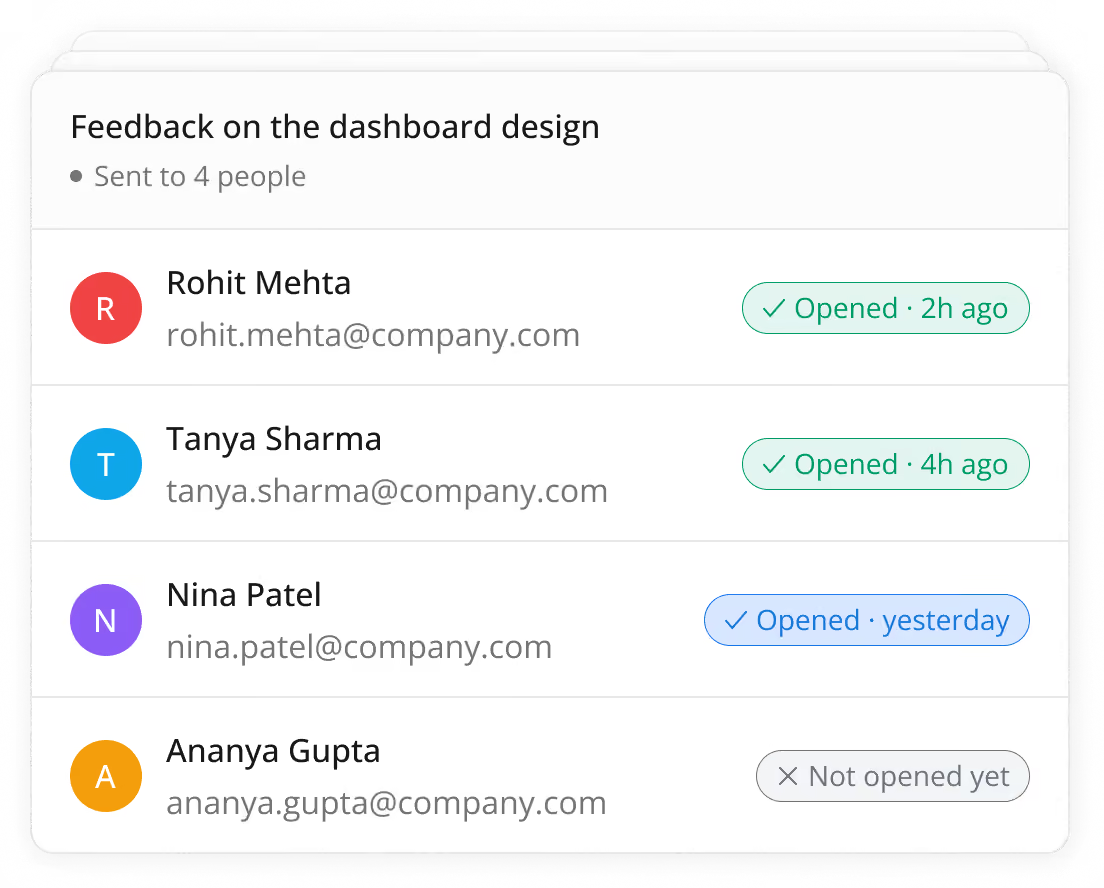
Per-recipient opens with timestamps.
Privacy strip
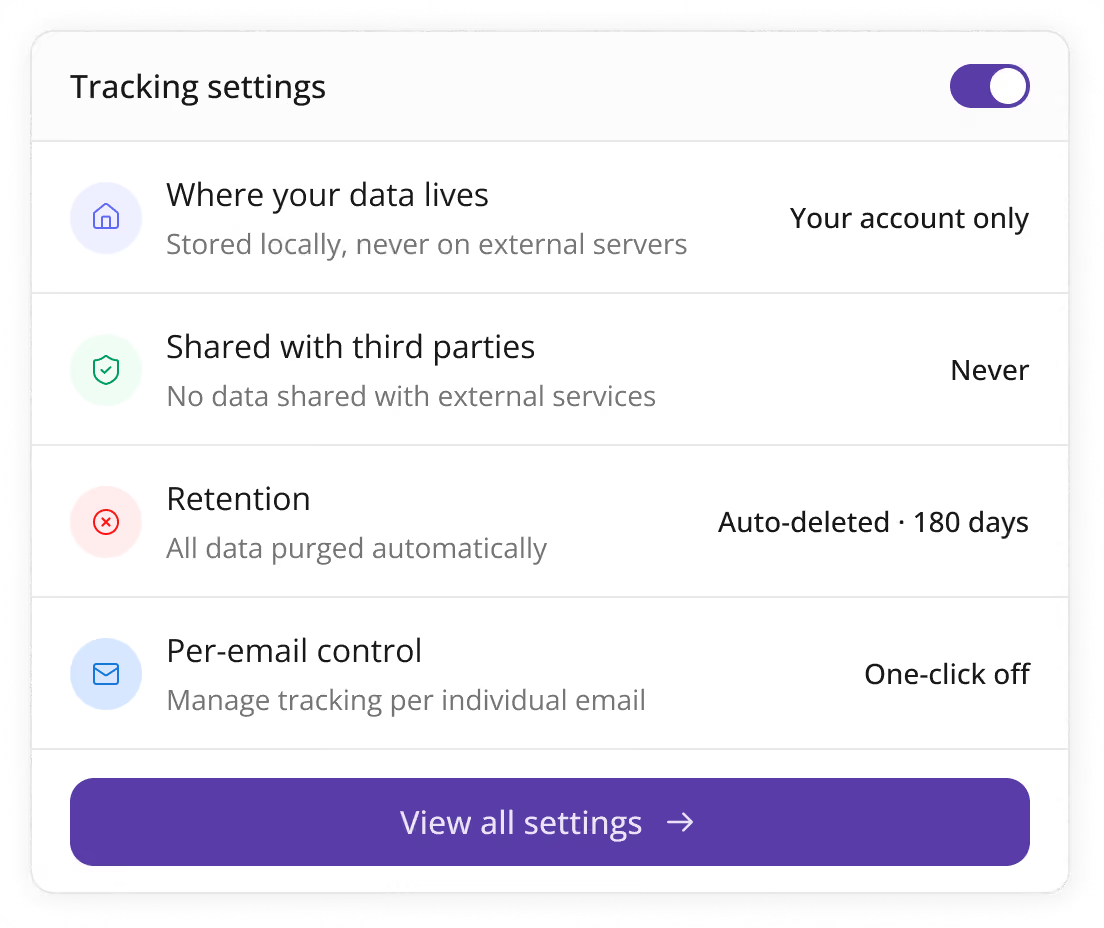
Data stays in your account, never sold, auto-deleted after 180 days, one-click off per email.
Read receipts in Newton show you exactly when an email you sent has been opened, without any setup. Every email sent through Newton is tracked automatically, and opens appear as a timestamp right inside the conversation - no toggles, no browser extensions, and nothing the recipient has to approve.
No. Newton's read receipt tracking is invisible to the recipient. There's no visual indicator, banner, or notification on their end - the email looks and behaves exactly like a normal message.
Newton filters out opens triggered by spam filters, security scanners, and self-opens, so the read receipt only fires when a real person opens the email. This avoids the false positives common with older "pixel tracking" tools, which often report an email as "read" the moment it hits a scanning bot.
Yes. Read receipts work out of the box with Gmail, Google Workspace, Outlook, and Office 365 accounts connected to Newton - there's nothing extra to install or configure per account.
Yes. When you send to multiple recipients, Newton shows a per-recipient breakdown with individual open status and timestamps, so you can see exactly who's read your message and follow up with the right people at the right time.
Yes. Tracking can be switched off per email with one click if you don't want a particular message tracked, even though tracking is on by default for everything you send.
Read receipt data stays in your own account, is never sold or shared with third parties, and is automatically deleted after 180 days.
No. Read receipts are built directly into the Newton app and work automatically for every email you send - no Chrome extension, plugin, or manual setup required.