Press Kit

Logo

The word 'Newton' in purple letters below a purple outlined paper airplane with two small star-like sparkles on a light gray circular background.

Download PNG

White paper airplane icon above the word Newton on a blue to purple gradient circular background with two small stars.

Download PNG

White paper airplane flying against a blue circular background with stars, trailing an orange tail.

Download PNG

Circular graphic showing a stylized sunset or sunrise with an orange to yellow gradient sun on the bottom half and a purple night sky with stars above.

Download PNG

App Screenshots

iOS

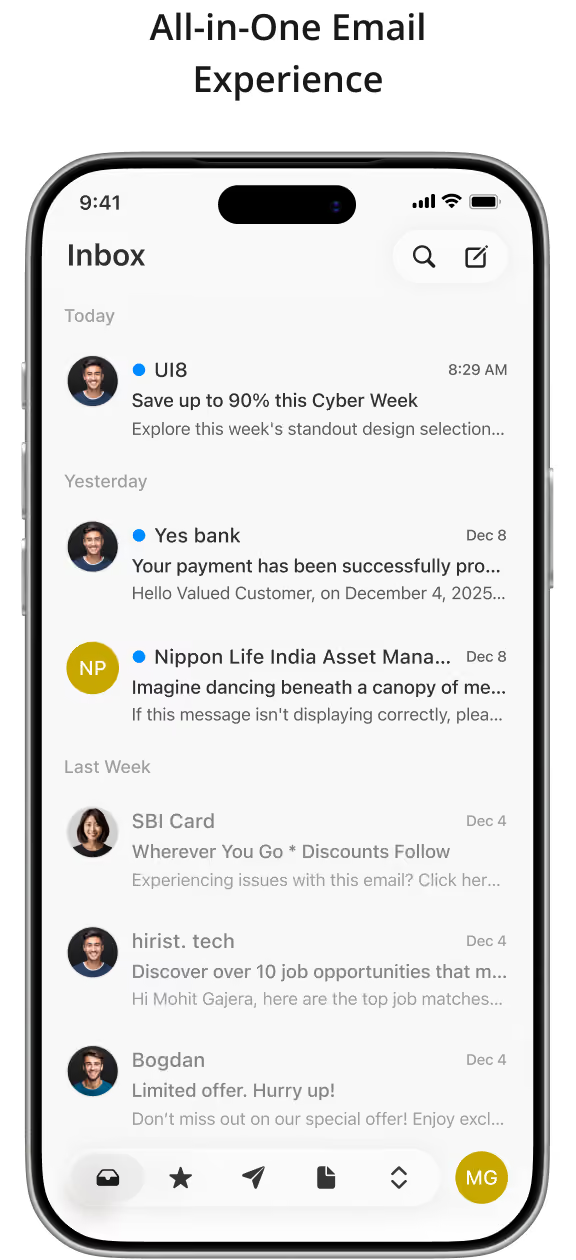
Smartphone screen displaying an email inbox with messages from UI8, Yes bank, Nippon Life India Asset Management, SBI Card, hirist. tech, and Bogdan, organized by Today, Yesterday, and Last Week categories, showing sender icons, subject lines, previews, timestamps, and bottom menu icons for mail, favorites, send, documents, sorting, and user initials MG.
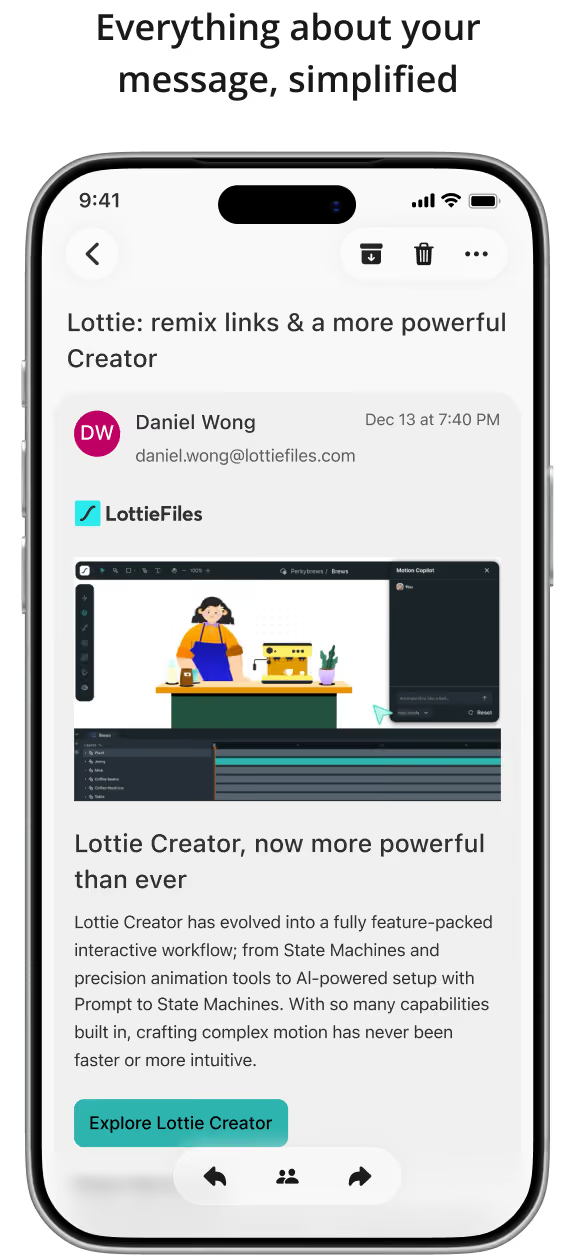
Smartphone screen showing an email from Daniel Wong at LottieFiles about the new powerful Lottie Creator, featuring an animation workspace with a barista character and coffee machine, and text describing its advanced interactive workflow with state machines and AI-powered tools. A teal button labeled 'Explore Lottie Creator' is visible below the description.
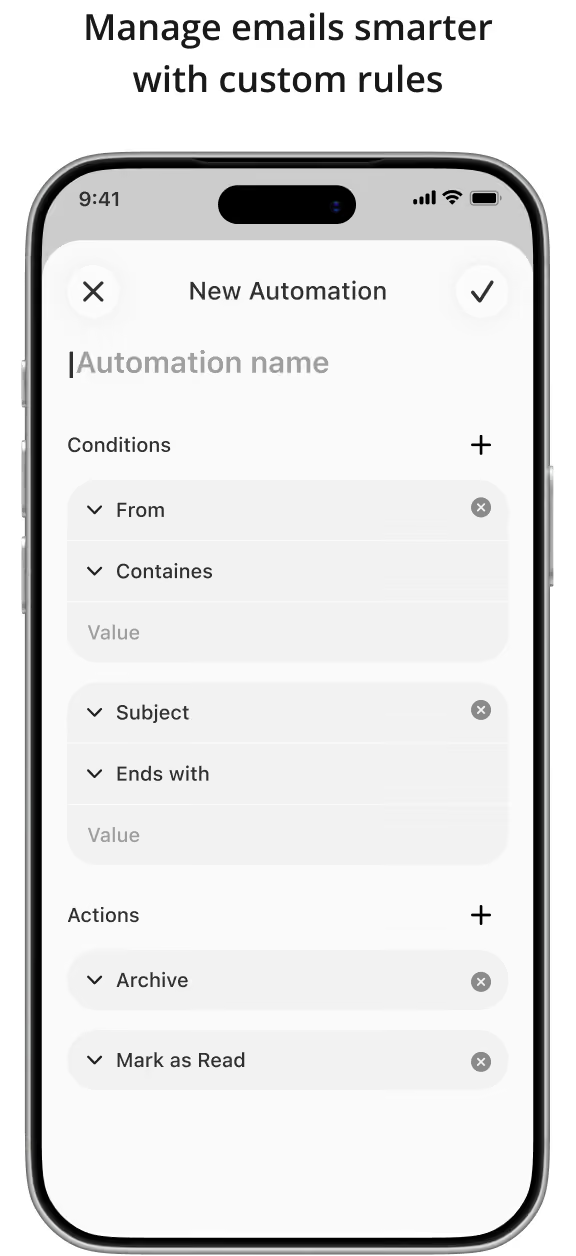
Smartphone screen showing an email automation setup interface titled 'New Automation' with options to name the automation, set conditions like 'From contains' and 'Subject ends with,' and actions including 'Archive' and 'Mark as Read.'
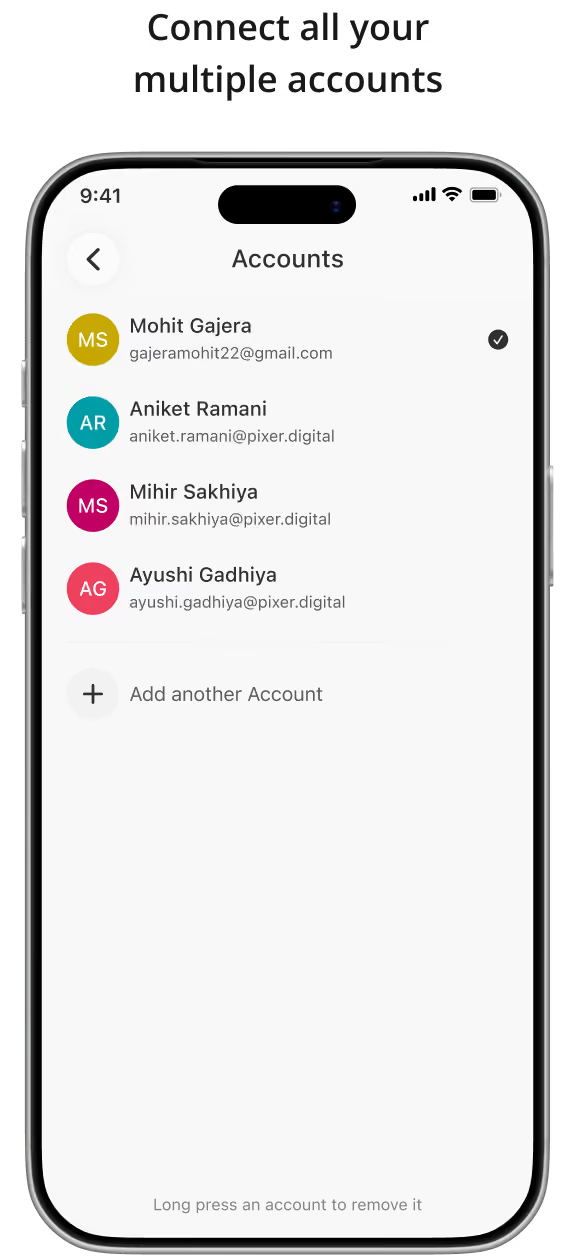
Mobile phone screen showing an accounts list with four users: Mohit Gajera (gajeramohit22@gmail.com) selected, Aniket Ramani, Mihir Sakhiya, and Ayushi Gadhiya, with an option to add another account and a note to long press an account to remove it.

Android

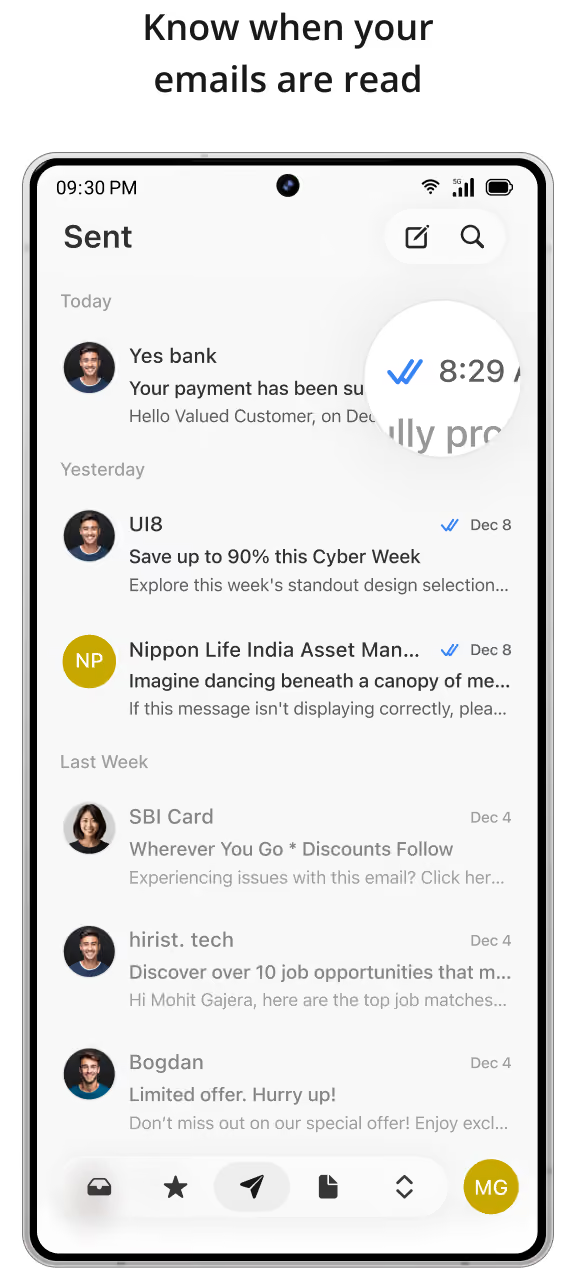
Smartphone screen showing a Sent emails list with senders, subject lines, preview text, and read receipts with blue checkmarks and timestamp, highlighting email read confirmation.
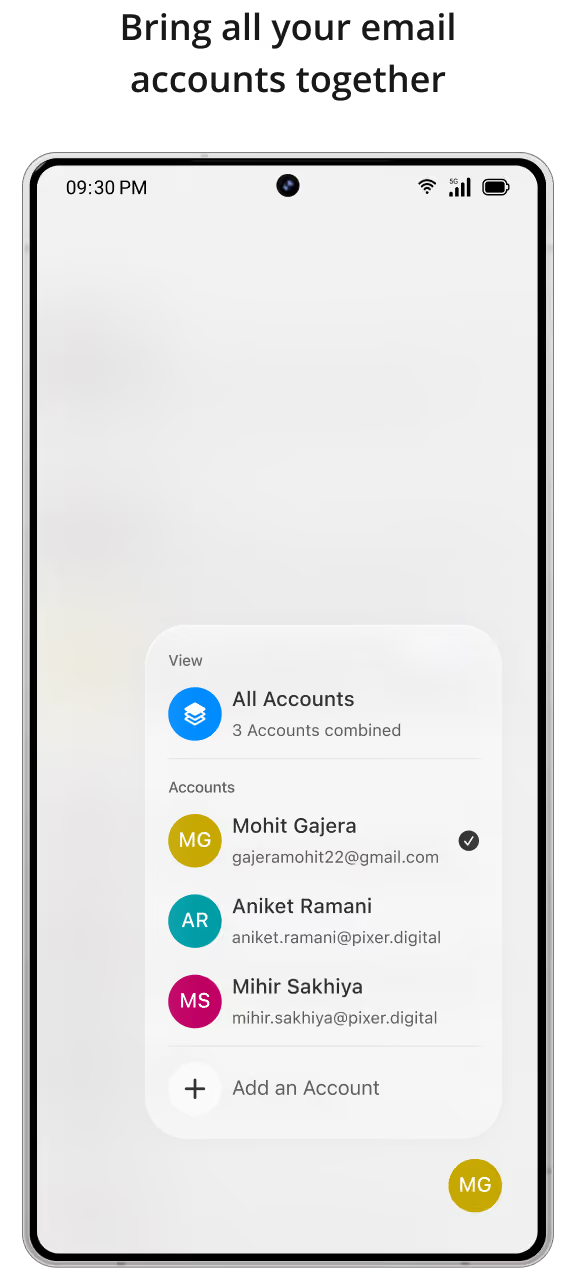
Smartphone screen showing an email app interface with a dropdown menu listing three combined accounts: Mohit Gajera, Aniket Ramani, and Mihir Sakhiya, each with icons and email addresses, and an option to add an account.
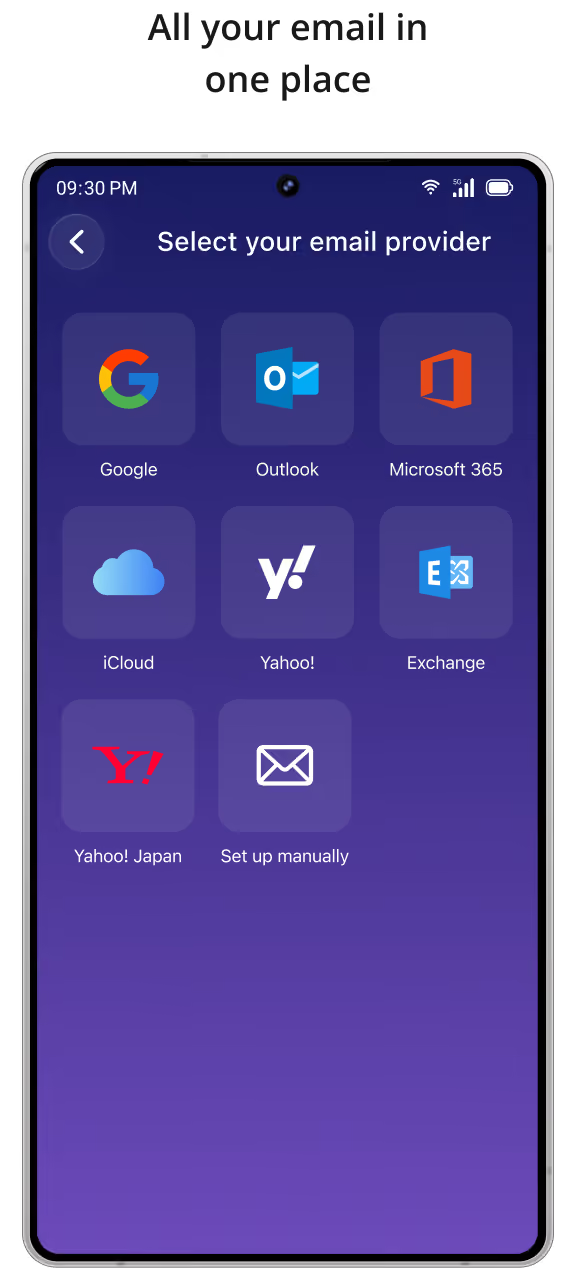
Smartphone screen displaying an email setup interface titled 'Select your email provider' with options: Google, Outlook, Microsoft 365, iCloud, Yahoo!, Exchange, Yahoo! Japan, and Set up manually.
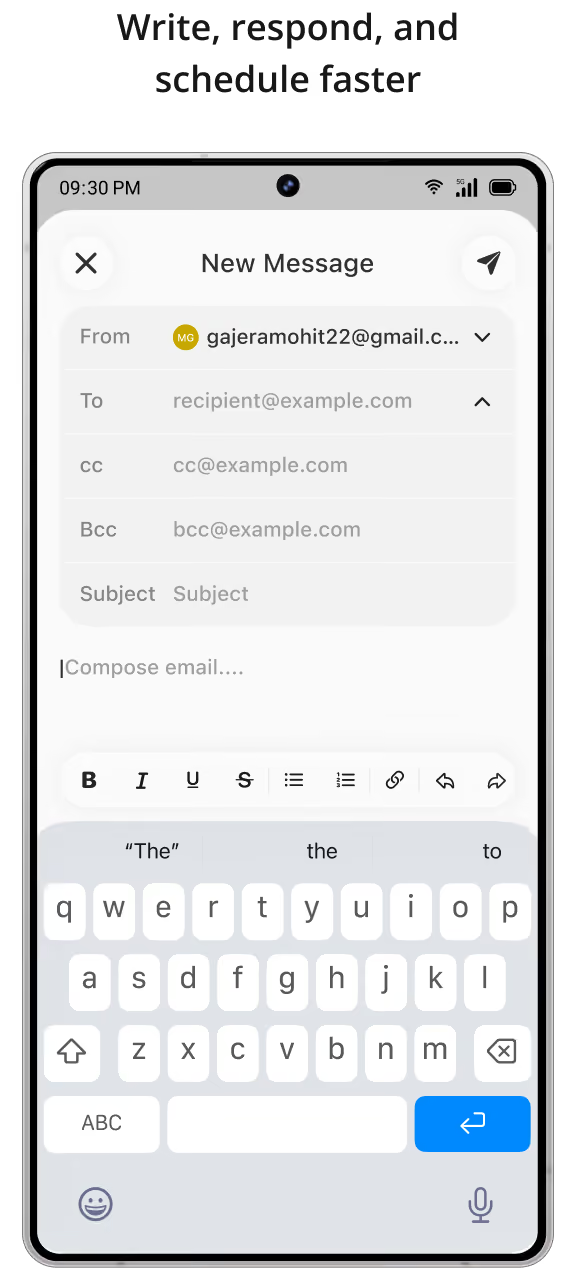
Smartphone screen showing a new email message being composed with fields for From, To, CC, BCC, Subject, and a keyboard for typing the email body.

Mac

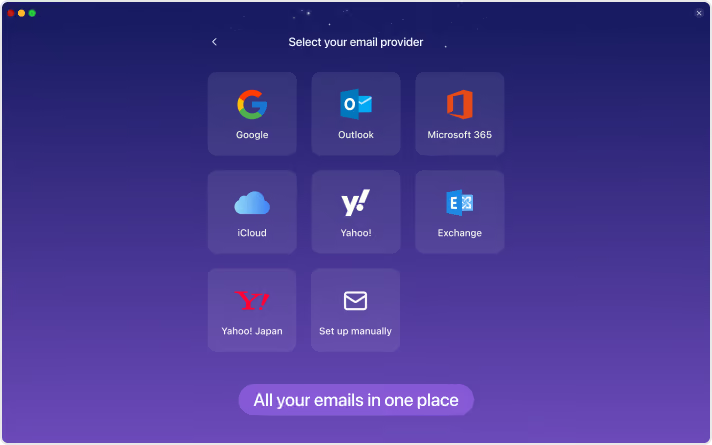
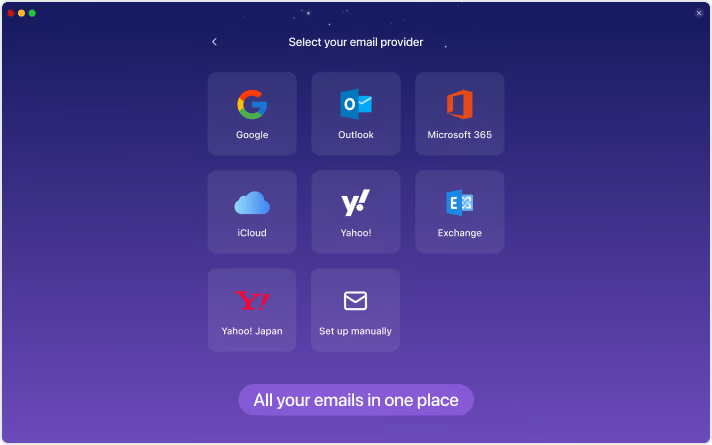
Screen interface to select an email provider with options including Google, Outlook, Microsoft 365, iCloud, Yahoo!, Exchange, Yahoo! Japan, and manual setup, on a purple gradient background with the text 'All your emails in one place' at the bottom.
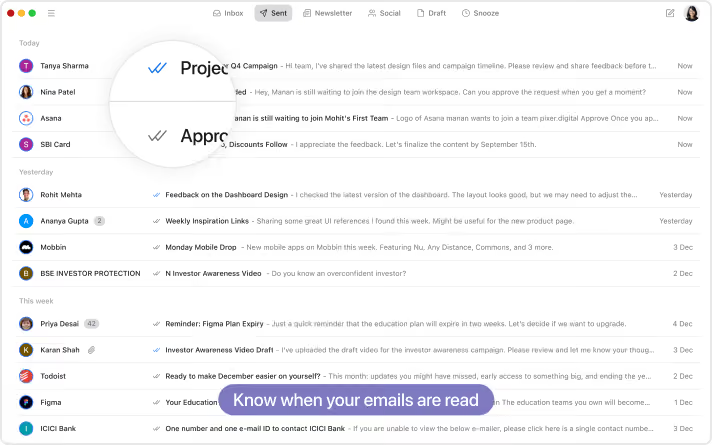
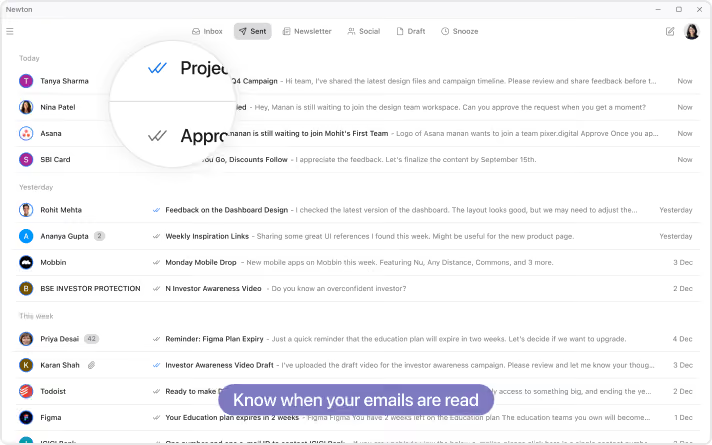
Email inbox interface on a desktop screen showing a list of emails sorted by date with sender icons, subject lines, snippets, and timestamps, highlighting the ability to know when emails are read.
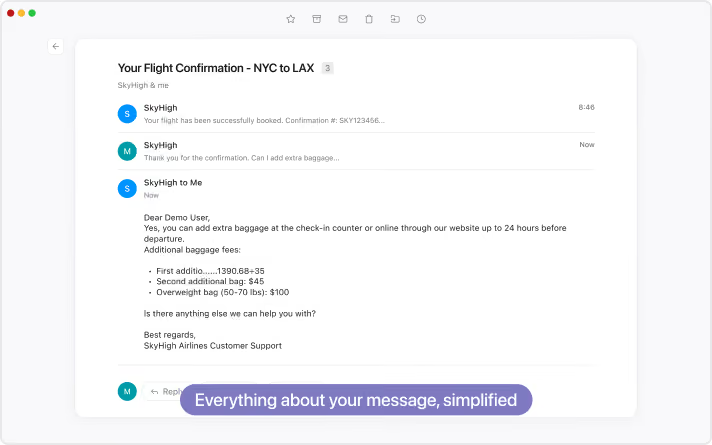
Email conversation titled 'Your Flight Confirmation - NYC to LAX' showing SkyHigh notifying successful booking, a query about adding extra baggage, and a reply detailing baggage fees and instructions for adding extra baggage up to 24 hours before departure.
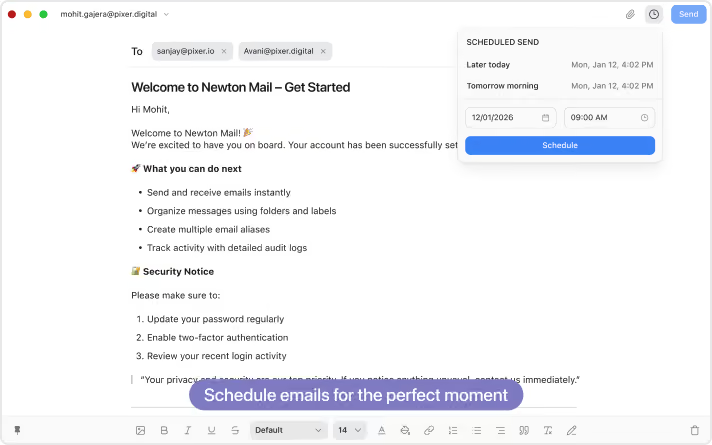
Email composition window in Newton Mail addressed to two recipients, with a welcome message listing features like sending emails instantly, organizing messages, creating aliases, and tracking activity. A 'Scheduled Send' popup shows options to send later today or tomorrow morning, with date and time fields set to January 12, 2026, 9:00 AM, and a blue Schedule button. A caption below reads 'Schedule emails for the perfect moment.'

Windows

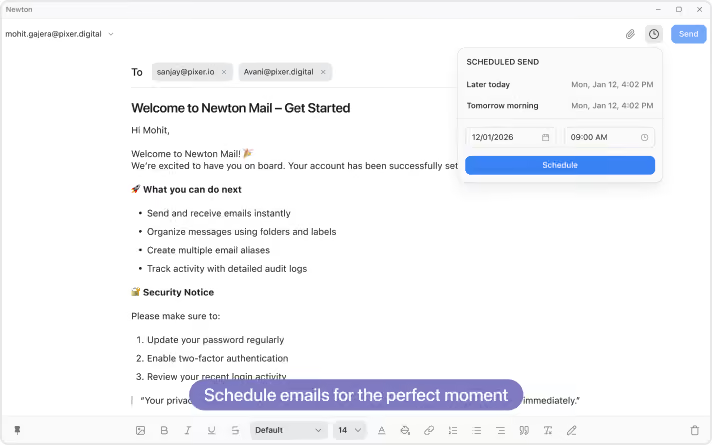
Newton Mail interface showing a welcome message with tips for getting started, including sending and organizing emails, and security advice, along with a scheduled send feature set for December 1, 2026, at 9:00 AM and a send button.
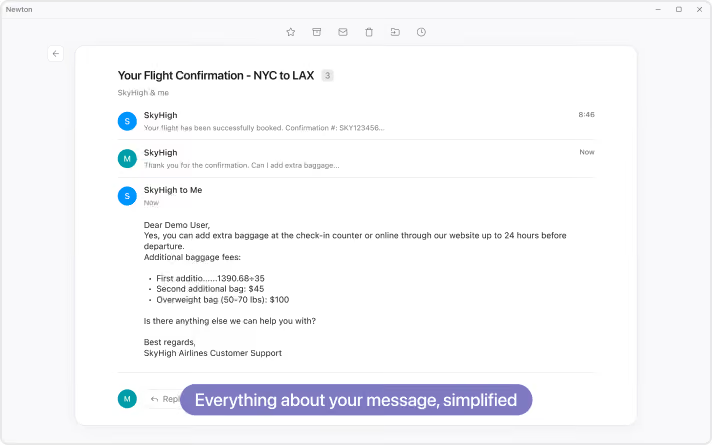
Email conversation in Newton app showing flight confirmation from NYC to LAX with SkyHigh Airlines, including message about adding extra baggage fees and customer support response.
Email application window showing inbox with read and unread messages; a tooltip highlights email read status with blue checkmarks and text 'Know when your emails are read.'
Email provider selection screen with options including Google, Outlook, Microsoft 365, iCloud, Yahoo!, Exchange, Yahoo! Japan, and manual setup, against a dark blue to purple gradient background.