


Your Inbox Speaks AI Now.
Connect Claude, ChatGPT or any MCP-compatible assistant to Newton and manage email in plain English.
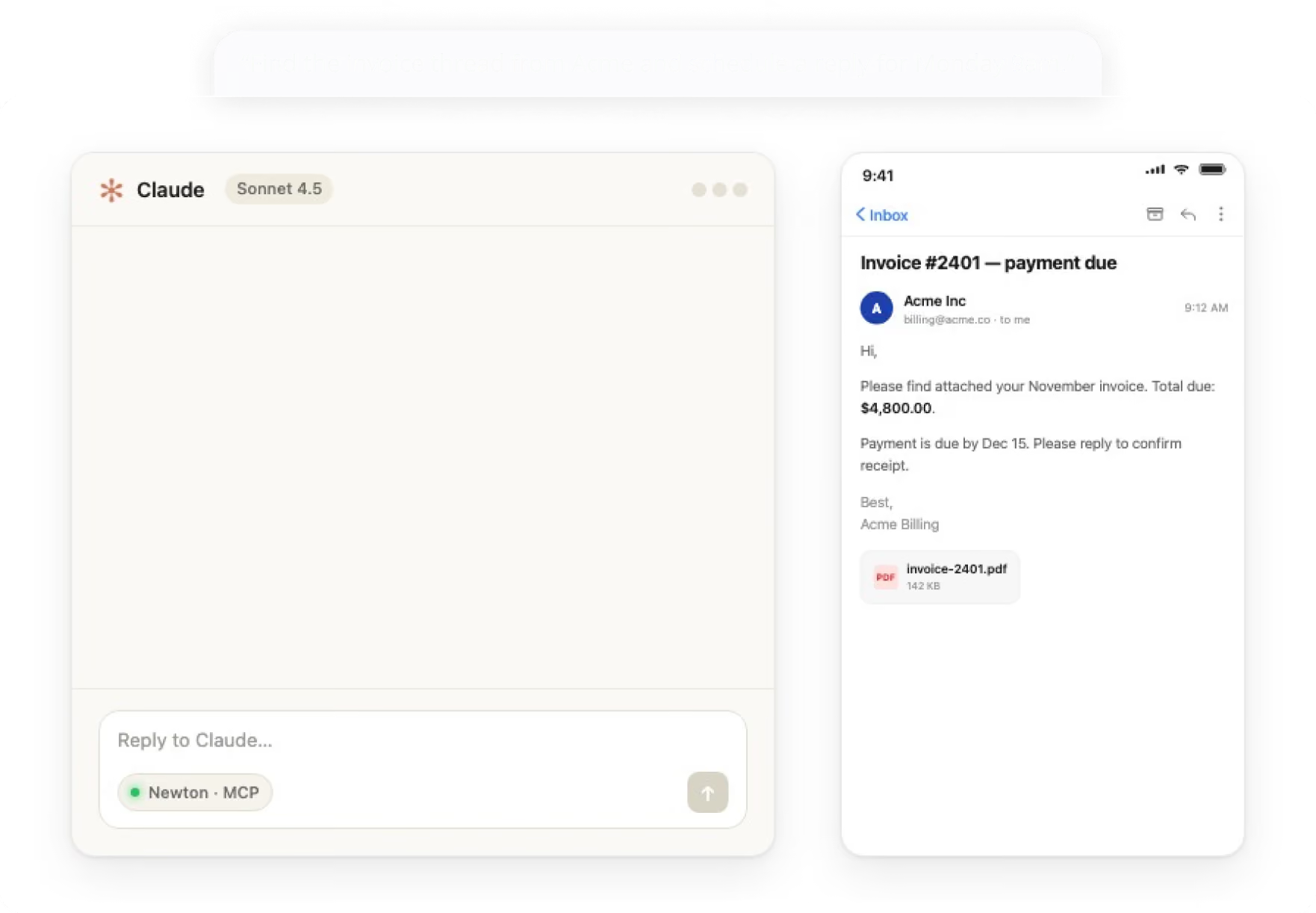


What your assistant can do
Search. Read. Send. Schedule
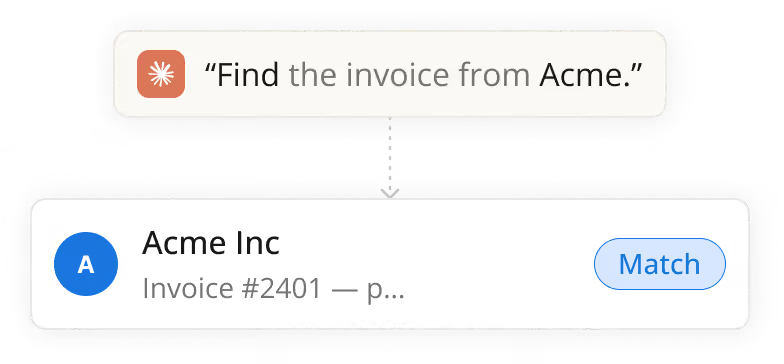
Search & read any thread
Search and read any email or thread across your entire inbox history.
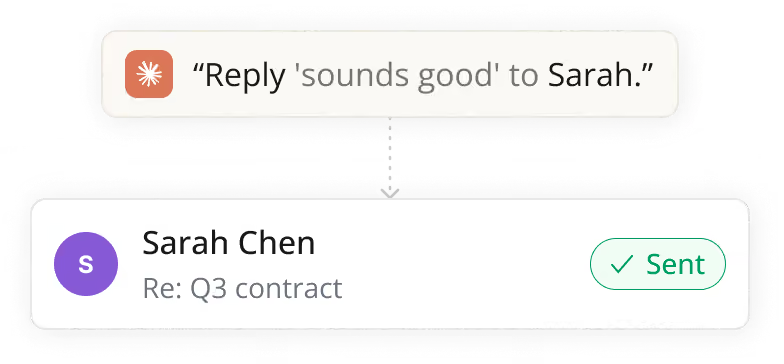
Send on your behalf
Compose and send emails through your linked Gmail and Outlook accounts.
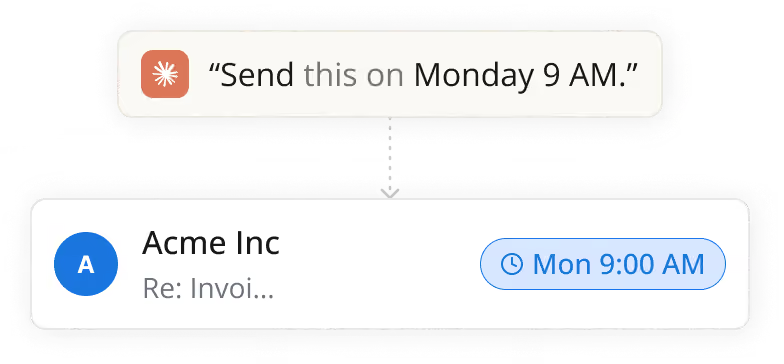
Schedule sends & manage the queue
Schedule sends, manage the outbox queue, and handle follow-up timing.
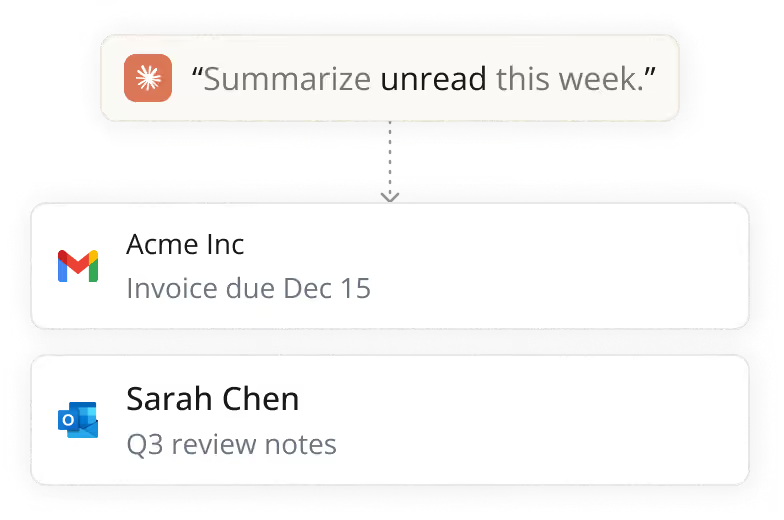
Works across all linked accounts
Works seamlessly across every Gmail and Outlook account linked to Newton.
Built on the open standard
No proprietary plugin.
No middleman.
Newton implements the Model Context Protocol, the same open standard used by Claude, ChatGPT and a growing ecosystem of assistants.
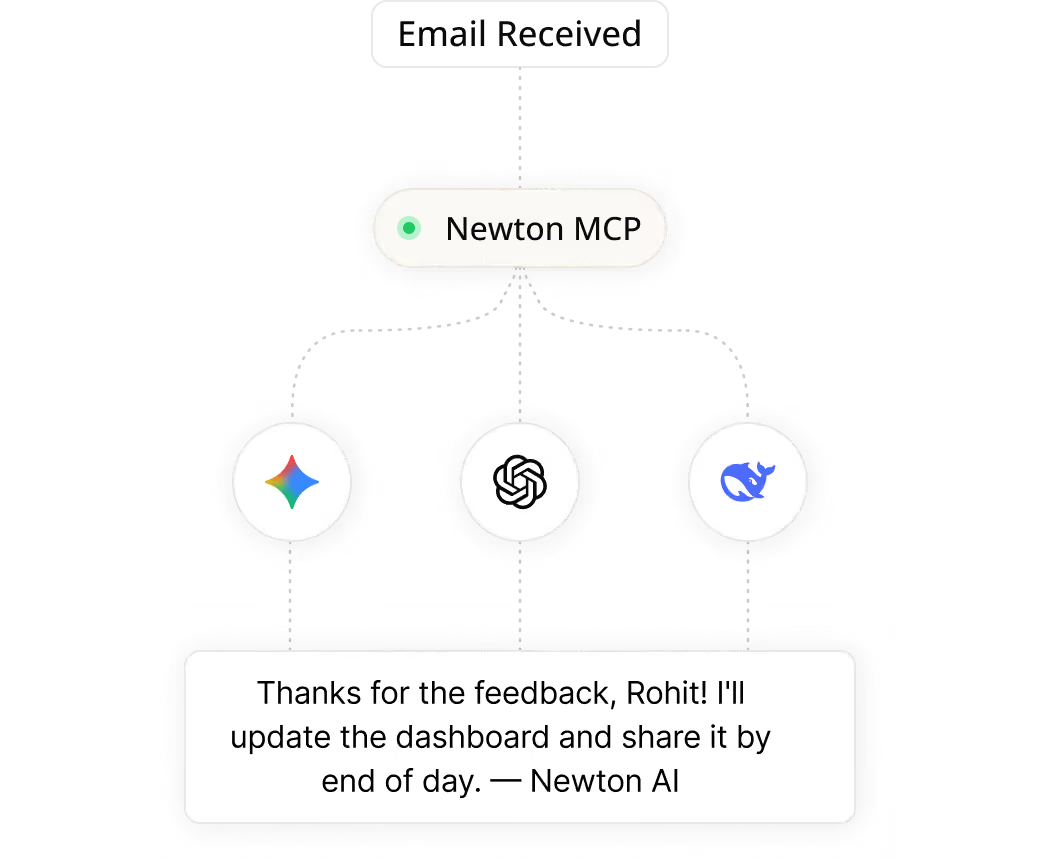
You stay in control
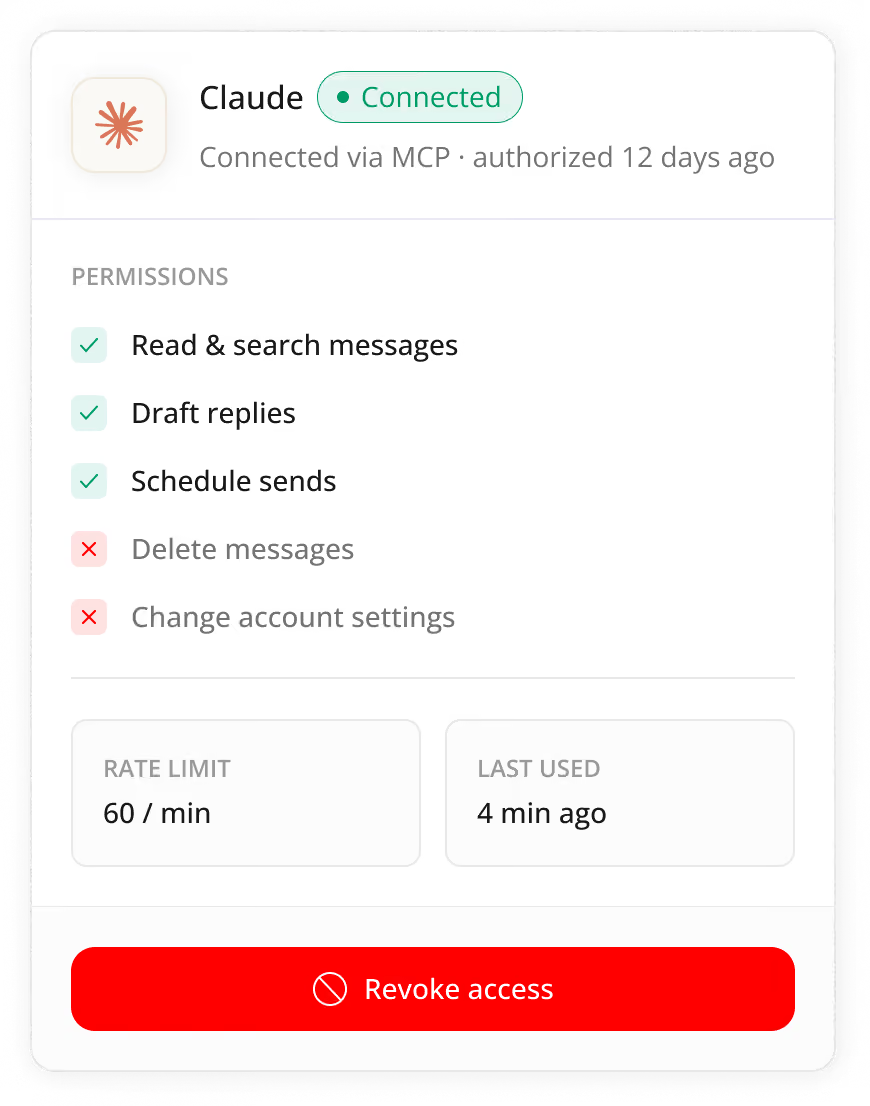
Your assistant gets a keycard, not a master key.
Secure consent flow, scoped permissions, rate-limited, instant revoke.
Try Saying...

"Summarize unread email from this week."
"Draft a reply to Sarah and schedule it for tomorrow 8am."
"Find every email about the Q3 contract."
FAQs
Which AI assistants work with Newton?
Newton works with Claude, ChatGPT, and any AI assistant that supports the Model Context Protocol (MCP) - an open standard rather than a closed, proprietary plugin, so the list of compatible assistants grows as the MCP ecosystem grows.
Can the AI read my mail without me asking?
No. Explicit authorization is required before any assistant can access your inbox. Every action taken by an assistant appears in your activity log, and you can revoke access instantly at any time from the Connected Apps settings.
How do I connect or disconnect an assistant?
You connect an assistant through Newton's Connected Apps settings, where you grant it scoped permissions through a secure consent flow; disconnecting is just as immediate and removes its access completely.
What is MCP (Model Context Protocol), and why does Newton use it?
MCP is an open standard for connecting AI assistants to apps like Newton, rather than a proprietary Newton-built plugin. It's the same standard used by Claude, ChatGPT, and a growing number of other assistants, which means Newton isn't locked to a single AI provider.
What can I actually ask my AI assistant to do in Newton?
You can ask it to search and read any thread across your inbox history, compose and send emails on your behalf, schedule sends, and manage your outbox queue - all in plain English, without leaving your assistant's chat window.
Can the AI send emails without my approval?
No. Assistants operate within scoped, rate-limited permissions that you set - for example, allowing read and draft access while denying delete or account changes - so it only acts within the boundaries you've approved.
Is AI assistant integration available on all platforms and email providers?
Yes. It works across every Gmail and Outlook account linked to your Newton account, on any platform Newton supports.